
The eufy 340 doorbell light not working is typically caused by a loose power connection or insufficient voltage from your existing doorbell transformer. If the light doesn’t glow when you press the button or when someone approaches, your device is likely not receiving the steady flow of electricity required to power both its video features and the LED status ring. This is a common issue for homes with older wiring or transformers that don’t meet the manufacturer’s power specifications.
Reasons the eufy doorbell light fails
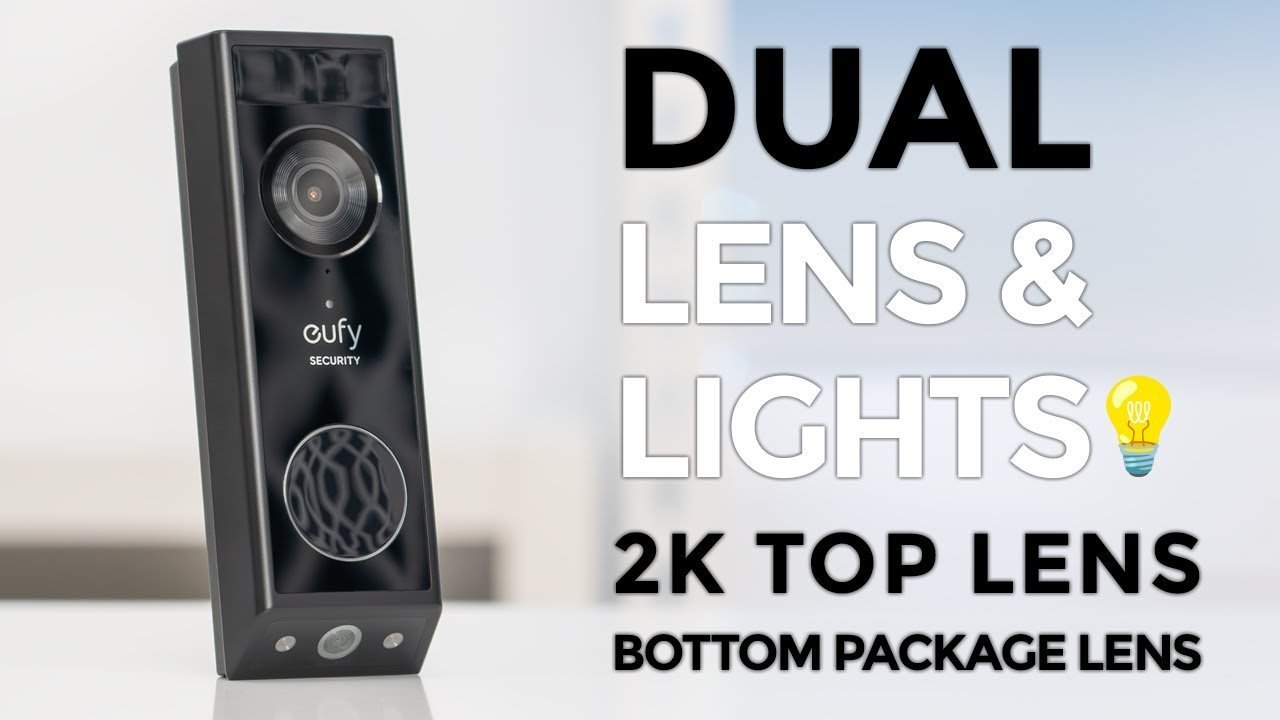
The primary reason your device lacks power is that the doorbell transformer is underpowered. These units require a specific voltage range to function correctly; if your transformer provides less than the required output, the system may prioritize the camera and motion sensors, leaving the light ring disabled. You can find the exact voltage requirements for your specific unit by checking the technical specifications on the official Eufy support page.
Another frequent cause is oxidized or loose wiring at the doorbell mounting bracket. Over time, moisture can cause corrosion on the metal contacts, which creates resistance and prevents electricity from reaching the unit. If the wires aren’t making a firm, clean connection to the mounting plate, the doorbell will struggle to draw power, leading to a dim or non-functional light.
This varies by model — check the label on the back of your device to see the temperature operating range. If you aren’t comfortable checking these connections yourself, contact a licensed electrician to avoid the risk of electrical shock.
Safety: Inside a mains-powered machine, the parts behind the outer cover can hold a dangerous electrical charge even after it has been unplugged — that’s why they sit behind a cover. Opening the housing, or testing or replacing anything behind it, is a job for a qualified technician, never a home repair.
Verify the power source
To check this, find your transformer, which is usually located in your basement, garage, or near your main breaker panel. Look for the label that lists the output voltage and volt-amperes (VA). If the VA is too low, the device will act erratically. If you find the transformer is indeed too weak, the only fix is to replace it with a unit that meets the Eufy installation requirements.
If you aren’t experienced with electrical work, don’t attempt to replace the transformer yourself. A mistake here can blow a fuse or cause a short circuit. If your transformer meets the criteria, the issue might be a simple loose connection. Remove the doorbell from the bracket, ensure the two wires are tightly secured into the terminals, and verify that the copper is clean and free of rust. If the light still doesn’t turn on after you re-seat the device, you may need to reset the unit using the button on the back.
Clean the mounting contacts
This fix is for users who have confirmed their power supply is correct but still see no light. Oxidation is a common culprit. If your doorbell has been installed for a long time, the metal contact points on the back of the doorbell and the mounting bracket may have developed a thin layer of grime or rust. This layer acts as an insulator, blocking the flow of electricity.
To fix this, turn off the power to the doorbell at the breaker. Remove the doorbell from the wall and inspect the metal pins on the back and the corresponding contacts on the mounting plate. If you see any brown or grey discoloration, gently clean the contacts with a fine-grit emery board or a specialized electrical contact cleaner.
Once the contacts are clean, ensure they aren’t bent or compressed. If they appear flat, the doorbell may not be making a firm connection when it clicks into the bracket. Push the bracket screws slightly to ensure the plate is flat against the wall, as a warped mounting plate can prevent the pins from reaching the contacts. Once you re-attach the doorbell, the light should flash to indicate it’s receiving power. If the light remains dark, the internal LED module itself may have failed, which isn’t a user-serviceable repair.
Reset the device settings
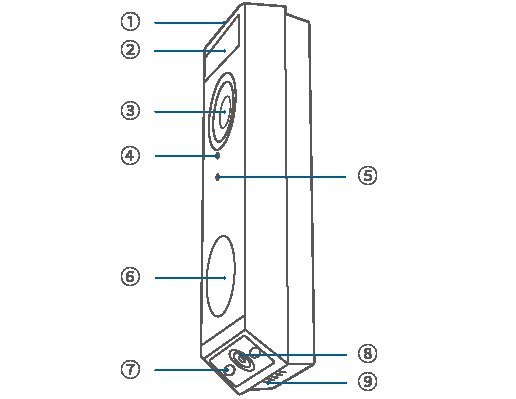
This fix is for users who have verified the hardware connections but still face a software glitch. Sometimes, the internal software that controls the LED ring becomes unresponsive. A hard reset clears these temporary errors and forces the device to re-initialize its hardware.
To perform a reset, locate the small hole on the back of the doorbell housing. Use the provided pin tool or a thin paperclip to press and hold the reset button for about ten seconds. You’ll see the device reboot. This process is safe, but it will disconnect the doorbell from your Wi-Fi network, so you’ll need to re-add it through the app afterward.
This step is worth the effort if you have already checked the wiring and the transformer, as it eliminates the possibility of a software crash. However, if you reset the device and the light still doesn’t illuminate during the pairing process, the issue is almost certainly internal hardware damage. In this case, don’t try to open the housing, as this will void your warranty and expose you to electrical risks. If the device is still under its manufacturer warranty, contact Eufy support to initiate a replacement request. If the warranty has expired, you may need to consider a replacement unit.
What not to do
Don’t spray water or cleaning solvents directly onto the doorbell terminals to remove rust. Moisture trapped inside the housing causes a short circuit that permanently bricks the internal processor. If you see oxidation, use a dry, fine-grit emery board to gently buff the metal contacts instead.
Don’t attempt to bypass your transformer with a higher voltage power adapter. While it seems like a quick fix for low power, the doorbell’s internal voltage regulator will fail instantly. This mistake costs you the entire unit, as surge damage is rarely covered by standard manufacturer warranties.
Don’t try to disassemble the outer plastic casing to fix a flickering LED light. You’ll likely snap the fragile ribbon cables inside, rendering the device useless.
Don’t ignore a buzzing sound from your chime. This indicates a wiring short that draws excessive current, which can melt your wall wiring and create a significant fire hazard.
How to stop it happening again
Regular maintenance ensures your doorbell remains powered and weather-tight throughout the year.
| If you’re doing this | Do this instead | Why |
|---|---|---|
| Using old, thin wires | Replace with 18-gauge copper wire | Thicker wire reduces voltage drop |
| Leaving contacts exposed | Apply a small amount of dielectric grease | Prevents moisture and oxidation |
| Ignoring loose mounting | Tighten the bracket screws securely | Ensures constant contact with pins |
Most owners fail to check their transformer voltage until the device dies completely. If your chime sounds weak or the video feed drops during night vision, have a professional technician test the transformer output. Anything lower than the required voltage triggers intermittent reboots.
If you live in a coastal area, salt air accelerates corrosion significantly. In these climates, inspect your wire terminals regularly for white or green crusting and clean it immediately with a soft brush. Ignoring this buildup creates resistance that prevents the doorbell from receiving consistent power.
Frequently asked questions
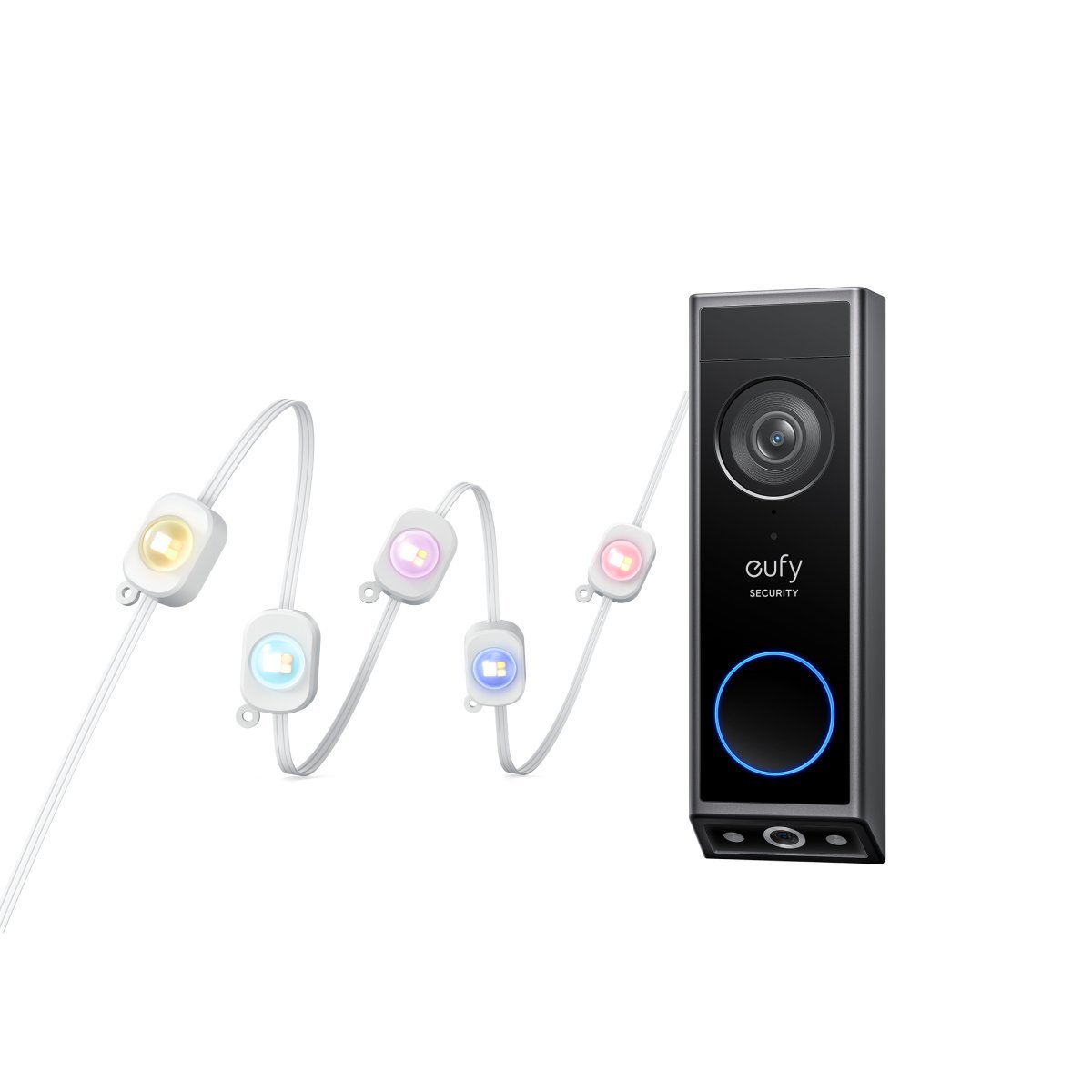
Can I fix a broken LED ring myself?
No, you can’t fix the LED ring yourself because it’s an internal component sealed within the weatherproof housing. If the power supply is stable and the contacts are clean but the light remains off, the LED module has likely failed. You should contact the manufacturer’s support team for a warranty claim or a replacement unit.
How long should the doorbell light stay on?
The light ring typically stays on or flashes during the setup process or when the motion sensor is actively recording. In normal operation, it may remain off or dim to save power, depending on your app settings. If the light never turns on, even during a system reboot, the device may not be receiving sufficient power.
Is it safe to use a higher voltage transformer?
No, you should never use a transformer that exceeds the voltage range specified by the manufacturer for your specific model. Using a transformer with higher voltage than the device is rated for can cause the internal components to overheat, leading to a fire hazard or total device failure. Always check the official documentation for your doorbell to ensure your power source matches the recommended input range exactly.
Why does the light blink during setup?
A blinking light during setup is a normal indicator that the device is in pairing mode and looking for a Wi-Fi signal. If the light turns solid or changes color after the setup is complete, it confirms the unit is successfully connected. If the light flashes rapidly and then turns off completely, it often indicates the device is dropping the connection because it can’t maintain a steady power draw from your transformer.
What happens if the doorbell loses power?
If the doorbell loses power, it will stop recording video, cease motion detection, and go offline in your app. Check your circuit breaker first to ensure the power wasn’t accidentally cut. If the breaker is fine, the issue is likely a loose connection at the mounting bracket or a failing transformer.
Final Thoughts
If the light still won’t turn on after you’ve checked the wiring, it’s best to reach out to the manufacturer’s support team. They’ll help you determine if the unit is faulty or if you need a replacement. Don’t hesitate to ask for a warranty claim if your device is still covered.
Related guides


