
Kitchenaid Oven Display Not Working
Is your KitchenAid oven display not working? Learn how to troubleshoot power issues and circuit breakers to restore your control panel functionality.

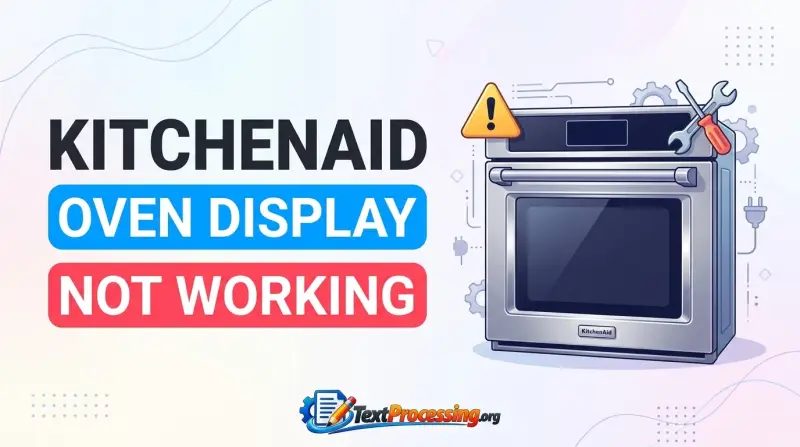
Is your KitchenAid oven display not working? Learn how to troubleshoot power issues and circuit breakers to restore your control panel functionality.
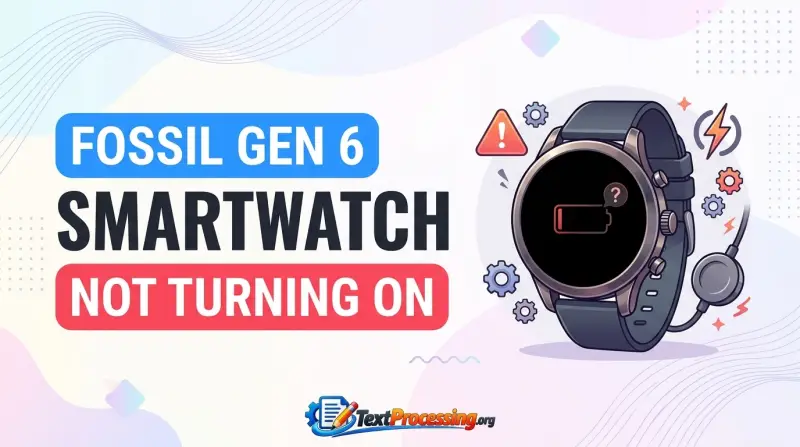
Is your Fossil Gen 6 smartwatch not turning on? Follow these simple troubleshooting steps to clean charging pins and fix power issues quickly today.
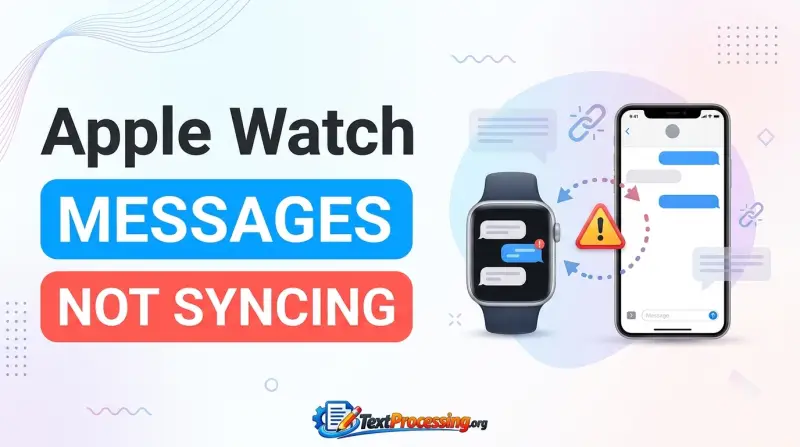
Apple Watch messages not syncing? Learn how to fix connectivity issues and force a fresh iCloud handshake to get your notifications working again.

A Veev One red light blinking usually indicates a low battery. Learn how to troubleshoot your device and fix charging issues with these simple steps.
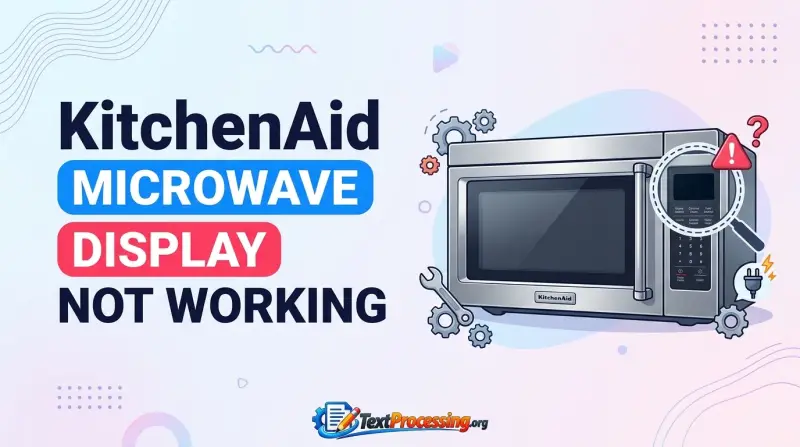
A kitchenaid microwave display not working usually happens because the unit has lost power or the control panel has entered a locked state. If the display is completely blank, check your home’s electrical breaker panel first to ensure the circuit hasn’t tripped. If the power is on but the screen
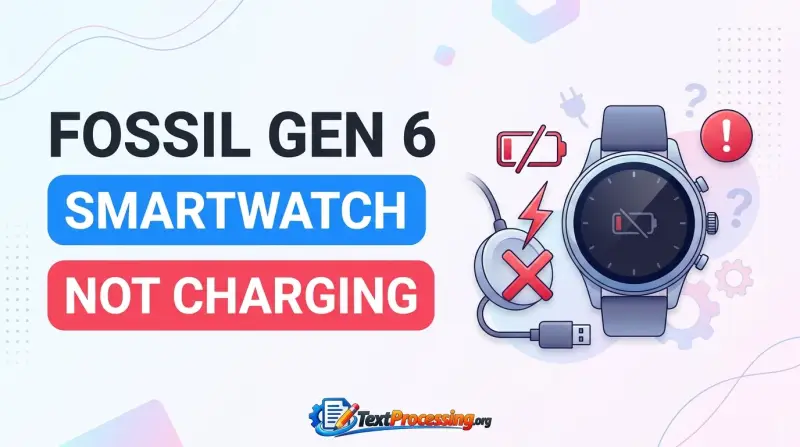
Fix your Fossil Gen 6 smartwatch not charging by cleaning the contact pins and checking alignment. Follow these simple steps to restore power today.
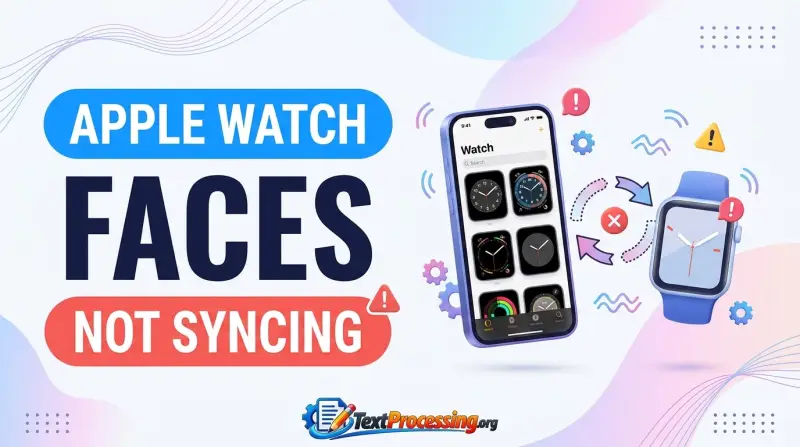
Apple Watch faces not syncing? Learn how to fix connectivity issues, update your software, and re-pair your devices to restore your watch faces today.

Troubleshoot a Valor fireplace pilot light not working with our guide. Learn how to check gas flow and thermocouples to restore your heat efficiently.

KitchenAid dishwasher clean light blinking? Learn how to fix this error code with a simple power reset or troubleshooting steps for your control board.
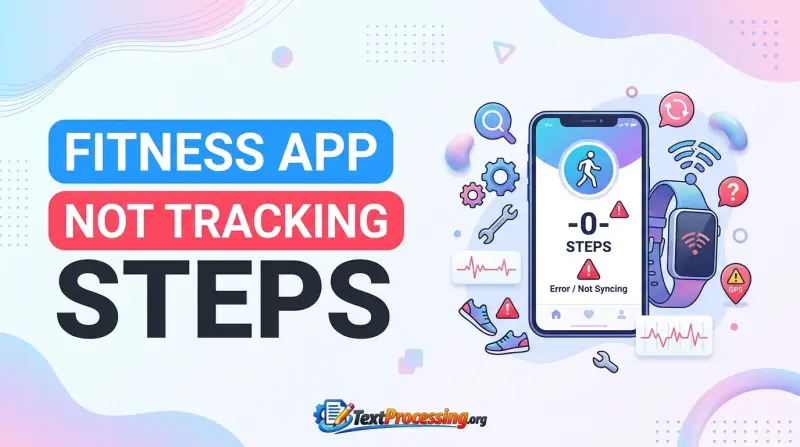
Fitness app not tracking steps? Learn how to fix sensor permission errors and background activity settings to get your activity data syncing again.