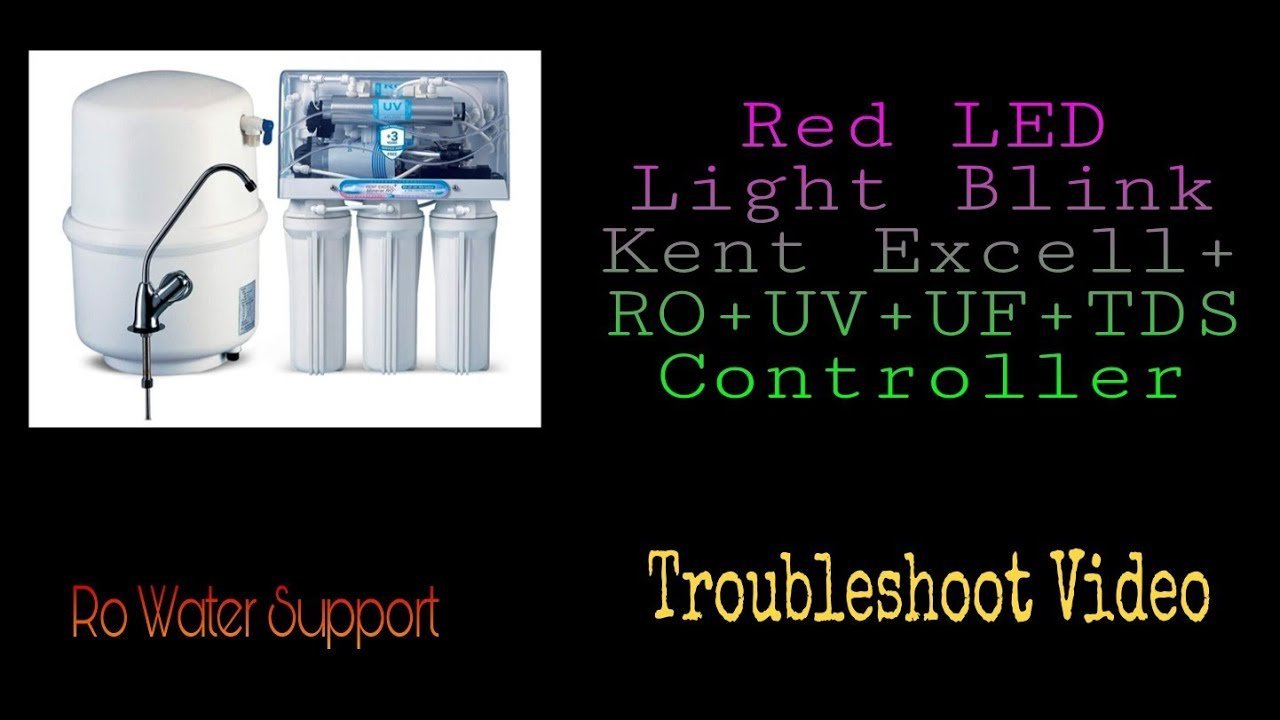
A Kent RO red light blinking indicates that your filter life has expired or the machine has detected a flow issue. This warning light acts as a timer based on the total volume of water processed. If your water pressure is low or the supply is blocked, the sensor may trigger this alarm even if the filters are relatively new.
Why is my Kent RO red light blinking?
The primary reason for a flashing red light is the internal timer reaching its programmed limit. Most RO systems track usage based on time or gallons, and once that limit is hit, the controller forces a warning to ensure you maintain high water quality. It’s a safety feature designed to prevent you from drinking water that has passed through degraded filter media.
Another common cause is a disruption in the water flow. If the unit detects that the pump is running but water isn’t moving through the membranes properly, it triggers a fault. This often happens if your sediment filter is clogged, which prevents water from reaching the RO membrane. When the system can’t find a steady flow, the sensor flags an error to protect the pump from dry running or overheating.
A third possibility involves the electrical sensors themselves. If there’s a power surge or a loose wire, the logic board may default to a blinking red light as a fail-safe state.
Replace the filter cartridges
This fix is for users who have reached the end of the filter lifespan, usually between six to twelve months of regular use. If your light is blinking and you haven’t changed your filters in the last year, this is the most likely culprit. First, turn off the feed water supply valve and unplug the power cord to prevent water spills or electrical shorts. Locate the filter housing, which typically requires a plastic wrench to unscrew.
Before you remove the old cartridges, place a towel underneath the housing to catch any trapped water. Take note of the order in which the filters were placed, as replacing them in the wrong sequence will prevent the system from filtering water correctly. Once the new filters are in place, screw the housing back on firmly, but don’t overtighten it, as this can crack the plastic threads. After installing the new units, turn the water back on slowly to check for leaks. Finally, you must reset the electronic controller. Most models require you to hold the “Reset” button for five to ten seconds until the light turns green. If you’re unsure about the specific filter sequence for your model, consult the official manufacturer documentation, as this varies by model—check the label. This fix isn’t for people who are uncomfortable working with pressurized plumbing, as a mistake during installation can lead to significant water damage in your kitchen.
Reset the sensor manually
This fix is for cases where the filters are still new but the system is stuck in an error loop. Sometimes the internal timer glitches, or a small air bubble gets trapped in the flow sensor, causing a false alarm. To reset the sensor, ensure the power is connected and the water supply is fully open. Locate the reset switch, which is often hidden inside the front panel or near the power input.
Press and hold the reset button for about ten seconds. You’ll usually hear a short beep or see the light change color from red to orange or green. If the light remains red, turn off the power to the entire unit for at least one full minute. After one minute, plug the unit back in. If the light blinks red immediately upon startup, the issue is likely a hardware failure rather than a reminder. If you have tried this and the light persists, don’t attempt to open the electrical housing further. At this point, the repair requires specialized tools and diagnostic equipment, so you should contact a certified service technician or the manufacturer’s support team to avoid voiding your warranty.
Check the input water pressure
This fix is for when the system isn’t receiving enough water to operate effectively. If the blinking red light is accompanied by a “clicking” sound or no water flow at all, your inlet pressure is likely too low. Most RO systems require a minimum pressure of 40 PSI to function correctly. If your municipal water pressure drops, the pump will struggle, and the system will signal an error.
Check your home’s main water valve to see if it’s fully open. If you have a pressure gauge installed on your line, verify that it reads within the manufacturer’s recommended range. If the pressure is consistently below the required level, you may need a booster pump. This is a common trade-off: a booster pump increases water efficiency and stops the red light, but it adds to your electricity usage and requires professional installation. If you’re in a region with hard water, the inlet pipe can also become blocked by scale buildup. If you see white crusty deposits on the intake valve, soak the fitting in white vinegar for thirty minutes to dissolve the blockage. If the pressure remains low after cleaning the valve, consult a plumber to check for hidden pipe restrictions, as this is beyond the scope of a standard filter maintenance task.
What not to do
- Don’t bypass the sensor by cutting or shorting the wires, as this disables the safety mechanism and may cause the pump to run continuously until it burns out.
- Don’t force the filter housing open while the system is still pressurized, because the sudden release of water can damage the threads or cause an injury.
- Don’t use generic or unbranded filter cartridges that don’t match your specific model, as these can leak or fail to filter contaminants correctly.
- Don’t ignore the red light for more than a few days, because using a membrane beyond its limit allows bacteria or sediment to bypass the filtration stage.
How to stop it happening again
Consistent maintenance is the only way to avoid unexpected alerts. Create a schedule to track your water usage so you know exactly when to order replacements before the light triggers. Most users fail by waiting for the flashing indicator, which signals that the filter media has reached its capacity.
| If you’re doing this | Do this instead | Why |
|---|---|---|
| Waiting for the light | Track usage by date | Prevents water contamination |
| Buying generic filters | Use official parts | Ensures proper seal and fit |
| Forcing the housing | Use a filter wrench | Protects the plastic threads |
| Ignoring low pressure | Install a booster pump | Stops sensor error loops |
If your household has high water usage, replace the cartridge regularly regardless of the sensor status. If you notice a sudden drop in flow, check the intake valve before ordering a new filter. A clogged pre-filter often mimics a spent main unit, costing you unnecessary replacement fees.
Frequently asked questions
Can I drink the water when the red light is blinking?
No, you should avoid drinking the water until you fix the issue. A blinking red light indicates that the filter medium is saturated or the system has failed a diagnostic test. Don’t use the water for drinking or cooking until the light returns to its normal status.
How long do RO filters usually last?
Most RO filters last between six and twelve months depending on your local water quality. Pre-filters often need changing every six months, while the main membrane can last up to two years. This timeframe varies significantly based on your specific model and local water mineral content.
Is it safe to reset the light without changing filters?
No, it isn’t safe to reset the light without changing the filters. The system uses the reset function to restart the countdown for the new filter’s lifespan. If you reset the system while the old, clogged filters are still inside, the controller will “think” you have fresh filters, and it won’t warn you when the old ones eventually become a breeding ground for bacteria or completely block the water flow.
What happens if I ignore the blinking light?
If you ignore the light, the system will eventually stop producing water entirely. The pump may overheat or suffer electrical failure if the safety shut-off is triggered. Furthermore, failing to replace filters risks damaging the expensive RO membrane, which is the most costly part of the system.
Why does my light blink red even after a reset?
If the light stays red after a reset, the system has detected a persistent hardware fault. This usually points to a damaged flow sensor, a burnt-out pump, or a loose electrical connection. You should stop trying to reset the unit and call a professional technician for an inspection.
Final Thoughts
If the light keeps flashing after you’ve checked the connections, it’s best to call a professional technician for a quick inspection. They’ll ensure your system’s sensors aren’t faulty and that you’re getting the cleanest water possible. Don’t wait too long, as it’s always better to be safe than sorry.
Related guides