
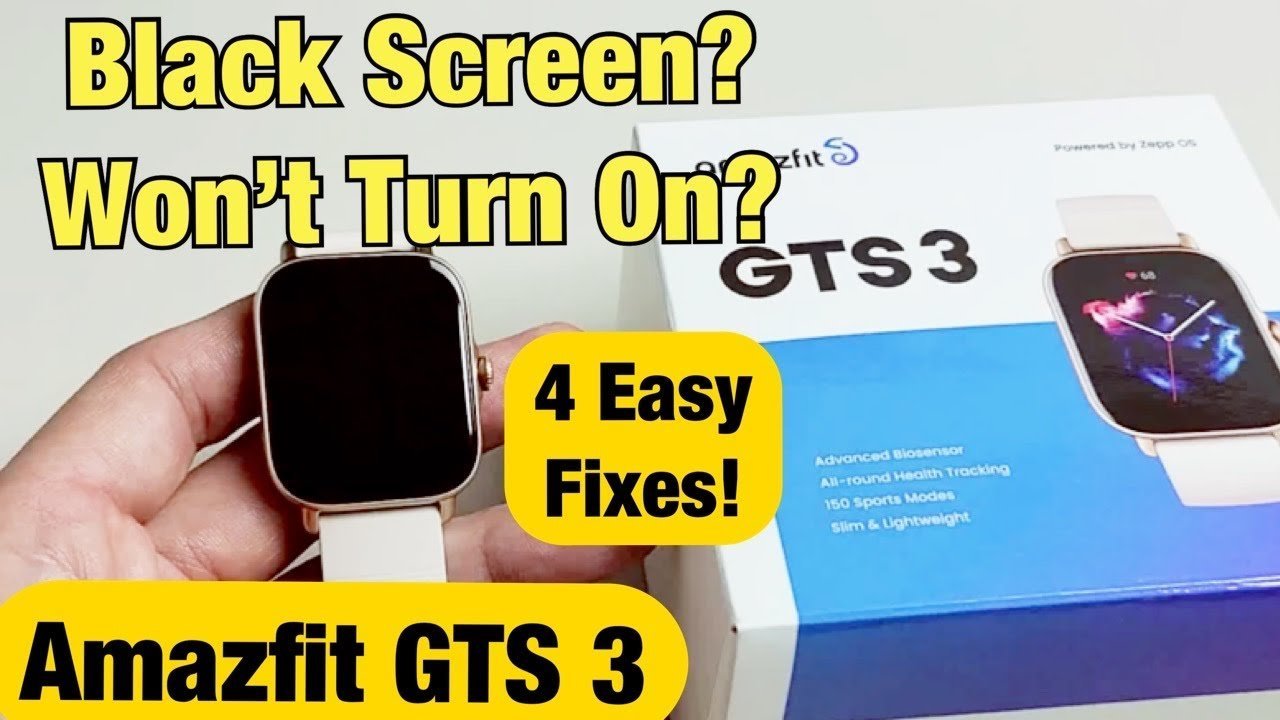
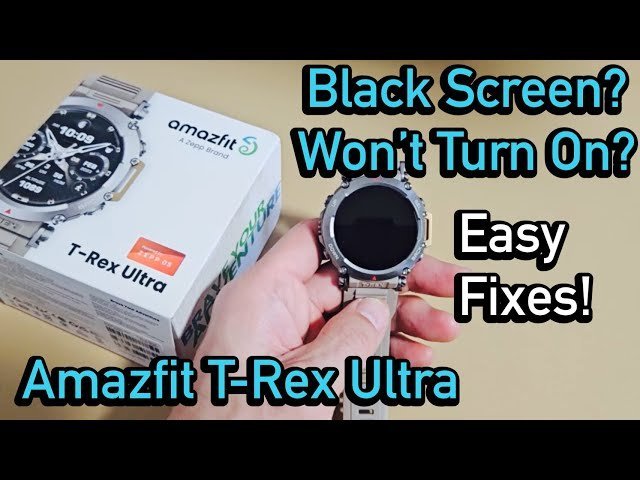
An empty battery that has entered a deep discharge state is the reason for an amazfit smartwatch not turning on in the majority of cases. You can confirm this quickly by checking if the device shows any charging icon or vibration after being left on the charger for a full thirty minutes. If the screen remains black, the issue usually stems from a poor connection between the watch pins and the charging dock, or a system freeze that requires a forced restart.
Troubleshooting an Amazfit smartwatch not turning on
| Cause | How common | How to confirm it | Fix it yourself? |
|---|---|---|---|
| Empty battery | Very common | Try charging for 30 minutes | Yes |
| Dirty charging pins | Common | Inspect for debris or sweat | Yes |
| Frozen software | Occasional | Attempt a button reset | Yes |
| Faulty charging cable | Occasional | Test with another cable | Yes |
| Wall adapter issue | Rare | Use a computer USB port | Yes |
| Hardware failure | Very rare | Check for physical damage | No |
If your device remains dark after thirty minutes of charging, check the charging port for lint or oxidation. Use a wooden toothpick to gently clear the port; metal tools often cause permanent short circuits that void your warranty.
When confirming a frozen system, hold the power button for at least fifteen seconds. If you see no flicker or vibration, the issue is likely power delivery.
Distinguish between a cable failure and a port failure by checking the “charging” icon. If the icon flickers when the cable moves, the port is loose. If the icon never appears, the cable or adapter is the primary suspect.
Most users mistakenly assume hardware failure when the battery is simply deep-discharged. If a device has sat unused for six months, it may require two hours of continuous charging before the screen shows any sign of life. If the device feels excessively hot to the touch while charging, stop immediately and allow it to cool.
Battery exhaustion and deep discharge
A battery that sits at zero percent for a long time will often enter a deep discharge state. This state prevents the watch from booting up immediately when you plug it in because the device needs a minimum voltage threshold to wake the internal controller. If you see no reaction after placing the watch on the dock, it doesn’t mean the hardware is broken; it means the system is currently too low to show the charging animation.
To fix this, you must keep the watch on its charger for at least thirty minutes without interruption. If you’re using a wall adapter, ensure it’s a standard low-power source, as high-speed chargers can sometimes cause compatibility issues with wearable electronics. According to the Amazfit official support guidelines, you should always verify that the gold charging pins on both the watch and the dock are clean and free of sweat or oxidation. If you notice a dark film on these pins, gently wipe them with a soft cloth dampened with a tiny amount of rubbing alcohol.
If the watch stays black after thirty minutes, try a different power source, such as a laptop USB port. This step helps rule out a faulty wall adapter. If the watch still shows no life, the issue might be the charging cable itself. If you have access to a spare cable, use it to test the connection. This varies by model — check your device’s manual or the official Amazfit website for charging specifications.
Frozen software and system hangs
Sometimes the watch is actually powered on, but the display interface has frozen, making it appear dead. You can tell this apart from a power issue if you feel a slight vibration when you press the physical button, even if the screen remains dark. A frozen system often happens after a failed update or a sudden power drop, causing the firmware to stop responding to touch inputs.
To resolve a frozen state, perform a hard restart. Press and hold the primary physical button on the side of the watch for fifteen to twenty seconds. Don’t let go until you see the Amazfit logo appear on the screen. If your specific model has two buttons, press and hold both simultaneously for the same duration. This process forces the processor to cut power to the volatile memory and reboot the operating system from scratch.
This isn’t for users who have experienced significant screen damage or water ingress, as forcing a reboot on a damaged device can sometimes cause further internal electrical shorts. If the watch doesn’t vibrate or show the logo after twenty seconds of holding the button, the system is likely not receiving any power at all. In this case, return to the charging steps, as the software reset only works if the battery has enough charge to sustain the boot process.
Charging connection and port issues
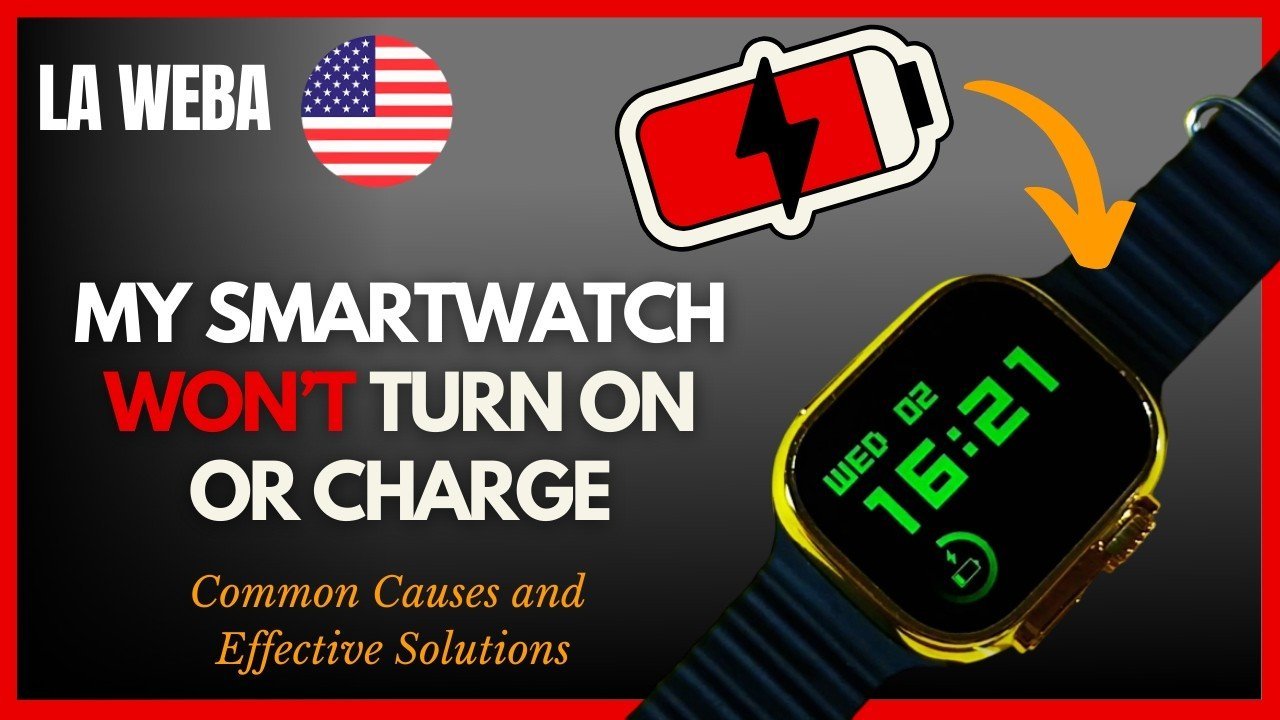
The connection between your magnetic dock and the watch is sensitive to even minor obstructions. If the pins don’t align perfectly or if there’s a layer of skin oil or residue on the contact points, the current won’t flow into the battery. You can identify this cause by looking for a “charging” icon that flickers on and off when you move the watch slightly on the dock. If the icon appears only when you press down on the watch, the magnetic strength of your dock may have weakened over time.
If you find that the watch only charges when you hold it in a specific position, you likely have a buildup of debris on the pins. Clean the gold contacts on the back of the watch and the pins on the cradle using a dry, soft-bristled toothbrush. Avoid using metal tools, as they can scratch the gold plating and lead to permanent corrosion.
If cleaning doesn’t help, check the cable for signs of fraying or bent pins. A cable that looks physically intact on the outside can still have a broken wire inside the casing. If you’re using a third-party cable, it may have poor pin alignment or high resistance, which can lead to intermittent charging or a failure to wake the device. If the watch doesn’t hold a charge for more than a few hours after a full cycle, the internal battery health may be failing.
The less likely causes
- Wall adapter incompatibility: If you experience charging issues, try using a standard USB port to rule out potential communication errors between the charger and the watch.
- Water damage: If you notice fogging under the screen or if the watch stopped working after swimming, the internal components may have corroded beyond repair.
- Extreme temperature shutdown: If the watch was left in a hot car or extreme cold, the safety sensors will prevent it from turning on until it returns to room temperature.
- Permanent hardware failure: If you have tried all the steps above and the device remains unresponsive, the internal motherboard may have reached the end of its functional life.
- Professional assistance needed: If the device is under warranty, don’t attempt any physical repairs yourself, as opening the casing will immediately void your coverage and could lead to a permanent loss of protection.
What a fix usually involves
Fixing these issues usually involves simple maintenance rather than expensive repairs. The most common fix, cleaning the contacts, costs nothing but a few minutes of your time and a soft cloth. If the charging cable is the problem, replacing it requires buying a new accessory, which is a small part of the total cost of a new watch. You can check the official website for your model to find the correct replacement part number to ensure compatibility.
If the internal battery is the issue, you’re likely looking at a professional repair or a device replacement. Because the housing is sealed to maintain water resistance, replacing a battery is complex and often costs nearly as much as buying a new unit. Before you decide to pay for a repair, check if your device is still covered under the manufacturer’s warranty. If it is, contact the official support team to request a service ticket. Always get a written quote for any out-of-warranty repair before agreeing to the service, as the labor costs can quickly exceed the value of the device.
Frequently asked questions
Can I use a phone charger to charge my watch?
Yes, you can use a standard phone charger, but it should ideally provide an output suitable for your device. If you experience charging issues, try using a different power adapter to rule out compatibility problems. Check the fine print on your wall adapter to confirm the output specifications before plugging in your device, or consult a technician if you’re unsure.
How long does it take to charge a dead watch?
It usually takes about two hours to reach a full charge, but a completely dead unit may need thirty minutes just to show the first sign of life. If you don’t see any status light or screen activity after thirty minutes of being on the charger, the battery might be unable to hold a charge anymore.
Is it safe to leave the watch on the charger overnight?
Yes, modern smartwatches have internal circuits that stop the power flow once the battery reaches one hundred percent capacity. This prevents overcharging and heat buildup during the night. However, if your charger or cable is damaged, you should never leave it unattended while it’s plugged into a wall outlet.
What happens if I use a non-original cable?
Using a non-original cable might work if the pin configuration and voltage match your watch, but it carries a risk of poor connectivity or slow charging. Many third-party cables lack the precise magnetic strength required to keep the pins aligned, which can lead to the watch disconnecting during the night and failing to charge fully.
Does it matter if the watch is hot to the touch?
Yes, if the watch feels hot while charging, you should disconnect it immediately and let it cool down to room temperature. Charging a battery that’s already overheated can cause permanent damage to the cell’s chemistry. Once the device is cool, try charging it again in a well-ventilated area away from direct sunlight.
How do I know if my battery is failing?
If your watch charges fully but loses power in less than a day, the battery capacity has likely degraded significantly. You can confirm this by checking the battery health settings in the companion app if your specific model supports this feature. If the battery drain is sudden and happens even when you aren’t using fitness tracking, the cell is likely at the end of its life.
Final Thoughts
If these simple fixes don’t bring your device back to life, it’s time to reach out to the manufacturer’s support team. They’ll help you determine if there’s a hardware defect covered by your warranty. Don’t worry, as you’ll likely get back to tracking your fitness goals in no time.
Related guides


