
The most common reason for a fi collar light not working is that the device has entered power-saving mode or has a depleted battery. You can usually restore the light by placing the device on its charging base for at least two hours to ensure it reaches a full charge. If the light remains off after a full charge, the issue often stems from a software sync error or a damaged LED component. This requires a check of the app settings to ensure the light feature is toggled to the “on” position.
Why your Fi collar light not working
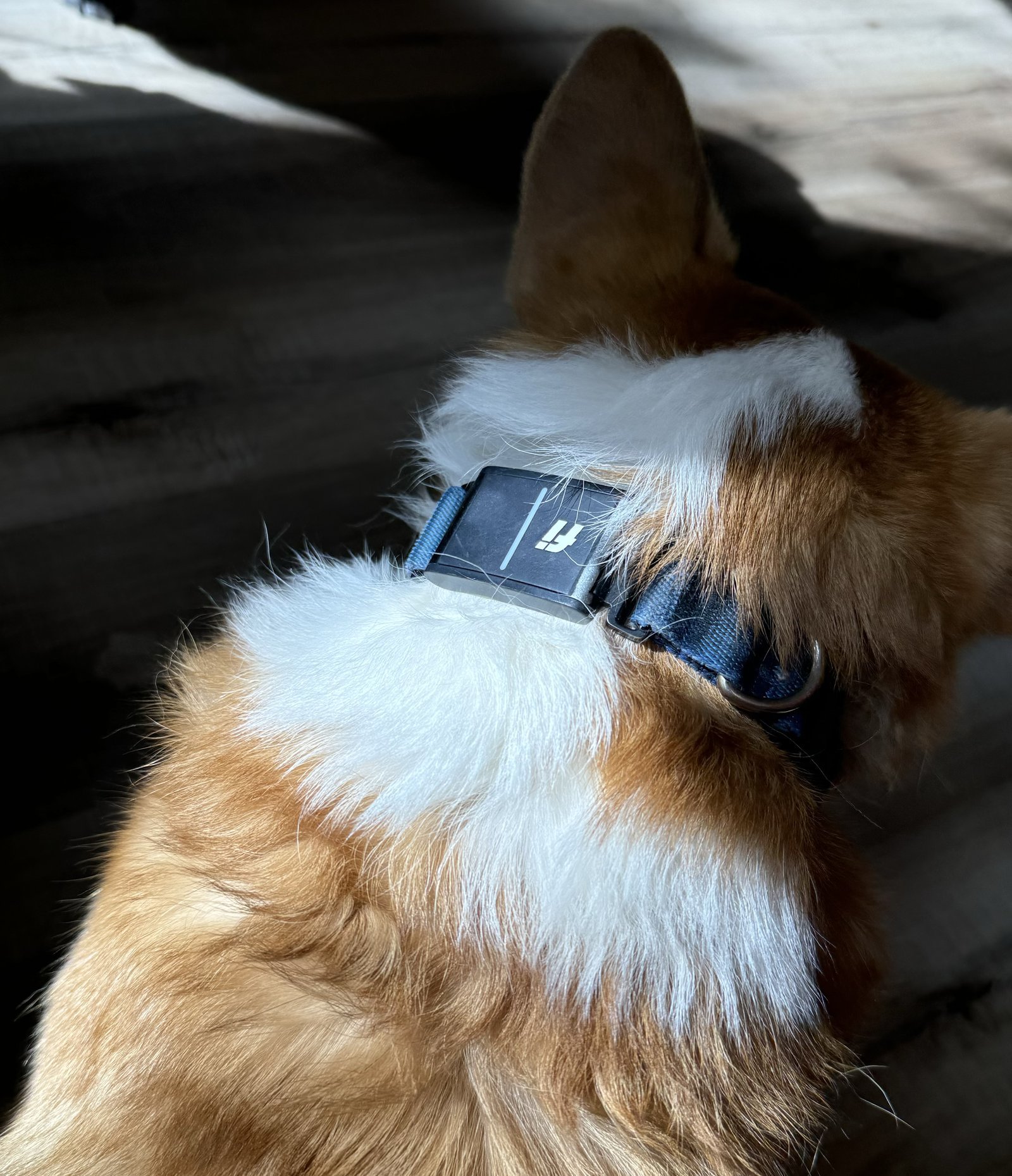
When your collar light fails to illuminate, the cause is rarely mechanical failure. The most frequent issue involves the battery level. The collar is designed to prioritize GPS tracking and activity monitoring over the light feature. If the battery drops below a certain percentage, the system automatically disables the LED to conserve power for essential functions. This is a built-in safety feature to ensure you can still locate your pet if they get lost.
Another cause is a software communication error between your smartphone and the collar. The light is controlled via the Fi app, and if the app is outdated or the Bluetooth connection is interrupted, the command to turn on the light won’t reach the collar. You can check the status of your device and find troubleshooting steps on the Fi official support page.
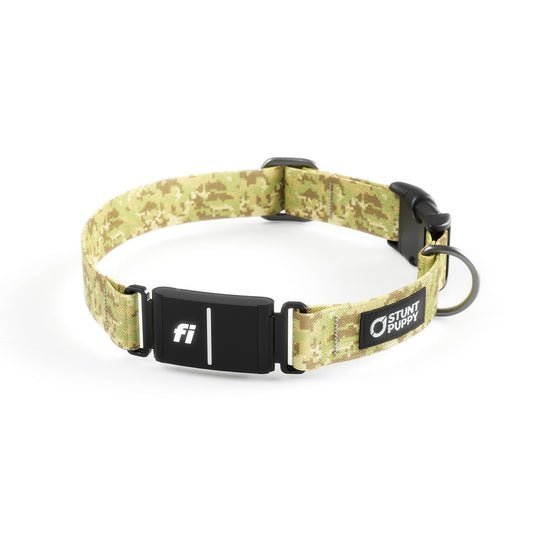
Finally, physical obstruction or debris can prevent the light from being visible. Dirt, mud, or fur can accumulate over the LED housing, making it seem like the light is broken when it’s actually just covered. Always inspect the clear plastic portion of the collar for buildup. If the device has been exposed to extreme water pressure or physical impact, the internal seal may be compromised, causing a short circuit. This is a permanent hardware failure that can’t be repaired at home.
Ensure the app settings are active
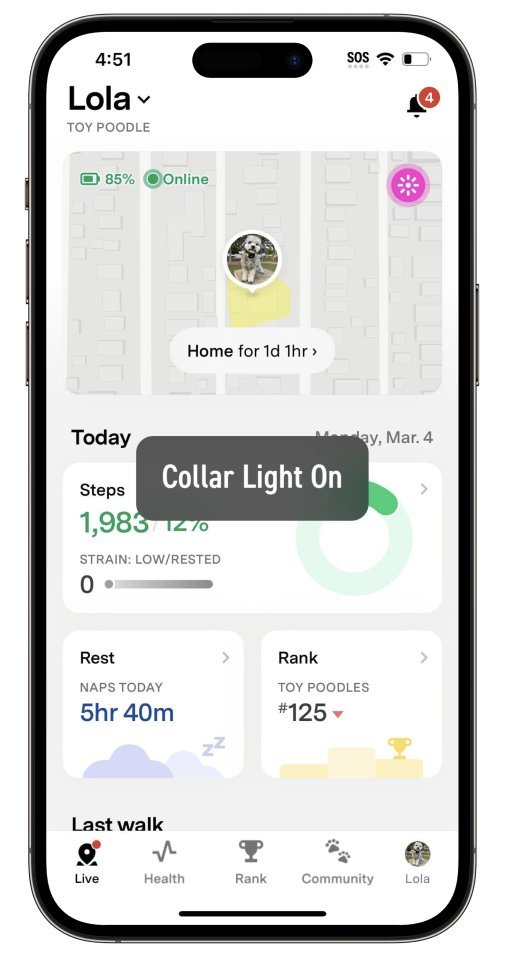
This fix is for users who have confirmed the battery is fully charged but the light still refuses to turn on. The Fi app has a specific toggle for the light feature that can sometimes be switched off during an app update or a sync error. Open the Fi app on your smartphone and navigate to the “Collar” tab. Look for the “Light” icon or settings menu. Ensure the toggle is set to “On.” If it’s already on, try toggling it off, waiting ten seconds, and turning it back on. This forces the app to send a new signal to the collar.
If the light blinks once but doesn’t stay on, the issue is likely a conflict with your current “Safe Zone” settings. If the collar believes it’s in a secure area, it may override your manual light command to save energy. Move your phone and the collar to a location outside your home Wi-Fi range to see if the light activates as expected. This fix assumes you have a stable internet connection. If you’re in a remote area with no cellular service, the manual override might not register until the collar reconnects to the network. If the software interface is unresponsive, contact the manufacturer’s support team, as they can perform a remote diagnostic reset on your specific account.
Clean the light housing properly
This fix is for users who notice the collar is charging and the app shows the light as “on,” but no glow is visible. Over time, the clear LED cover on the collar can become cloudy or blocked. Use a soft, damp cloth with a tiny amount of mild, fragrance-free soap to wipe the LED area. Never use abrasive scrubbers, steel wool, or harsh chemicals like bleach or alcohol, as these can scratch the plastic or damage the water-resistant seal.
If you see grit or sand stuck in the seam around the light, use a dry, soft-bristled toothbrush to gently sweep the particles away. Don’t use a toothpick or metal tool to pry at the seam, as this will destroy the collar’s water-resistance rating. After cleaning, dry the area completely with a microfiber cloth. If you notice moisture trapped inside the clear housing after cleaning, the seal has failed. In this case, stop using the collar near water immediately. This is a hardware limit that varies by model—check the label on your specific collar for its water-resistance rating. If the light remains invisible after cleaning, the LED module itself has likely reached the end of its functional life.
Reset the connection manually
This fix is for cases where the collar is unresponsive to all app commands. A manual reset can clear temporary errors in the collar’s internal memory. During this time, turn off the Bluetooth setting on your phone. After the five minutes have passed, place the collar back onto the charging base and ensure it shows a charging light. Once the charging light is steady, turn your phone’s Bluetooth back on and reopen the Fi app.
The app should prompt you to reconnect to the device. This process forces the collar to re-establish its handshake with your phone. If the light still doesn’t work, this is a sign that the internal circuit board is failing. It’s important to know that if your collar is still under the manufacturer’s warranty, attempting to open the casing to look at the wiring will void your protection. If you have tried the reset and the light remains off, contact the manufacturer directly to discuss a replacement. Don’t attempt to solder or repair the internal electronics yourself, as this poses a fire risk and will permanently destroy the device’s ability to track your pet safely.
What not to do
Don’t submerge the collar in water to “clean” the light, as this can force moisture into the battery compartment and destroy the internal electronics. A damp microfiber cloth is the only safe tool for removing dried mud or debris.
Don’t use a high-powered pressure washer or hose to spray the collar. The force can exceed the IPX rating of the seals, causing immediate internal corrosion. If the collar is covered in thick grit, rinse it gently under a low-flow faucet for no more than ten seconds.
Don’t attempt to open the plastic housing with a screwdriver or blade. This breaks the factory-applied waterproof seal and permanently voids your warranty. If the light fails to activate, check the charging pins for oxidation before assuming the internal unit is broken.
How to stop it happening again
Regular maintenance is the best way to keep your collar’s light functioning correctly for the duration of the hardware’s life.
Frequently asked questions
Can I replace the LED light myself?
No, you can’t replace the LED light yourself because the collar is a sealed unit. The internal components are bonded together to maintain water resistance. Opening the housing will void your warranty immediately.
Why does the light turn off by itself?
The light turns off automatically to preserve battery life when the device enters a low-power state. This occurs when the collar is stationary or the battery drops below twenty percent. Note that keeping the light on constantly will significantly reduce battery runtime.
How long should the light stay on?
The light stays on as long as your battery level supports it, with no set timer. If the battery is at one hundred percent, the light remains active for several hours. If the battery is below ten percent, the light deactivates to prioritize GPS tracking.
Is it safe to use if the light is broken?
Yes, the collar remains safe to use if the light is broken, as GPS and activity tracking features operate independently. A broken light doesn’t affect tracking or health monitoring. However, if water damage caused the failure, avoid exposing the collar to moisture.
What happens if I drop the collar?
Dropping the collar can cause the internal LED connection to loosen or the housing to crack. Even if the exterior appears undamaged, internal impacts can stop the light from functioning. There’s no software fix for this physical damage.
Final Thoughts
If you’ve tried these adjustments and the glow still won’t appear, don’t hesitate to reach out to the support team through your app. They’re happy to help you troubleshoot further or see if your device needs a replacement. You’ll have your pup safely illuminated during evening walks again in no time.
Related guides


