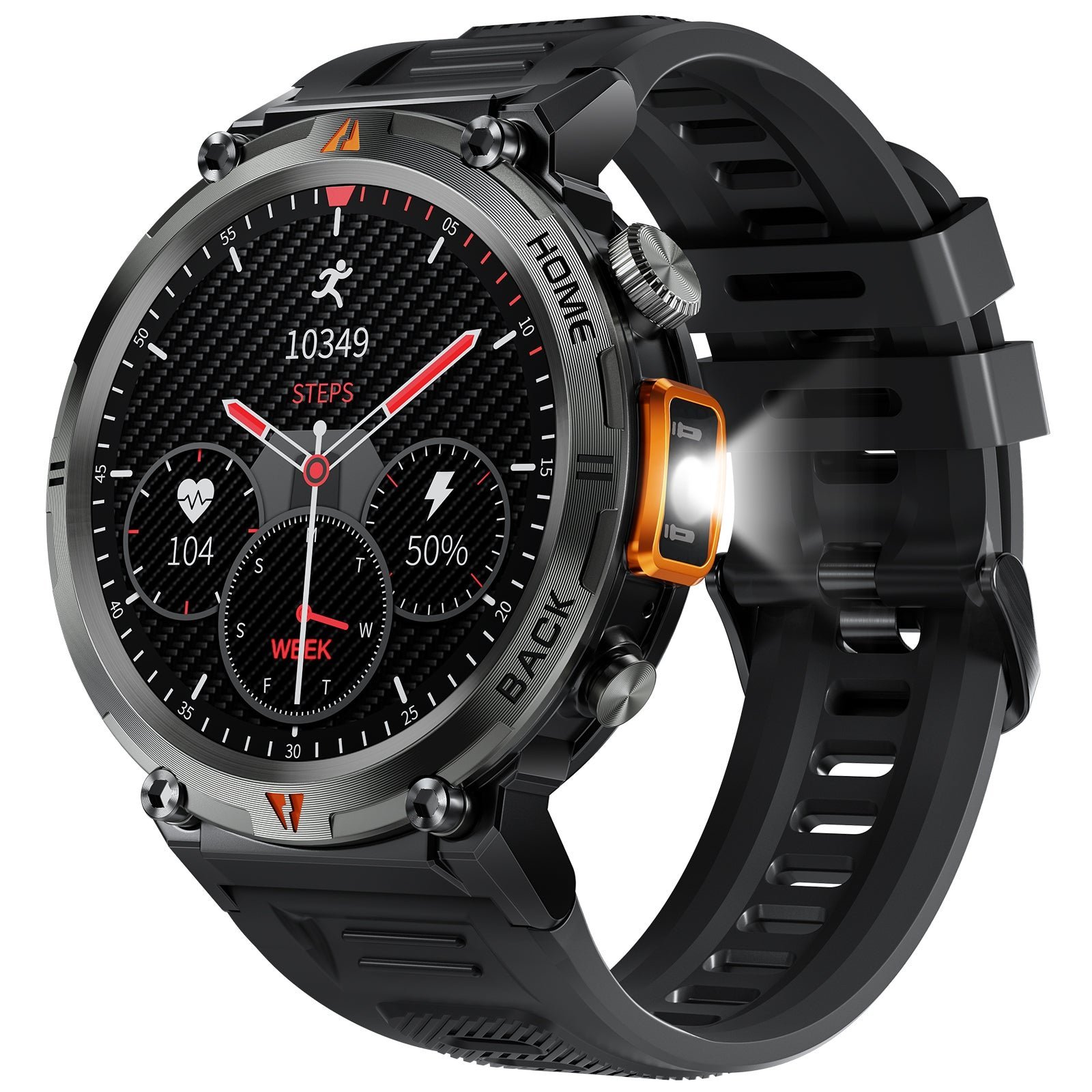
The most likely reason for an eigiis ke3 smartwatch not turning on is a depleted battery that has fallen below the minimum voltage required to trigger the startup sequence. This often happens when the device sits unused for several weeks, causing the battery to enter a deep discharge state. You can confirm this by connecting the watch to its original magnetic charger and waiting at least thirty minutes before attempting to power it on.
| Cause | How common | How to confirm it | Fix it yourself? |
|---|---|---|---|
| Dead battery | Most common | Plug in for 30 minutes | Yes |
| Dirty charging pins | Common | Inspect for debris/corrosion | Yes |
| Faulty charging cable | Common | Try a different USB port | Yes |
| Software freeze | Occasional | Hold power button 15 seconds | Yes |
| Damaged internal port | Rare | Check for loose movement | No |
| Failed battery cell | Rare | No charge after 24 hours | No |
Eigiis smartwatch battery not holding power
A battery that has been drained completely needs a specific recovery period before it can show signs of life on the display. According to Battery University’s charging guidelines, deep discharging can stress the cell, so you must use the correct power source to allow a slow, steady recovery of the voltage.
To test this, connect your watch to a wall adapter that provides a stable output, such as a standard phone charger. Avoid plugging the cable into a computer USB port, as these often provide less power and may not be enough to wake a deeply discharged battery. Leave the watch connected and undisturbed for at least one hour. If you see a charging icon appear, the battery is recovering. If the screen stays black, try cleaning the magnetic pins on the back of the watch with a dry, soft cloth to ensure a perfect metal-to-metal connection. If the watch still doesn’t respond after two hours, consult a technician to see if the battery has reached the end of its functional life.
Charging connection issues
The magnetic charging pins on the back of the watch often collect sweat, skin oils, or dust, which creates a barrier that blocks electricity from flowing into the battery. You can tell this is the cause if the watch feels warm when placed on the charger but shows no screen activity, or if the charging icon flickers on and off when you move the cable.
To fix this, use a soft, dry cotton swab to gently wipe the four gold-colored pins on the back of the watch. Don’t use liquids, soaps, or metal tools, as these can scratch the plating or cause a short circuit. If you notice persistent dark spots or corrosion on the pins, use a pencil eraser to gently buff the surface until the gold finish is restored.
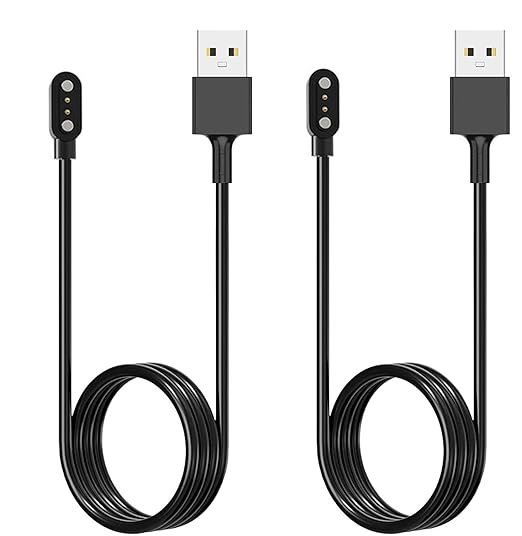
If the pins look clean but the watch still won’t charge, inspect the magnetic connector on the cable for any bent pins or trapped debris. If you have access to a second cable of the same model, swap it out to rule out a broken wire inside the casing. This is a common mistake; many people assume the watch is broken when only the cable has failed.
If the cable is the problem, you’ll need a replacement charger specifically labeled for the ke3 model, as requirements can vary by model. Check the label on your original adapter to be sure. If you see a “low power” warning on the display, your wall adapter may not be providing enough current. Switch to a wall block that outputs sufficient power to ensure a stable charge, or have a technician verify your power supply.
Software system freeze
A frozen operating system can make the watch appear dead even when the battery is fully charged. This happens when the background software encounters a loop and stops responding to your touch or button presses. You can distinguish this from a power issue if the watch was working perfectly earlier today and suddenly became unresponsive while still showing a screen or just before going dark.
To perform a soft reset, press and hold the physical side button for at least 15 to 20 seconds without stopping. This action forces the hardware to cut power to the processor and reboot the system. If the watch vibrates or shows a logo, the screen has successfully recovered. If you hold the button for 30 seconds and see nothing, the device isn’t receiving power. If the watch doesn’t reboot after multiple attempts, don’t continue to hold the button, as this won’t change the outcome. If you have tried these steps and the watch remains unresponsive, it’s time to contact the manufacturer or a professional repair service, as opening the device yourself will void any remaining warranty and risks damaging delicate internal ribbons.
The less likely causes
Water damage: If the watch was submerged in hot water or steam, the seals may have failed, causing internal corrosion that requires professional repair. If you see fog under the glass, stop charging immediately. Corrosion spreads in hours, not days.
Corrupted firmware: A failed update can leave the device in a loop. This usually requires a specific recovery tool from the manufacturer. If your screen displays only a logo, try a hard reset first. If that fails, you need a wired connection to a computer.
Internal component failure: If the watch was dropped recently, an internal connector may have come loose. This is a hardware issue that can’t be fixed without opening the casing.
Power adapter incompatibility: Use a standard 5W wall brick instead. If the watch charges on a low-power port but not your fast charger, the adapter is the culprit.
What a fix usually involves
Fixing these devices typically requires very little beyond patience and the right accessories. If the issue is a simple charging block, the cost is a small part of the price of a new watch, and you can find these replacements through the official brand store.
If the issue is a software freeze, the fix costs nothing but a few minutes of your time. You should perform a hard reset by holding the power button for at least fifteen seconds until the logo reappears. If the screen remains black, plug the device into a wall outlet for thirty minutes before trying the sequence again.
However, if the battery or the internal charging port has failed, the cost of a professional repair often exceeds the price of a new unit. A common mistake is paying for a diagnostic fee when the hardware is clearly degraded. If you notice the back casing bulging, stop charging immediately; this indicates a swollen battery that poses a fire risk.
Before you pay for a repair, check the manufacturer’s official support page for your specific model to see if there’s a known recall or a specific reset sequence that applies to your version. If the device is still under warranty, don’t attempt any repairs that involve opening the watch, as this will immediately void your coverage. Always check the official website for the most accurate diagnostic steps for your specific version.
Frequently asked questions
Can I use any charger for my watch?
No, you must use the cable that came with the device or an official replacement. Using a generic charger might result in the wrong voltage, which can prevent the watch from charging or damage the battery. Always check the label on the original charging cable and match the specifications exactly to ensure compatibility with your model.
Is it safe to charge the watch overnight?
Yes, it’s safe to charge the watch overnight because modern smartwatches have built-in circuits that stop the power flow once the battery reaches full capacity. You don’t need to worry about overcharging, but you should always use a wall adapter that meets the manufacturer’s recommended power output to avoid unnecessary heat build-up in the battery.
How long does a full charge take?
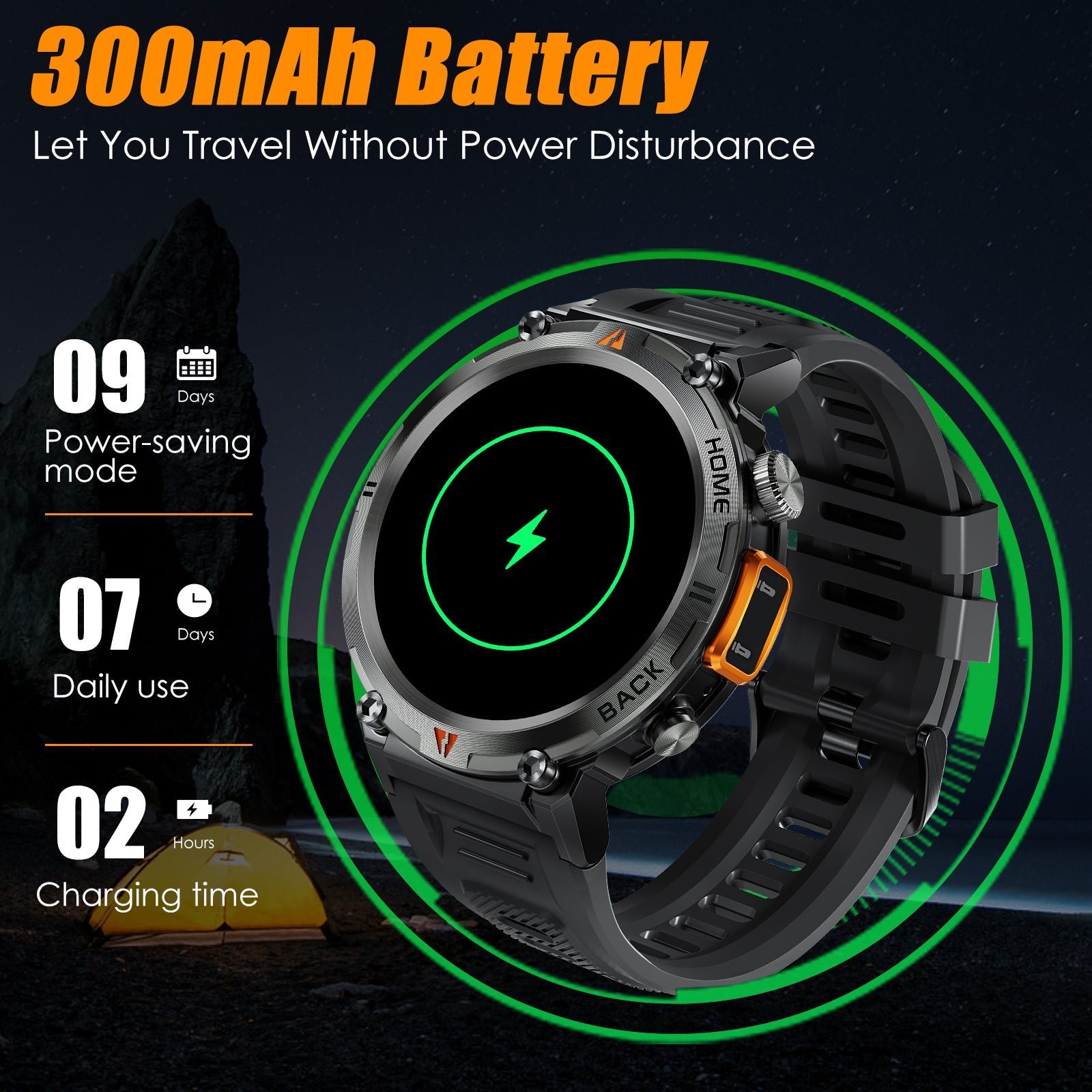
About two hours is the average time for a full charge from zero to one hundred percent. This assumes you’re using the original cable and a standard wall adapter.
Why does the watch get warm while charging?
It’s normal for the watch to feel slightly warm during the first hour of charging as the battery converts electrical energy into chemical energy. If the device becomes too hot to touch, disconnect it immediately and stop using the charger. This is a sign of a potential fault in either the cable or the watch’s internal power management system.
Does it matter if I let the battery reach zero?
Yes, it’s best to avoid letting the battery reach zero percent, as deep discharge cycles can shorten the overall lifespan of the lithium-ion cell. If you plan to store the watch for a long time, try to keep the battery at approximately fifty percent. This helps maintain the chemical stability of the battery while the device isn’t in use.
Eigiis KE3 smartwatch not turning on
If the screen stays black after two hours of charging, the device may have a hardware failure that requires professional attention. You should first try a different power outlet and cable to rule out external factors. If those steps fail, contact the manufacturer’s support team to see if the device is eligible for a warranty replacement or a professional diagnostic check.
Final Thoughts
If the screen remains dark after a long charge, the internal battery might have reached the end of its life. Don’t worry, though; you can reach out to the manufacturer’s support team for a replacement or warranty claim. They’ll help you figure out if a repair is possible for your device.