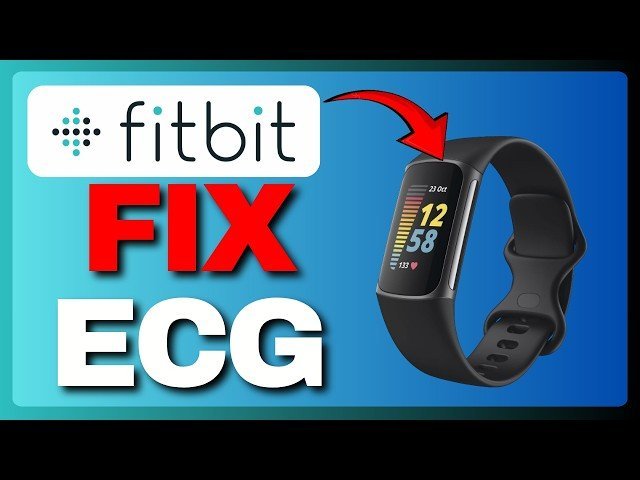
If you find your Fitbit ECG not working, a dry or dirty skin surface is the most common cause, as poor contact prevents the sensor from reading your heart’s rhythm. A quick wipe of your wrist and the metal contacts usually solves the issue. If it still fails, check your posture or band fit, or consult the Fitbit ECG app troubleshooting guide for model-specific requirements.
Why your Fitbit isn’t working
| Cause | How common | How to confirm it | Fix it yourself? |
|---|---|---|---|
| Dry skin contact | Very common | Skin feels dry/cold | Yes |
| Loose band fit | Common | Watch slides on wrist | Yes |
| Dirty metal sensors | Common | Visible dust or oil | Yes |
| Poor posture | Frequent | Moving during test | Yes |
| Software glitch | Occasional | App freezes or crashes | Yes |
| Damaged sensor | Rare | Cracked glass/metal | No |
Dry skin is the leading culprit, especially in winter. If your skin lacks natural oils, the electrical signal can’t bridge the gap to the sensor. Apply a tiny amount of water or lotion to the contact point to resolve this instantly.
Many users fail because they wear the watch too low on the wrist bone. The sensor requires a flush, snug connection against soft tissue to track heart rate accurately. If you can fit a finger between the band and your skin, tighten it by one notch.
If you see a consistent “low signal” error, check the back of the device for a film of sweat or sunscreen. A simple wipe with a microfiber cloth usually restores function. If the sensor light remains off despite these steps, perform a hard reboot before assuming the hardware is permanently broken.
Skin moisture and sensor contact
Insufficient moisture on your skin is the primary reason the ECG app fails to initiate a reading. The sensor requires a small amount of conductivity to bridge the gap between your finger and the metal housing. If your skin is completely dry, the electrical signal from your heart can’t reach the sensor, causing the app to show an error or a “poor signal” message.
To confirm this, simply touch your skin to see if it feels dry or cold. If it does, dampen your wrist slightly with a small amount of water or use a lotion that doesn’t leave a thick, oily film behind. You should also ensure the metal casing on the device is clean. Over time, sweat and dead skin cells build up on the metal, creating a barrier that blocks the signal. Wipe the underside of the device and the metal side button with a soft, lint-free cloth.
If you’re currently exercising, stop and remain still for at least two minutes before trying again. Movement creates muscle noise that interferes with the tiny electrical impulses of your heart. If you’re sitting, rest your arm on a flat surface like a table to keep it steady. This process takes about one minute of preparation. If you have tried these steps and the device still doesn’t register a reading, the issue may be a deeper software error. This varies by model — check the label on the back of your device to see your specific version, as older models may require a firmware update through the mobile app to maintain sensor accuracy.
Band tension and device placement
A band that’s too loose will cause the sensor to lose contact with your skin during the measurement process. The ECG sensor needs consistent, firm pressure against your wrist to track your heart rhythm without gaps. If the watch moves when you wiggle your arm, it’s likely too loose to provide a clear reading.
You can easily tell if this is the cause by checking the position of the device. It should sit about one finger-width above your wrist bone. If you can slide more than one finger easily under the band, it’s too loose for an accurate ECG. Tighten the band by one notch or adjust the strap until it feels snug but comfortable. Avoid making it so tight that it restricts blood flow, as this can also lead to inaccurate data.
This fix takes only a few seconds to adjust. If you have a metal link band, you might need to remove a link to get the right fit. If you have a silicone band, simply move the buckle. One mistake people make is wearing the watch too far up the forearm. If it isn’t placed directly over the wrist, the sensor can’t pick up the signal correctly. If you have tried adjusting the fit and the device still shows an error, check the device settings in your app to ensure the ECG feature is enabled for your specific region, as local health regulations sometimes limit access to these tools.
Software state and app synchronization
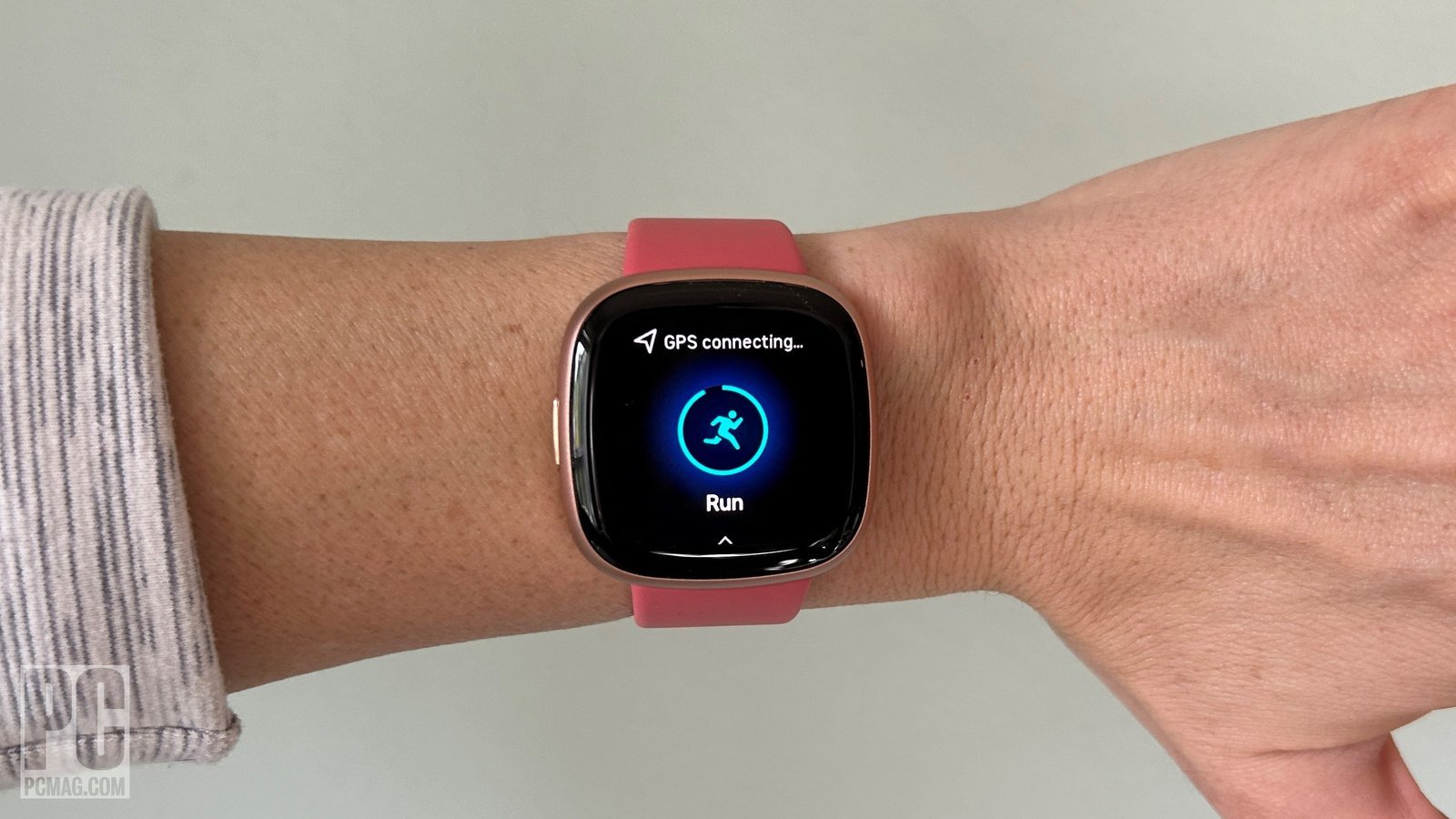
An outdated app or a pending firmware update often prevents the sensor from activating. The ECG feature relies on a handshake between your watch and your phone. If the phone app isn’t synced, the watch may refuse to start the test because it lacks the latest security or calibration data.
Confirm this by opening the Fitbit app on your phone. If you see a notification to update your device, do so immediately. If there’s no update, force-close the app and reopen it to trigger a fresh sync. This process usually takes three to five minutes depending on your internet speed. If the app remains stuck, turn off your phone’s Bluetooth, wait ten seconds, and turn it back on. This resets the connection between the devices.
If you’re still having trouble, consider whether you have recently changed your phone. If you have, you must re-pair the watch to the new device to restore full functionality. This is a common point of failure. If the app is updated, the watch is synced, and your skin is moist, yet the app still shows a “poor signal” message, the hardware itself may be faulty. If you see visible cracks on the sensor glass or the metal contacts, you have reached the limit of what you can fix at home. In this case, contact the manufacturer’s support team for a warranty claim or a repair quote.
The less likely causes
Low battery levels: The device may disable high-power sensors when the battery drops below twenty percent to save energy. If your readings fail while the indicator is yellow, plug the unit into a wall outlet for ten minutes before retrying.
Interference from other electronics: Strong electromagnetic fields from nearby appliances can occasionally disrupt the sensor’s sensitivity. Move at least three feet away from running microwaves, induction stoves, or large speakers. If the sensor stabilizes, you have found the source of the noise.
Incorrect app region settings: If your account is set to a country where the feature isn’t yet approved, the app will block the function entirely. Check your profile settings to ensure your region matches your physical location.
Damaged internal hardware: If the device was dropped or submerged in water, internal circuitry might be permanently affected. If the sensor fails even after a factory reset, professional repair is required.
What a fix usually involves
Fixing these issues usually involves simple adjustments rather than expensive repairs. If your problem is skin dryness or a loose band, the cost is nothing but your time. If the issue is a software glitch, a quick update or a re-pairing of the device is also free. However, if the sensor itself is physically damaged, you may be looking at a repair cost that represents a significant portion of the price of a new unit.
Before assuming you need a repair, check the manufacturer’s official documentation for your specific model. They often list known issues and the exact steps to reset the hardware. If you can’t find a solution there, reach out to their support team. Ask them for a diagnostic check to see if your warranty covers the failure. Always get a written quote before agreeing to any service, as the cost of fixing a sensor often outweighs the value of an older device. If a technician tells you the main board is failing, it’s usually more cost-effective to replace the device entirely.
Frequently asked questions
Can I use the ECG feature while wearing a sleeve?
No, the ECG feature requires direct skin contact with the metal sensor and the side button. If your clothing covers the sensor or your finger, the device can’t complete the circuit. You must roll up your sleeve and ensure your bare finger is firmly resting on the button for the duration of the thirty-second test to get a valid result.
How long does an ECG reading take?
An ECG reading takes exactly thirty seconds to complete. You must remain still and quiet during this time to avoid artifacts in the data. If you move your arm or speak, the sensor may struggle to maintain a clear signal, and the app will likely stop the test early or ask you to start over from the beginning.
Is it safe to use if I have a pacemaker?
No, you shouldn’t use the ECG feature if you have a pacemaker or any other implanted electronic device. The electrical signals from your heart are being monitored, but the device itself isn’t designed for users with medical implants. Check your device’s safety manual or consult your doctor for guidance on using wearable heart-monitoring technology with your specific health condition.
What happens if the reading says inconclusive?
An inconclusive result often means the device couldn’t obtain a clear signal or your heart rhythm didn’t fall into a clear category. This happens if you move too much or if the sensor contact is poor. Try the test again while sitting perfectly still, ensuring the watch is snug and your skin is slightly moist for better conductivity.
Does it matter which wrist I wear it on?
Yes, you should wear the device on the wrist you selected during the initial app setup for the best accuracy. While you can change this in the app settings, the sensors are calibrated based on the arm you choose. If you switch wrists, ensure you update the orientation settings in the app to maintain the correct signal processing for your heart rhythm.
Final Thoughts
If you’ve tried these adjustments and the readings still won’t appear, don’t hesitate to reach out to Fitbit’s support team. They’re happy to help you figure out if there’s a deeper hardware problem. Checking in with them ensures you won’t miss out on important insights about your daily heart health.