You can usually fix a Fitbit not holding charge by cleaning the charging pins and restarting the device. A buildup of sweat, dust, or lotion on the metal contacts often blocks the electrical connection, causing the battery to stop charging even if the cable is plugged in.
Use a soft-bristled toothbrush or a cotton swab with a tiny amount of rubbing alcohol to gently scrub the pins on both the tracker and the charging cable. Don’t use metal tools, as scratching the gold plating permanently ruins the conductivity.
If the tracker vibrates when placed on the charger but the screen stays black, the issue is likely a software freeze rather than a power failure. Perform a forced restart by holding the side button for ten seconds to reboot the system.
Why this happens
Batteries in wearable tech rely on lithium-ion chemistry, which naturally degrades over time. When your device loses power quickly, it’s often because the battery has reached the end of its chemical lifespan or the software is miscalculating the remaining energy.
One common cause is a faulty connection between the charging pins. These pins are small and spring-loaded; if they get stuck or corroded, they can’t transfer electricity efficiently. You might see the screen light up, but the battery never reaches its full capacity because the power flow is weak or interrupted.
Another cause is background software activity. If your tracker is constantly syncing with your phone or running high-drain features like continuous heart rate monitoring and GPS, it will deplete the battery much faster than the manufacturer estimated. If the device was left in a deep discharge state for weeks or months, the battery chemistry may have become unstable, making it impossible for the unit to hold a charge properly.
Finally, extreme temperatures damage the battery cells. If you leave your device in a hot car or an freezing room, the internal resistance changes. This varies by model — check the label or the manual for the operating temperature range, as some trackers are more sensitive to heat than others. If you see the battery percentage drop rapidly from 50% to zero in minutes, the internal battery cell has likely failed.
Clean the charging pins
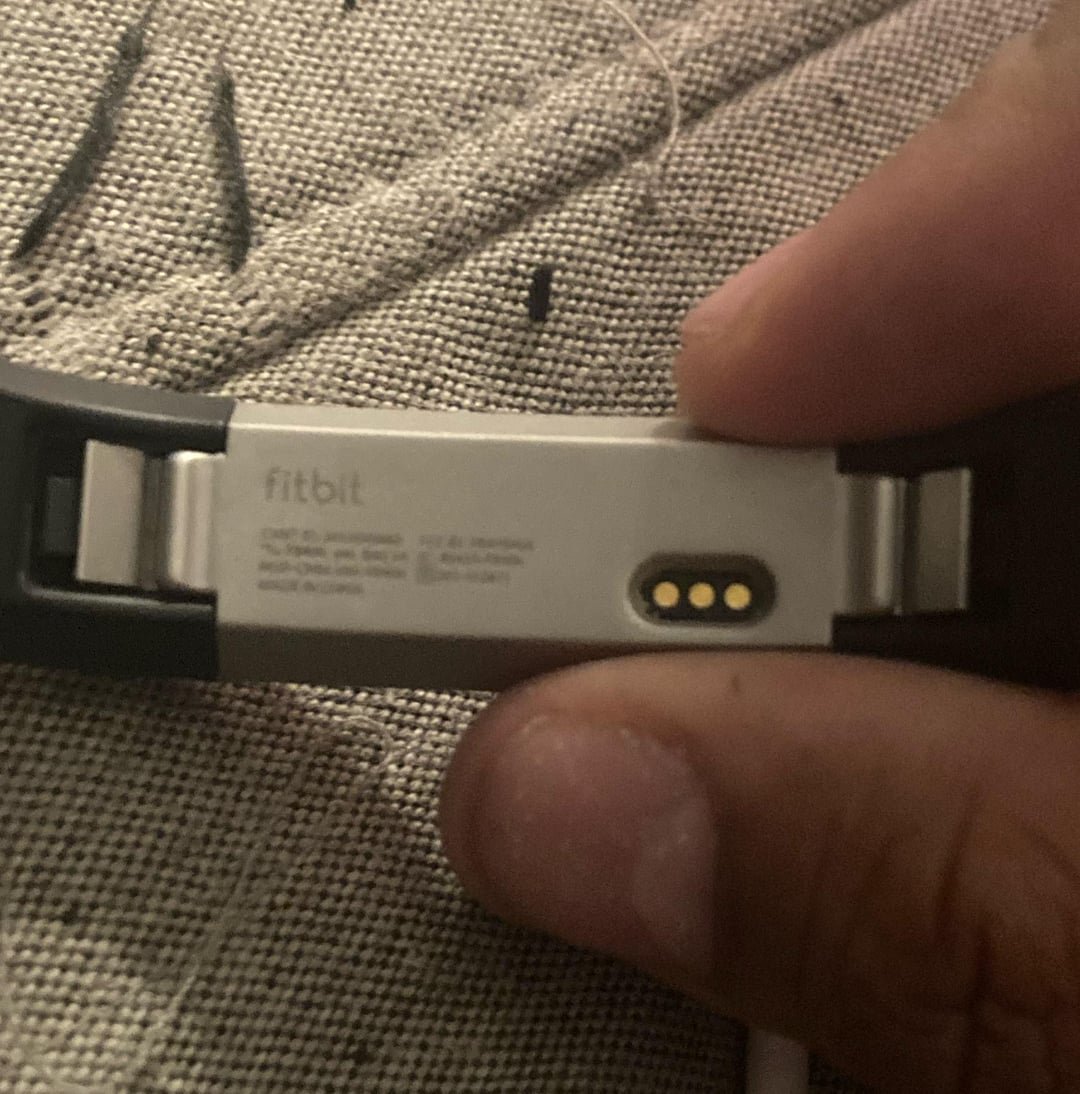
This fix is for users who see their device fail to charge or show the charging icon intermittently. If the gold-colored pins on your tracker or the charging cable look dull or have dark spots, they’re likely covered in oxidation or debris.
To clean them properly, unplug the charger from the power source first. Use a soft-bristled toothbrush to gently brush the pins on the charging cable and the back of your tracker. If you have rubbing alcohol, dampen the brush slightly, but don’t soak it. Wipe the pins dry with a clean, lint-free cloth before you try to charge the device again.
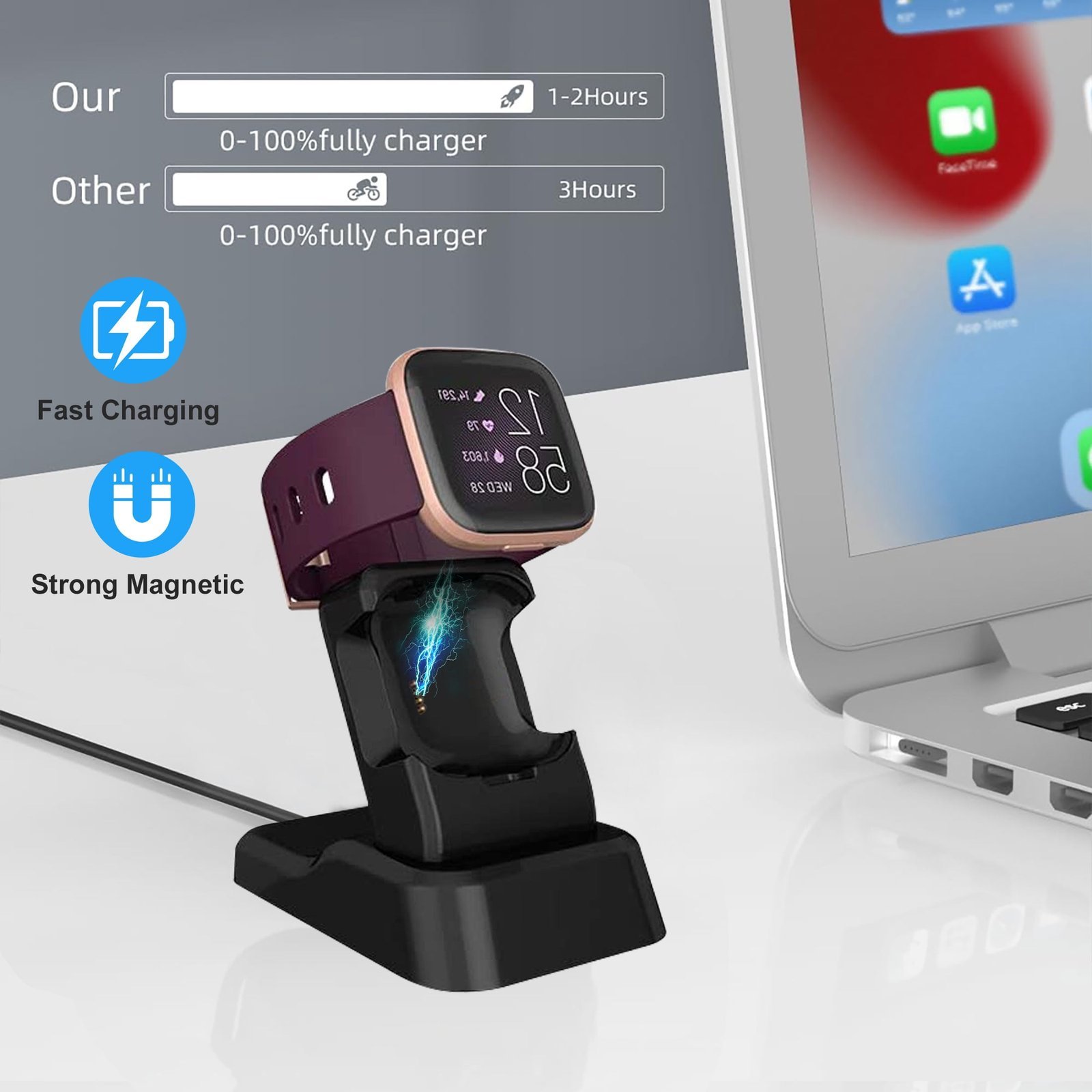
If the pins are stuck in a depressed position, try gently wiggling them with a plastic tool. Don’t use metal tools, as you might short-circuit the connection or scratch the gold plating. Once they’re clean, snap the charger back into place. You should feel a magnetic “click” that holds the device firmly. If the device starts charging, let it reach 100% before you disconnect it.
This isn’t for devices with visible cracks or water damage. If the charging port is physically damaged or the pins are broken off, no amount of cleaning will fix it. In these cases, you’re looking at a hardware failure that requires a replacement cable or a professional repair.
Restart the device
If the hardware is clean but the battery still drains rapidly, the software might be stuck in a loop. A restart forces the operating system to reboot, which can resolve temporary software glitches.
For most modern models, you restart the device by pressing and holding the side button for 10 to 15 seconds until you see the logo on the screen. If your tracker doesn’t have a button, plug it into the charger and look for a small hole on the charging adapter. You may need to insert a paperclip into that hole for a few seconds to trigger the reset.
This fix is helpful if your battery indicator stays at a certain percentage and refuses to move, even after hours on the charger. If the screen remains black after the restart, try a different USB port or a wall adapter. Sometimes the issue isn’t the tracker, but the power output of the port you’re using. If you have tried two different power sources and the device still doesn’t vibrate or show a charging icon, the internal battery may be completely dead. This is a common trade-off with small electronics; once the chemical capacity drops below a certain point, the device can’t hold a charge regardless of how many times you reset the software.
Update the firmware
When your tracker has outdated firmware, it may not manage power efficiently. Developers often release updates specifically to fix battery drain bugs. If you can’t get the device to hold a charge long enough to update, keep it connected to the charger during the entire process.
To update, open the app on your phone and check for a banner that says “Update available.” This process takes time, so ensure your phone is nearby and connected to Wi-Fi. If the update fails, it’s usually because the battery percentage is too low to complete the installation. In this scenario, leave the device on the charger for at least two hours before trying again.
This fix is only for people who can still sync their device. If your device won’t sync and won’t charge, you have reached a limit. You should contact support to see if your device is still under warranty. If your warranty has expired, you might need to consider a replacement. This isn’t for users who have already tried a factory reset, as a factory reset wipes all data and should only be used as a final step after you have backed up your information.
What not to do
- Don’t use a high-powered fast charger intended for laptops or tablets, as these can push too much current and potentially damage the sensitive battery controller.
- Don’t leave your device in a freezer or a scorching hot car to “shock” the battery back to life, because extreme temperatures permanently destroy lithium-ion cells.
- Don’t submerge the charging port in water or soap to clean it, as moisture can cause internal corrosion that’s impossible to reverse.
- Don’t force the charging cable into the port if it doesn’t fit easily, because you can bend the pins and permanently break the connection.
How to stop it happening again
Preventing future battery issues requires consistent maintenance and smart charging habits. Follow this table to keep your device healthy.
| If you’re doing this | Do this instead | Why |
|---|---|---|
| Leaving it in a hot car | Keep it in a cool place | Heat permanently lowers capacity |
| Using a damaged cable | Use the original cable | Third-party cables often have wrong voltage |
| Keeping all features on | Disable unnecessary alerts | Background apps drain the battery |
Frequently asked questions
Can I replace my fitbit battery?
No, you can’t replace the battery yourself because the device is factory-sealed to maintain water resistance. Opening the casing destroys this seal and voids your warranty. If your battery no longer holds a charge, the manufacturer recommends replacing the entire unit.
How long should a fitbit charge last?
Most trackers last between 5 and 7 days on a single charge, though this varies based on your specific model and usage. Features like GPS and continuous heart rate monitoring will significantly reduce this time. Check your product manual to see if your drainage is normal.
Is it safe to charge my fitbit overnight?
Yes, it’s safe to charge your device overnight because the internal circuitry stops drawing power once the battery reaches 100%. Modern trackers include protection chips that prevent overcharging. However, stop using your wall adapter if the device feels unusually hot to the touch.
Why does my fitbit die at 20 percent?
Your device is likely experiencing a calibration error where the software incorrectly reports the battery level. This often occurs when you frequently charge for short periods without reaching 100%. Try restarting the device to see if the software corrects the display error.
What happens if I leave my fitbit uncharged for months?
Leaving a lithium-ion battery discharged for months can cause the voltage to drop below the threshold required for the charger to recognize the battery, often rendering it permanently unusable. To avoid this, store your device at a 50% charge in a cool, dry place.
Final Thoughts
If your battery still drains too quickly after these simple checks, it’s worth contacting the support team for a deeper look. They’ll help you determine if the hardware is failing or if you’re eligible for a replacement. Don’t wait too long, as they’re usually happy to help you get back on track.
Related guides