The most common reason for a fitbit green light not working is a software glitch or an enabled setting that disables heart rate tracking during sleep or exercise. If your device’s sensors are dark, first check your app settings to ensure heart rate tracking is set to “On” rather than “Auto.” Check the official Fitbit support site for the specific restart procedure for your device model. This clears temporary errors without deleting your saved data.
Why your Fitbit green light not working
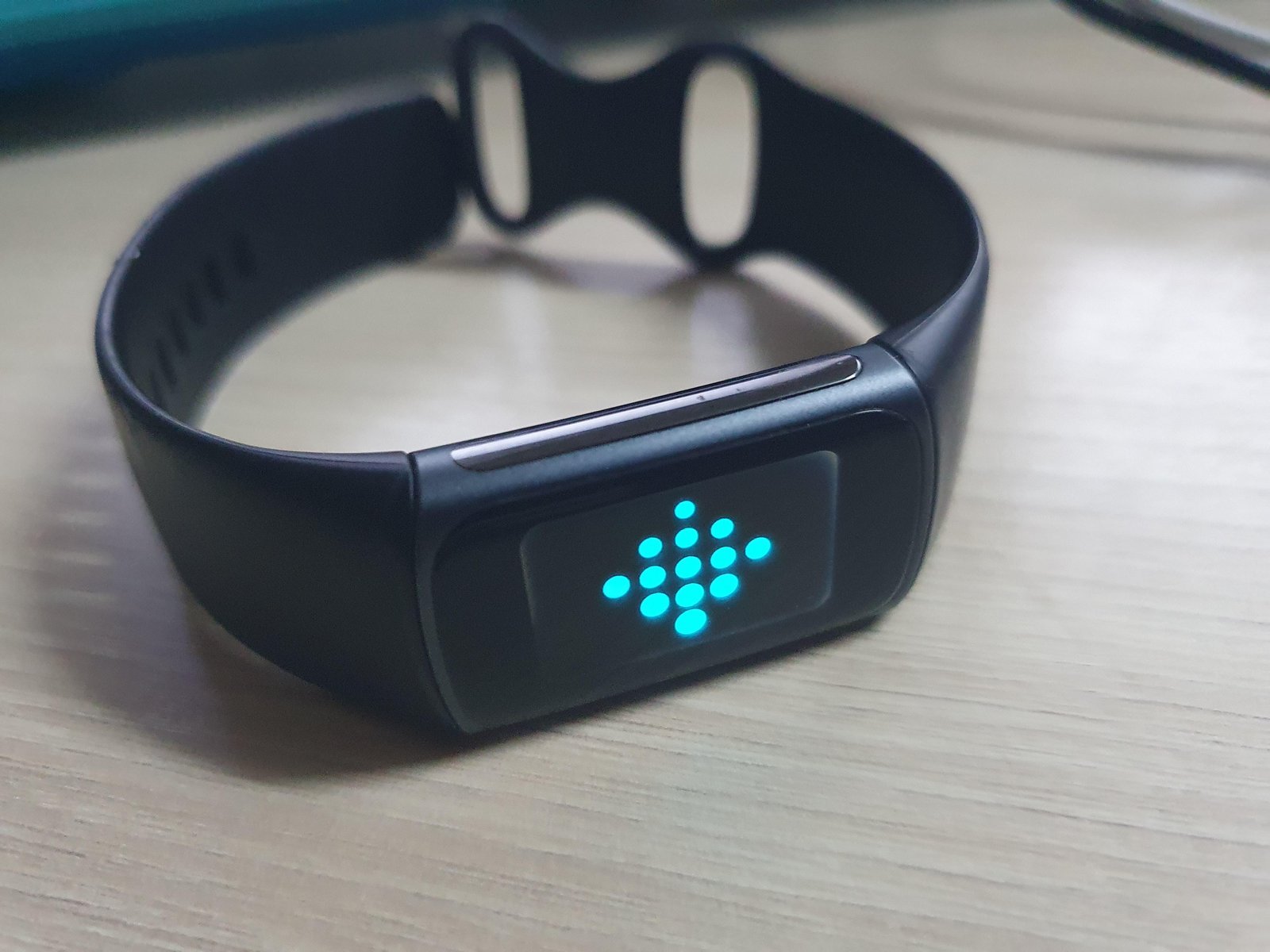
The green light on the back of your wearable is an optical heart rate sensor. It uses photoplethysmography (PPG) to detect changes in blood volume under your skin. When these lights are dark, it’s usually because the hardware isn’t receiving the correct signal from the internal operating system to activate the sensor.
One frequent cause is the “Heart Rate” setting within your device menu. If this is toggled to “Off,” the sensors won’t illuminate at all. Similarly, if your device is in “Sleep Mode” or “Do Not Disturb,” some models will automatically dim or disable the sensor to avoid distracting you with bright flashes in the dark.
Another cause is a failed firmware update. If your device lost power or disconnected from your phone while updating, the software responsible for managing the sensor array may become corrupted. This is different from a dead battery; the device might still show a screen or count steps, but the heart rate logic remains frozen. Physical dirt or debris on the sensor window can also trick the device into thinking it isn’t being worn, causing it to turn the lights off to save battery life. Finally, if the internal battery is critically low, the device will prioritize basic timekeeping and screen functions over the power-hungry heart rate sensor.
Check your app settings
This step is for users who see their device turn on but notice the heart rate data is missing or the light is consistently off. Start by opening the Fitbit app on your smartphone and navigating to your profile icon. Select your device from the list and look for the “Heart Rate” option. Ensure this is set to “On” rather than “Off.” If it’s already on, toggle it to “Off,” wait ten seconds, and toggle it back to “On.”
This process forces the device to re-sync its sensor preferences. If you have a model with a physical button, press and hold it for ten seconds while the device is connected to its official charger. You should see a logo or a vibration, which confirms the device has rebooted. This is for users who have stable connectivity. If your device won’t sync to the app at all, you can’t change these settings. In that case, the internal Bluetooth radio may be damaged, and you should contact the manufacturer for a warranty claim. You can verify the current Fitbit device troubleshooting steps on their official support page to see if your specific model requires a different reset sequence.
Clean the sensor window
This fix is for users who see the light flicker occasionally but fail to get a consistent reading. Over time, sweat, lotion, and dead skin cells build up on the sensor array. This layer of grime acts as a filter, blocking the light from returning to the sensor, which leads the software to shut it down to save energy.
Use a soft, lint-free cloth to gently wipe the back of the device. If the buildup is stubborn, dampen the cloth with a tiny amount of isopropyl alcohol. Never use harsh soaps, bleach, or abrasive pads, as these can scratch the optical lens and permanently ruin the sensor’s ability to read your pulse. Once the surface is clean, dry it thoroughly with a fresh cloth.
This fix isn’t for devices that have visible cracks in the glass or water damage inside the housing. If you see moisture or condensation behind the lens, don’t attempt to clean it further; the seal is compromised. If your device is still under warranty, contact the manufacturer. If it’s out of warranty, you must decide if the cost of a repair is worth it compared to buying a new unit, as opening the casing usually voids any remaining support.
Update your device firmware
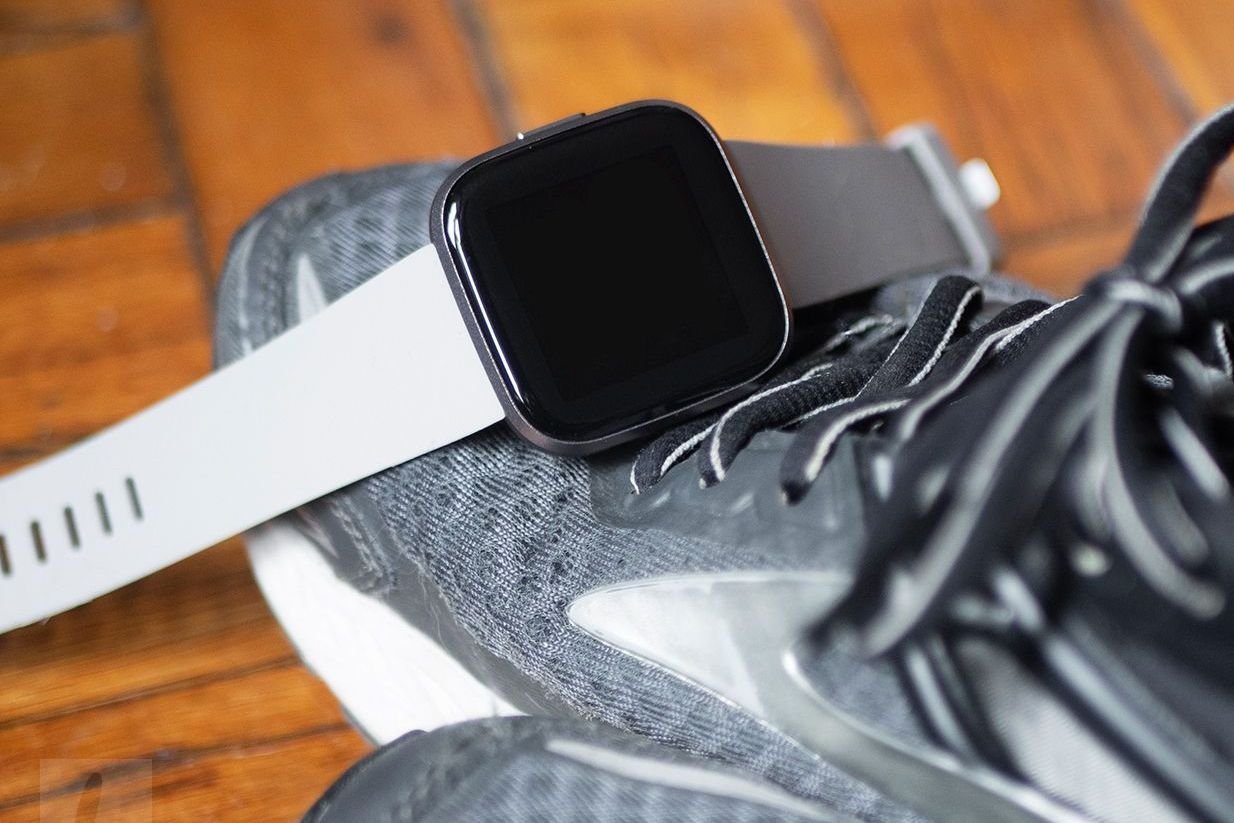
Harder cases involving sensor failure often stem from outdated software. When the device firmware is outdated, it may conflict with newer versions of the mobile app, causing the heart rate sensor to stop responding. This is worth the time if your device is otherwise working but just missing heart rate data.
To check for updates, ensure your device is at least 50 percent charged and connected to your phone’s Bluetooth. Open the app and tap the device icon. If an update is available, a pink banner will appear at the top of the screen. Follow the on-screen instructions to download and install the update. Keep your phone and the device within a few feet of each other during this process to prevent a connection drop.
If the update fails repeatedly, try disabling other Bluetooth devices nearby, such as headphones or speakers, to clear the signal. If the light still doesn’t work after a successful update, the issue is likely hardware failure. At this point, avoid any “DIY” repair videos that suggest opening the back of the device. These devices are factory-sealed to maintain water resistance, and any attempt to pry them open will destroy the seal, void the warranty, and likely break the delicate ribbon cables inside.
What not to do
- Don’t use a strong magnet to reset the device. This can interfere with the internal compass or damage the sensitive electronic components inside the tracker.
- Don’t submerge the device in water to “clean” the sensors. If the seal is already failing, this will push water into the battery compartment and cause a short circuit.
- Don’t try to pry open the back casing with a knife or screwdriver. These devices aren’t designed to be opened, and you’ll likely destroy the waterproof seal or puncture the battery.
- Don’t ignore a rapidly heating device while it’s charging. If the back of the tracker feels hot to the touch, disconnect it immediately and stop using it, as this indicates a failing lithium-ion battery.
How to stop it happening again
Consistent maintenance ensures the sensor has a clear view of your skin and the software remains current. Neglecting these basics often leads to intermittent data gaps that force a full factory reset.
| If you’re doing this | Do this instead | Why |
|---|---|---|
| Wearing it loosely | Tighten the band | A loose fit prevents the light from reading your pulse correctly. |
| Using lotion daily | Wipe the back daily | Lotions create a film that blocks light and irritates skin. |
| Ignoring app updates | Update as prompted | New software fixes bugs that cause sensor power-off errors. |
If you notice the sensor light flickering during sleep, you’re likely wearing the strap too high on your wrist. Move it at least one finger-width above the wrist bone to ensure steady contact.
Use only a dry microfiber cloth to maintain the seal’s integrity. If the device still fails to track after these adjustments, check your charging cable for debris. A single grain of sand in the port can prevent a full handshake with the charger, leading to unexpected shutdowns.
Frequently asked questions
Can I fix a broken sensor light myself?
No, you can’t fix a broken sensor light yourself because the hardware is faulty. These trackers are factory-sealed to remain water-resistant, meaning there are no user-serviceable parts inside. Opening the housing will destroy the device’s water resistance and void your warranty.
Why does the green light flash only sometimes?
The green light flashes intermittently because the device enters a low-power state to conserve battery. It pulses or turns off when you aren’t moving or when the device isn’t against your wrist. If your heart rate data appears correctly, this is normal behavior.
Is it safe to wear a tracker with a flickering light?
Yes, it’s safe to wear a tracker with a flickering light because the low-intensity LED doesn’t harm your skin. There’s no risk of burning or radiation from the sensor. If the device feels hot, stop wearing it immediately and check for battery swelling.
What happens if the light stays on all the time?
If the light stays on constantly, your device is likely in an “Always-On” mode or experiencing a software loop. This will drain your battery quickly. Try restarting the device by holding the power button for ten seconds to reset the sensor.
How long should the green light stay on?
The green light stays on while the device detects it’s being worn and tracks your heart rate. It may dim while you’re still to save battery. If your heart rate data remains consistent in the app, the light duration is normal for your settings.
Final Thoughts
If these quick fixes don’t get the sensor glowing again, don’t worry. Your device might have a hardware fault that needs professional attention. Reach out to the customer support team through their website to see if you’re still under warranty. They’ll help you figure out if it’s time for a replacement.
Related guides