A dirty charging ring or a loose cable is the most common reason for a fossil gen 6 smartwatch not turning on. You should first inspect the magnetic charging pins for debris, as even a tiny amount of dust can block the electrical connection. If the watch remains black after cleaning, the battery may be completely drained, requiring a longer wait on the charger before it shows any signs of life.
Reasons your Fossil smartwatch isn’t turning on
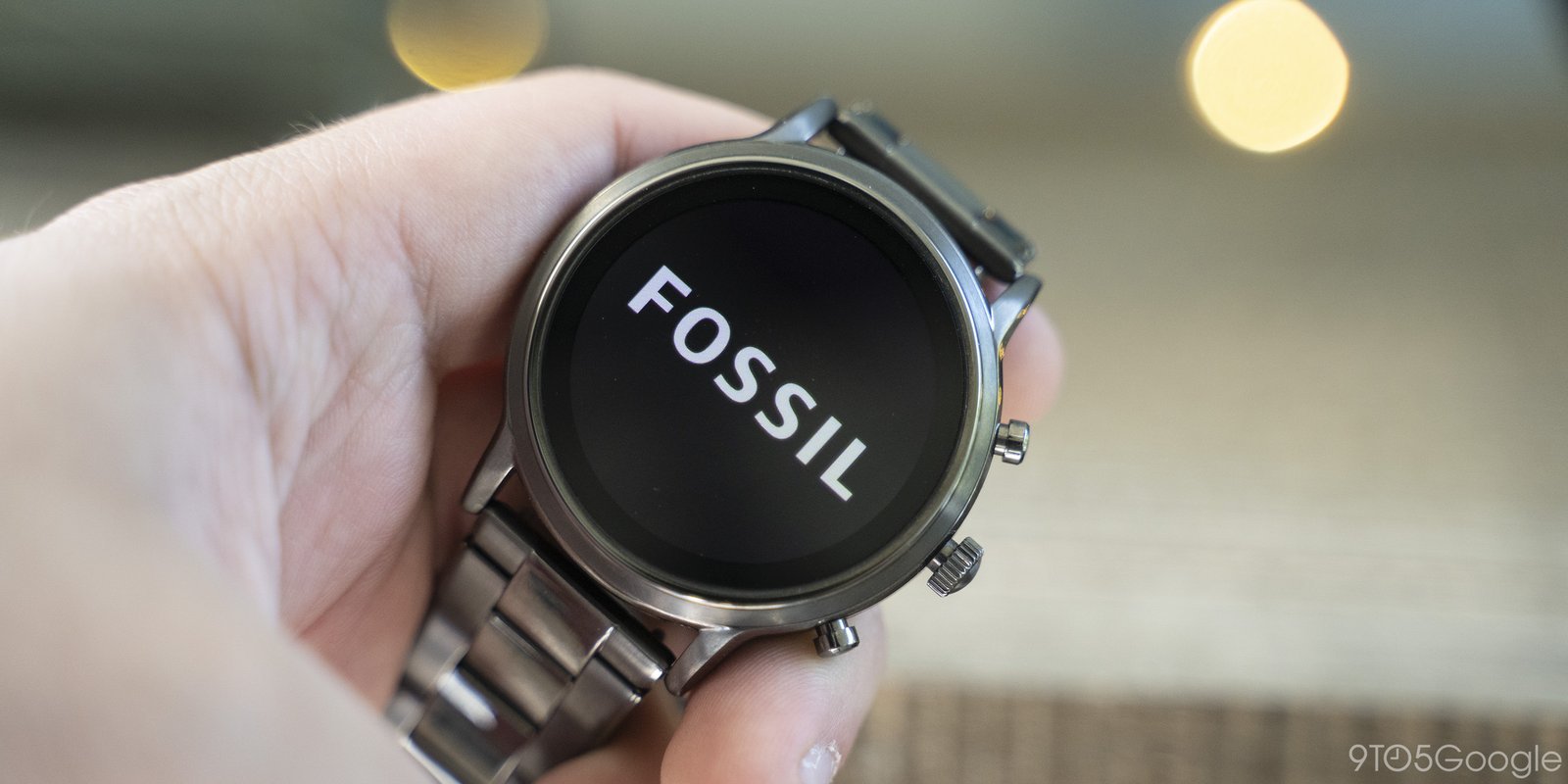
Most power issues stem from a simple failure to complete the circuit between the charger and the watch. The magnetic pins on the Fossil charger are spring-loaded. If they get stuck due to sweat, skin oils, or dirt, they can’t push firmly against the watch back. This prevents the flow of electricity, leaving your device with a dead battery even if it sits on the dock for hours.
Another cause is a software hang. Modern smartwatches run complex operating systems. Sometimes, the internal processor enters a loop or crashes during a background update. When this happens, the screen stays dark and the watch appears broken, even though the hardware is perfectly fine. It’s essentially frozen in a state that doesn’t accept input, including the command to wake the screen.
Finally, hardware degradation plays a role. Lithium-ion batteries have a limited number of charge cycles. If the watch is several years old, the battery may no longer hold enough voltage to trigger the boot sequence. While this is less common with newer devices, it’s a reality for any rechargeable electronics. You can find more details on how to handle lithium-ion battery care through the Fossil product support guidance. If the battery has reached its limit, the watch won’t power on regardless of how long it stays plugged in.
Clean the contact points
This fix is for anyone whose watch appears to have no power despite being placed on the dock. Dirt, lotion, or dried sweat often creates an invisible barrier on the charging rings. To clean these, use a soft, dry microfiber cloth. If the grime is stubborn, lightly dampen the cloth with a tiny amount of isopropyl alcohol. Never spray liquid directly onto the watch or the charging dock, as moisture inside the housing can cause permanent short circuits.
Wipe the gold-colored rings on the back of the watch and the metal pins on the charger. Once clean, place the watch back on the dock and wait at least thirty minutes. Don’t try to turn it on immediately. If the battery was deeply discharged, it needs this time to reach a minimum voltage threshold before the screen can activate.
This isn’t for people who see a charging icon but still have a frozen screen; if you see the icon, your hardware is fine, and the issue is likely a software crash. If you notice the charging pins on your dock are bent or pushed inward, stop using that cable immediately. A damaged charger can cause inconsistent power, which risks damaging the watch’s internal power management chip. If the pins don’t spring back when pressed with a toothpick, you need a replacement cable.
Force a system restart
If your watch is clean and the charger is functional, a system restart is the next step to clear a frozen state. This is a simple process that doesn’t erase your data or settings. Press and hold the middle crown button—the one that rotates—for at least fifteen to twenty seconds. Keep holding it even if you feel a slight vibration or see a flicker on the screen.
Sometimes, the device requires a “hard” reset to break out of a software lock. If you don’t see the Fossil logo after holding the button for twenty seconds, try plugging the watch into a different wall adapter. If you’re currently using a laptop USB port, switch to a dedicated wall plug, as computers often limit power output to save energy.
If the watch vibrates but the screen remains black, the backlight might be faulty. In this case, you can try to trigger a notification by having someone send you a message. If the watch vibrates for the notification but the screen stays off, this is a hardware failure. You can’t fix a broken display or a failed backlight at home. At this point, you must contact Fossil support or a professional repair shop to inspect the internal display ribbon cable.
Use a different power source
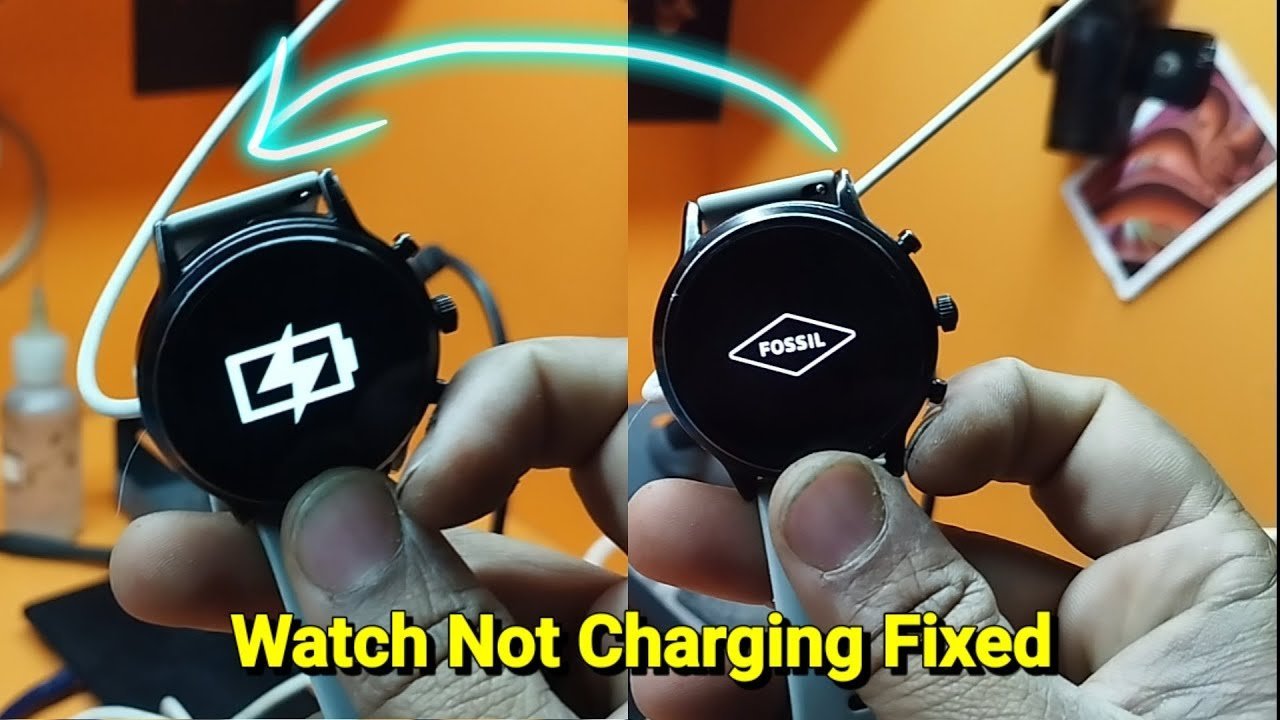
For harder cases, the issue may be the power adapter itself rather than the watch. Most people use a phone charger or a computer port, but these vary in voltage output. If you’re using a high-power “fast” charger, the watch might not recognize the power delivery standard, causing it to ignore the charge entirely. Try using a standard five-volt, one-amp wall adapter instead.
This is worth the effort if you have already tried the first two fixes without success. If you have access to another Fossil Gen 6 charger—perhaps from a family member or friend—try that cable to rule out a broken internal wire. If the watch still doesn’t respond with a known-good charger and a low-power wall brick, the internal battery has likely failed.
Replacing a battery isn’t a task for a home user. It requires specialized tools to heat and remove the adhesive seal on the watch back, and you risk destroying the water-resistant seal. If your device is still under the manufacturer’s warranty, don’t attempt any physical repairs, as opening the case will void your coverage immediately. Check your local consumer laws to see if you’re entitled to a repair or replacement from the retailer where you bought the watch.
What not to do
Don’t put the watch in the freezer to “reset” the battery. Extreme cold causes condensation inside the housing, which permanently ruins the delicate electronics. If your device feels warm, move it to a shaded, room-temperature area instead.
Don’t use metal tools like needles or knives to scrape the charging pins. This scratches the gold plating, exposing the base metal and leading to rapid, irreversible corrosion. Use a soft, dry cotton swab dipped in 90% isopropyl alcohol to clear debris.
Unplug the device once it reaches 100%.
Don’t attempt to force the watch case open with a screwdriver. The battery is glued to the internal frame; any slip can puncture the cell, causing it to catch fire immediately. If the battery fails, seek professional service.
How to stop it happening again
Consistent maintenance is the best way to prevent power issues.
| If you’re doing this | Do this instead | Why |
|---|---|---|
| Charging every time it hits 0% | Charge at 20% or higher | Deep discharge cycles stress the chemistry |
| Wearing it in the shower | Take it off before bathing | Steam enters seals easier than liquid water |
| Wiping it with a damp paper towel | Use a dry microfiber cloth | Paper towels leave fibers that block pins |
Most users fail by ignoring the “trickle charge” trap.
Distinguish between a software glitch and a hardware failure by checking your battery health menu. If the capacity is above 85% but the device still dies suddenly, you’re likely dealing with a background app conflict.
Frequently asked questions

Can I fix a fossil gen 6 smartwatch not turning on by myself?
Yes, you can fix it yourself if the cause is dirty pins or a software freeze. Most startup issues are resolved by cleaning the gold contacts and performing a forced restart by holding the crown for twenty seconds. If these steps fail, the problem is likely a failed battery or broken component.
Why is my watch vibrating but the screen is still black?
This means the watch is powered on, but the display or backlight has failed. A vibration indicates the processor is responding to commands, but the visual output isn’t reaching the screen. This is a hardware issue that requires professional service. You should check if your device is still under warranty and contact the manufacturer to arrange a repair, as this isn’t something you can fix with software adjustments or cleaning.
How long does a fossil gen 6 take to charge from dead?
It takes about one hour to reach eighty percent charge when using the official charger. If the watch has been dead for a long time, it may take an extra fifteen minutes for the icon to appear. If it shows no life after two hours, the battery likely needs professional replacement.
Is it safe to use a third-party charger?
No, it isn’t recommended to use third-party chargers for this model. Fossil watches use a proprietary magnetic pin arrangement that matches the internal power pins exactly. Using other chargers can cause intermittent connections or, in rare cases, short out the charging port.
What happens if I let the battery stay at zero for months?
If you leave the battery at zero for months, it may enter a deep discharge state where it can no longer accept a charge. Lithium-ion batteries naturally lose power over time, and if voltage drops too low, the protection circuit permanently disables the battery. Charge your watch to fifty percent before long-term storage.
Final Thoughts
If the screen doesn’t wake up after trying these fixes, don’t worry. It’s possible the internal battery has reached the end of its life or a hardware component has failed. You should reach out to Fossil’s support team soon; they’ll help you figure out if a repair or replacement is your best path forward.
Related guides