A fossil smartwatch not holding charge is usually caused by outdated software, background apps draining power, or a battery that has reached the end of its natural life cycle. If your watch drains in under four hours, check for pending system updates first. If it lasts twelve to sixteen hours, you’re likely using power-heavy features like “Always-On” display or continuous GPS tracking. This varies by model — check the label on your specific device for the manufacturer’s expected battery life, as newer sensors require more energy than older, simpler versions.
Why your smartwatch isn’t holding charge
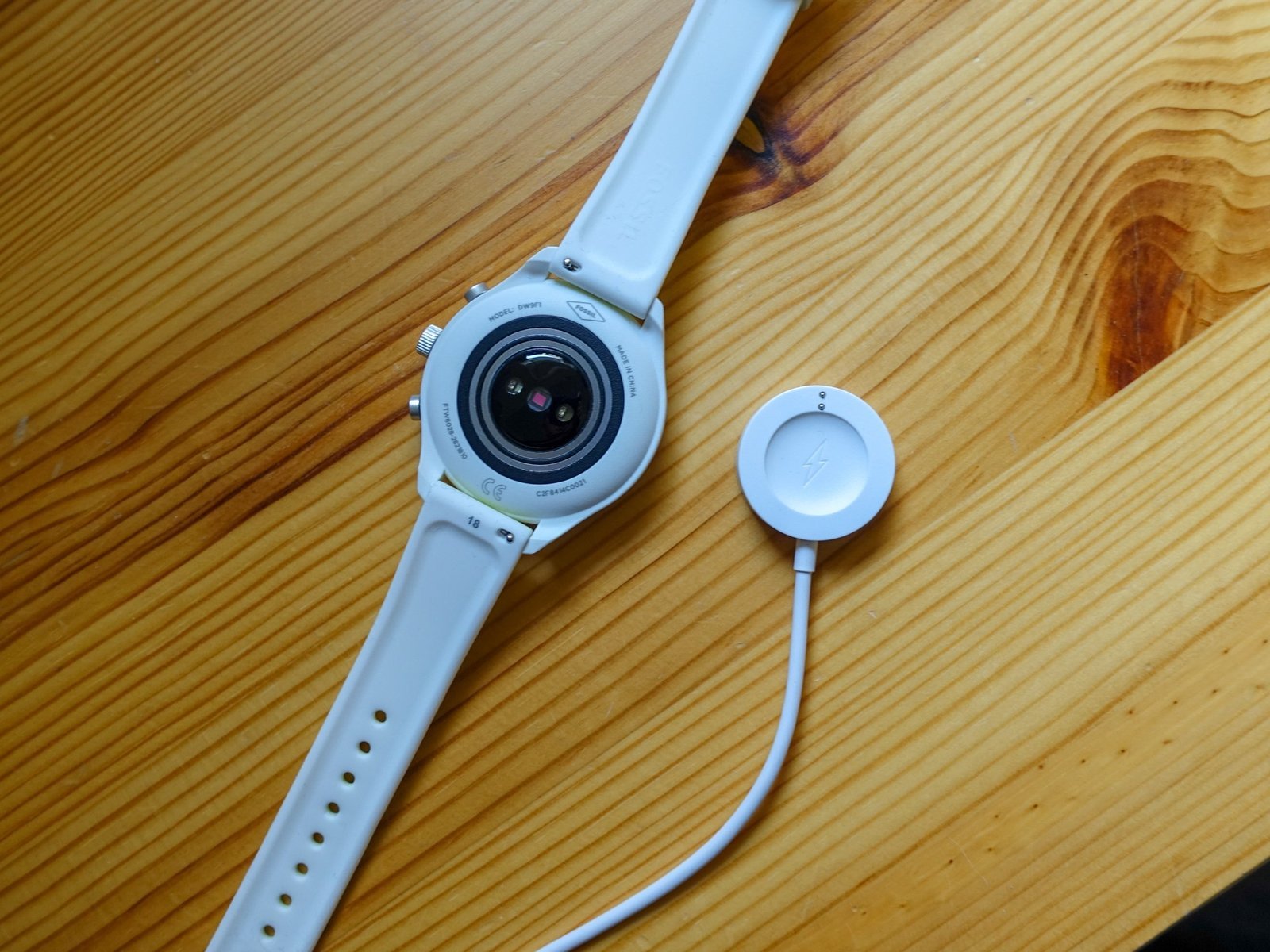
The primary reason your device loses power quickly involves the lithium-ion battery chemistry. Over time, these batteries lose their ability to hold a full charge, a process that’s normal for all rechargeable electronics.
Another common cause is software inefficiency. If your watch is running an older version of the operating system, it may not manage power consumption well. Background processes, such as constant synchronization with your phone or unnecessary app notifications, can keep the processor awake when it should be in a low-power state.
Finally, environmental factors play a role. If you frequently expose your watch to extreme temperatures, the internal chemistry of the battery can degrade faster. If your watch gets hot while charging, this is often a sign of a faulty charging cable or a blocked port, which causes the system to work harder to maintain a connection. This isn’t for people who expect their watch to last multiple days on a single charge; most Wear OS devices are designed for daily charging, and expecting more can lead to unnecessary frustration with your hardware.
Update your software
Updating your watch is the first step to fixing power drain issues. Software updates often include better power management tools that stop apps from running in the background. To check for an update, go to the Settings menu on your watch, scroll to System, and select About or System Updates. If an update is available, install it while the watch is connected to its charger. Ensure your watch has at least 50% battery before starting, as the update process consumes significant power.
This fix is for users who have noticed a sudden decline in battery life after a recent app installation or system update. If the watch remains on the charger for more than two hours without finishing the update, the charging cable may be the issue. If you don’t have a spare cable to test, you should contact the manufacturer’s support team rather than attempting to open the case yourself. Opening the watch voids your warranty and exposes delicate sensors to dust and moisture. You’ll know this worked if the battery drain slows down and the watch feels less warm during normal use. If the drain continues, you may need to reset the watch to its factory settings to clear out corrupted files that are stuck in a loop.
Adjust power settings
You can significantly extend your daily usage by changing how the screen and sensors behave. Navigate to the Display settings and turn off the “Always-On” screen feature. This feature keeps the display active even when you aren’t looking at it, which is the single largest consumer of power on your wrist. Next, go to the Connectivity settings and turn off Wi-Fi if your watch is already connected to your phone via Bluetooth. Your watch will use the phone’s data connection instead, which requires much less energy.
This is a trade-off: you lose the convenience of seeing the time at a glance, but you gain several hours of battery life. If you’re an athlete, disable the continuous heart rate tracking when you aren’t actively exercising. You can manually start the tracking when you head to the gym. If you see the battery percentage drop by more than 10% in an hour while sitting still, these changes should bring that drop down to 2-3% per hour. If you find that the screen remains unresponsive after these changes, you might have a hardware fault in the digitizer. Don’t attempt to replace the screen or battery yourself, as these parts are bonded with industrial adhesives. Take the device to a professional service center to ensure the water resistance seal remains intact after any repair.
Reset the device
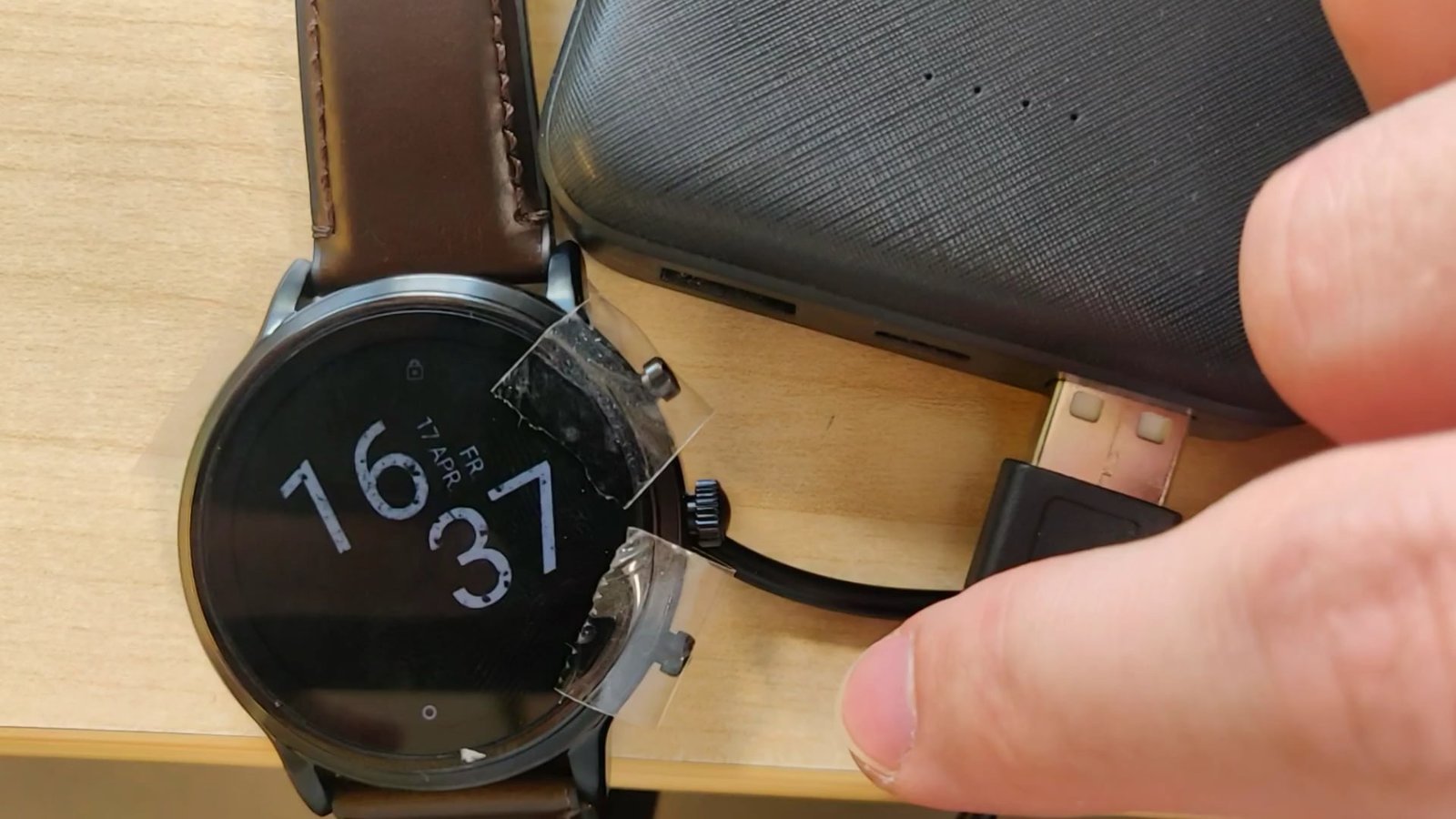
If the battery life doesn’t improve after updating and adjusting settings, a factory reset is the final step. This removes all third-party apps and cached data that might be causing a background drain. To perform a reset, go to Settings, select System, and choose Disconnect and Reset. This will erase all data, so ensure your watch data is synced to your account first.
This is worth the effort if you have owned the watch for over a year and the battery life has become unusable. If you reset the device and it still dies within three hours, the battery has likely reached the end of its chemical lifespan. At this point, the effort of troubleshooting is no longer worth it. A professional repair shop can replace the battery, but for many older models, the cost of the service often exceeds the value of the watch. If you aren’t comfortable performing a factory reset or if the screen is locked, you must take the device to an authorized service provider. They have the specialized software tools to force a reset without damaging the internal firmware. If the watch is still under warranty, don’t perform any unauthorized repairs, as this will prevent you from claiming a free replacement from the manufacturer.
What not to do
Don’t attempt to replace the battery yourself. Opening the chassis inevitably compromises the factory-applied adhesive, destroying the waterproof seal and exposing delicate internal components to moisture. You’ll likely void your warranty and render the device non-functional within weeks.
Avoid third-party magnetic chargers. Many generic cables lack the internal voltage regulators required to protect your specific model.
Keep the device out of direct sunlight or hot cars. Lithium-ion cells experience permanent capacity loss when internal temperatures exceed 115 degrees Fahrenheit. If the watch feels hot to the touch, move it to a shaded area immediately.
Finally, never use a high-wattage “fast charger” designed for tablets.
How to stop it happening again
Consistency is the best way to keep your battery healthy. If you follow a routine, you can prevent the sudden drops in performance that lead to charging anxiety.
| If you’re doing this | Do this instead | Why |
|---|---|---|
| Using high-brightness always | Use “Auto” brightness | Lower average power draw saves energy |
| Installing every new app | Install only what you use | Fewer background tasks use less CPU |
Most users mistake a fast drain for a failing battery, but it’s often just a rogue background process. Check your battery usage menu to see which apps consume the most power while idle. If an app uses more than 5% of your total capacity while sitting in the background, delete it immediately.
You should also watch for heat. If the device feels warm to the touch while charging, remove the protective case. Trapped heat accelerates chemical aging inside the cells. If the battery still drops rapidly after these changes, you’re likely dealing with a hardware defect rather than a habit issue. In that case, contact support for a diagnostic check.
Frequently asked questions

Can I replace the battery in my Fossil smartwatch?
No, you can’t replace the battery yourself because the watch is factory-sealed to maintain water resistance. Opening the casing will break the seals and void your warranty. Please contact the manufacturer or a certified repair center for professional service.
How long should a Fossil smartwatch battery last?
Most models last between 16 and 24 hours on a single charge under normal, mixed usage. This estimate assumes you aren’t using power-intensive features like GPS or constant heart rate monitoring. Expect faster battery drain if you use the device for long workouts or keep the display set to “Always-On.”
Is it safe to leave my watch on the charger overnight?
Yes, it’s safe to leave your watch on the charger overnight because built-in circuits stop the process once the battery reaches 100%. However, keeping the battery at full capacity for extended periods can accelerate chemical aging. For optimal battery health, try charging during the day and removing it at 80% to 90%.
Why does my watch get hot while charging?
Your watch gets hot because the charging process naturally generates heat as energy transfers into the battery. If it becomes uncomfortably hot to the touch, unplug it immediately and check for debris in the charging port. Excessive heat may indicate a failing battery or charging circuit if the port is clean.
What happens if I use a phone charger for my watch?
Using a high-power phone charger can cause the watch to overheat because the dock is designed to regulate a specific, lower current. While the watch only draws the power it needs, incompatible adapters can generate risky heat levels. Always use the original charging cable or a certified replacement to ensure safe power delivery.
Final Thoughts
If these adjustments don’t improve your daily experience, it’s time to contact Fossil support directly. They can help you determine if your device needs a professional repair or a simple battery replacement. Don’t hesitate to reach out, as you shouldn’t have to deal with a watch that constantly dies on you.
Related guides