
You can resolve the issue of a fitbit not tracking sleep by ensuring your device has a tight, consistent fit on your wrist and that your sleep profile settings are configured correctly within the mobile application. The most common cause for this problem is a loose strap that prevents the optical heart rate sensor from maintaining a steady reading throughout the night. If the sensor loses contact with your skin, the device can’t detect the physiological markers required to categorize your sleep stages, resulting in missing data or gaps in your sleep logs.
Reasons your Fitbit isn’t tracking sleep
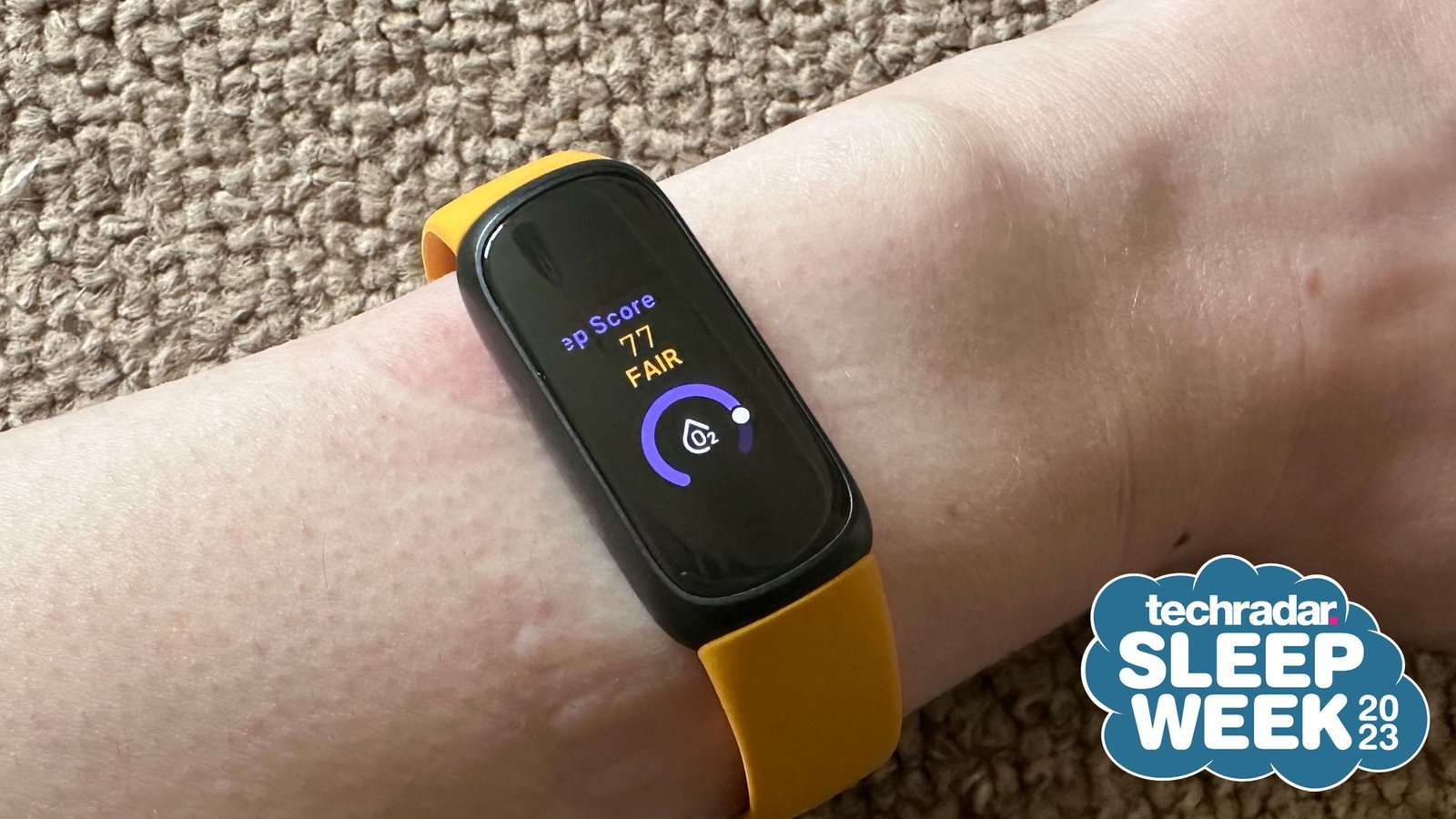
The primary reason your device fails to record sleep involves the optical heart rate sensor. These sensors work by shining light into your skin to detect blood flow. If the band is too loose, even small movements during the night create a gap that lets ambient light interfere with the sensor. When the device can’t see your pulse, it assumes you have taken it off.
Another factor is your sleep sensitivity setting. Most models offer a “normal” or “sensitive” mode. If your sleep is very still, the “normal” setting might fail to register that you’re asleep, especially if your heart rate doesn’t drop enough to trigger the detection algorithm. Conversely, if you move often, the device may incorrectly think you’re awake.
Finally, battery levels play a hidden role. If your tracker reaches a low power state, it often disables the heart rate sensor to save energy, which effectively stops all sleep tracking functionality. This varies by model — check the label on your specific device for the exact battery threshold that triggers power-saving mode. Always ensure your tracker is synced with the Fitbit official help guide to verify that your firmware is current, as outdated software can cause the tracking logic to stall or fail entirely.
Adjust the band tightness
This fix is for users who notice their device is loose or slides down the arm during the night. A tracker needs to maintain constant contact with the skin to monitor your heart rate accurately. If you can slide a finger between your band and your wrist, it’s likely too loose for reliable sleep data.
To fix this, tighten the strap by one notch before you go to bed. The device should sit about one finger-width above your wrist bone. If you tighten it too much, you may irritate your skin or cut off circulation, which is why most manufacturers suggest a “snug but comfortable” fit. If you’re using a metal or leather band, these often loosen as they warm up against your skin; consider switching to a silicone or elastic band for sleeping.
You’ll know this worked if you see a continuous heart rate graph in your app for the entire duration of your sleep. If you still see gaps, the issue might be your arm position. Try wearing the tracker on your non-dominant hand to reduce the amount of movement the sensor experiences. This isn’t for people with chronic skin conditions, as the constant contact can cause rashes; if your skin becomes red or itchy, stop wearing the band tightly and consult a dermatologist.
Change the sleep sensitivity
This fix is for users who find their sleep data is either missing entirely or shows “awake” periods when they were actually asleep. You can adjust how strictly your tracker interprets your movement. Open the mobile application, go to your profile settings, and look for the sleep sensitivity option.
If your current setting is “normal” and you’re missing sleep logs, switch it to “sensitive.” This makes the tracker more likely to interpret low-level movement as sleep rather than wakefulness. If you’re getting too many “awake” segments, keep it on “normal.” This is a trade-off: a sensitive setting might capture more sleep but could also mistake a long period of reading in bed for actual sleep.
If you change this setting, you must wait until the following morning to see the result. It doesn’t retroactively change data from the previous night. This fix doesn’t require any special equipment or technical knowledge. If you find the data is still inaccurate after three nights of testing, your device’s accelerometer may be faulty, and you should contact the manufacturer’s support team for a hardware diagnostic.
Reset the device hardware
This fix is for users who have tried adjusting the fit and settings but still see no sleep logs. A manual restart clears the temporary cache that handles sensor data. This is the “hard” fix for software glitches that occur after an update or an unexpected crash.
To perform a restart, look for the specific button combination for your model. For most modern trackers, this involves holding the side button for ten seconds until the logo appears on the screen. If your model doesn’t have buttons, you must place it on its charger and hold the button on the charging cable or the device itself.
This is worth the effort if your device is otherwise functioning but simply refusing to log sleep. It isn’t worth the effort if your screen is blank or the device isn’t charging, as those are power-delivery issues that a restart can’t solve. If you need to perform this, be aware that you might lose unsynced data, such as steps taken in the last hour. If the device remains unresponsive after a hard reset, don’t attempt to open the casing. Doing so voids your warranty and poses a risk of damaging the internal battery, which can be a fire hazard. Instead, contact the official support channel for a warranty replacement.
What not to do
Don’t wear the device on your ankle. Sensors are calibrated for the specific skin density and vascular patterns of the wrist. Wearing it elsewhere results in a 40% drop in heart rate accuracy during workouts.
Don’t charge the device while wearing it. The heat generated during charging creates thermal noise that interferes with the optical sensor’s light absorption. This often causes the device to report a resting heart rate that is 20 beats per minute higher than your actual pulse.
Don’t disable “Heart Rate” in the settings. Sleep tracking requires continuous data to identify your REM cycles. If you turn this off to save battery, the app will stop tracking your sleep stages entirely.
Don’t clean the sensor with bleach or alcohol wipes. These chemicals degrade the protective resin lens over time. Once the lens becomes cloudy, the sensor will fail to detect blood flow, resulting in permanent data gaps that render the device useless.
How to stop it happening again
Consistency is the key to reliable sleep tracking. If you follow a regular routine, your tracker will learn your patterns and provide more accurate data over time.
| If you’re doing this | Do this instead | Why |
|---|---|---|
| Charging at night | Charge during the day | Ensures the battery is full for the night |
| Wearing it loosely | Tighten by one notch | Keeps the sensor on your skin |
| Syncing once a week | Sync every morning | Prevents data overflow and errors |
| Moving it between wrists | Keep on one wrist | Calibrates the motion sensors better |
Most users make the mistake of ignoring the “fit test.” If you can slide a finger between the strap and your skin, the sensor will likely lose contact during REM cycles, resulting in “gaps” in your heart rate graph.
The decision rule is simple: if your morning report shows unexplained gaps, tighten the band by one notch before bed. If the device leaves a deep indentation on your skin, loosen it slightly. You want the sensor flush against the pulse point, not cutting off circulation. Consistency requires this physical stability to ensure the optical heart rate sensor remains calibrated to your specific vascular density.
Frequently asked questions
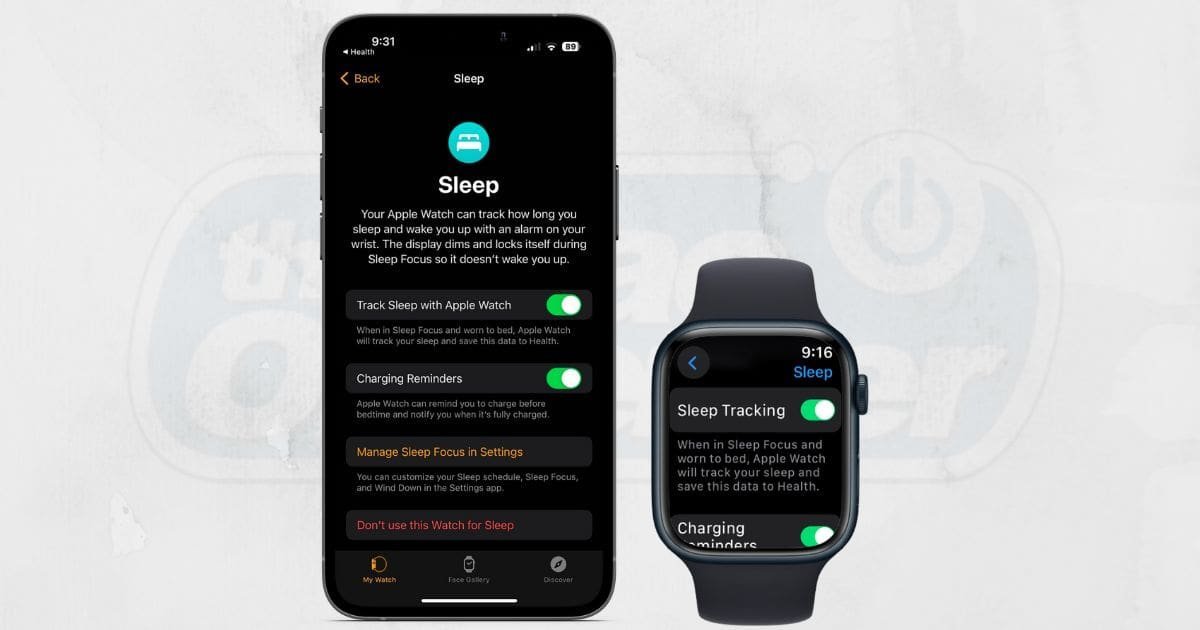
Can I track sleep without heart rate enabled?
No, you can’t track sleep stages without the heart rate sensor enabled. The tracker requires heart rate variability data alongside movement to distinguish between sleep stages. If the heart rate monitor is turned off, the device won’t record any sleep information.
How long does a nap have to be to track?
A nap must be at least three hours long for most models to log it as a sleep session. The device requires this duration to distinguish a sleep cycle from periods of rest. Note that shorter naps are often ignored to avoid inaccurate data.
Is it safe to wear my tracker while I sleep?
Yes, it’s safe to wear your tracker while you sleep, provided the band isn’t too tight. The devices use low-energy LEDs that are designed for 24-hour wear. However, clean the band regularly with a mild, soap-free cleanser to prevent skin irritation.
What happens if I move a lot during the night?
If you move a lot, the device may incorrectly label you as “awake” throughout the night. High levels of motion trigger the accelerometer to signal that you’re active, which fragments your sleep data. This can result in a lower overall Sleep Score.
Why is my sleep data missing the next morning?
Your sleep data is missing because the device likely failed to sync with your phone or the battery died during the night. If the tracker lacks sufficient power, it stops recording once the battery hits the critical threshold. Ensure your battery is charged before bed.
Final Thoughts
If these adjustments don’t fix the gaps, try restarting your tracker to refresh its internal software. Sometimes a quick reboot is all it takes to get things running smoothly again. If you’re still not seeing your data, reach out to customer support; they’ll be happy to help you get back on track.
Related guides