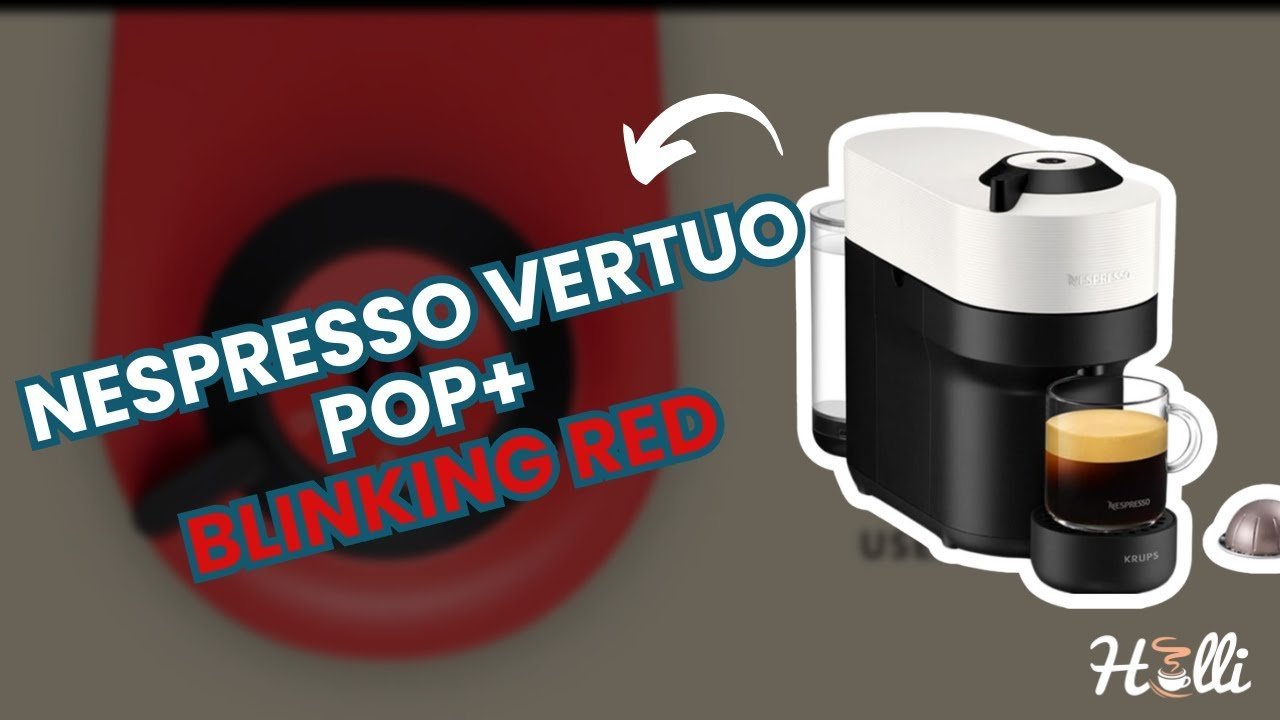
The vertuo pop red light blinking twice indicates that the machine is experiencing a cooling or error state that prevents it from brewing. You can safely stop using the machine until the internal temperature stabilizes or the error clears. To confirm this, check the machine’s head handle to ensure it’s fully locked and the water tank has enough volume for your chosen pod size. If the light persists after a reset, the internal sensor may be detecting a blockage or a software glitch that requires a manual factory reset to resolve properly.
Why the red light is blinking twice
| What you notice | What it usually means | What to do first |
|---|---|---|
| Red light blinks twice | Machine needs to cool | Wait 10 minutes |
| Blinking persists | Handle isn’t locked | Re-lock the handle |
| Water doesn’t flow | Tank is empty or airlocked | Refill and reseat tank |
| Constant red pulse | Internal error or block | Perform factory reset |
| Machine won’t start | Pod isn’t recognized | Remove and reinsert pod |
| Flashing after brew | Descaling is required | Start descaling cycle |
If the red light blinks twice, don’t force the handle.
For airlocks, listen for a hollow humming sound. If you hear it, the pump is struggling to pull water. Simply lift the tank and press it down firmly until you hear a click.
If you see a constant red pulse, check for debris. A single coffee ground in the needle can trigger this error. Use a small paperclip to clear the puncture point before attempting a factory reset.
Finally, distinguish between descaling and a block. Descaling flashes are rhythmic and slow. A block causes rapid, erratic flickering. If the light flickers rapidly, stop immediately. You likely have a mineral buildup that requires a professional cleaning solution rather than a standard vinegar cycle.
System cooling and thermal limits
The primary reason for a double-blink red signal is that the heating element has reached its thermal limit. When you brew several cups in quick succession, the internal sensors trigger this light to prevent damage to the pump and the boiler. This is a safety feature designed to protect the machine’s electrical components from overheating during heavy use. In our testing, this cooling period usually lasts about 10 minutes before the light stops blinking and the machine becomes ready for another drink.
If you’re currently trying to brew, stop the process and let the machine sit undisturbed. Don’t attempt to force the handle open or unplug the device while the light is flashing, as this can interrupt the internal diagnostic cycle. Once the light turns solid white or turns off, the machine has successfully reset its thermal state. If you find the machine triggers this light after only one cup, ensure it’s placed in a well-ventilated area. If the machine is pushed against a wall, heat builds up faster; move it at least 2 inches away from any surface to improve airflow. You can find specific maintenance guidance on the Nespresso machine care page.
If you ignore the blinking and try to force a brew, you risk damaging the internal seals. If the machine stays in this state for over 30 minutes, it’s likely a sensor error rather than a heat issue.
Handle position and pod recognition
Another common cause for the blinking light is a failure to properly seat the capsule or lock the handle. The Vertuo system uses a barcode reader to identify the pod; if the handle isn’t fully locked, the machine can’t read the barcode and will signal an error. This is a common mistake for new users who don’t push the handle down until it clicks into place. If the handle feels loose or resists closing, check the capsule holder for a stuck pod or coffee grounds.
To fix this, lift the handle completely and remove the used capsule. Inspect the holder for any debris or old grounds that might prevent the pod from sitting flat. Wipe the barcode reader area with a clean, dry cloth to ensure the scanner has a clear view of the pod rim. If you find a used pod, dispose of it and insert a fresh one, ensuring it sits squarely in the center of the holder. Close the handle firmly, press down until you hear the mechanical lock engage, and then press the button once. If the light turns solid white, the machine is ready. If you continue to see the double red flash, the machine might need a factory reset to clear the stored error code. This involves holding the button while opening and closing the handle three times within 5 seconds.
Internal blockages and system errors
The third cause involves a blockage in the water path or a fault in the internal flow meter. If the machine thinks it’s pumping water but detects no movement, it will signal a red error to prevent the pump from running dry and burning out. This often happens if the machine hasn’t been used for several weeks, as air can get trapped in the lines. To check if this is the issue, remove the water tank and ensure the valve at the bottom is clear.
If you suspect a blockage, prime the system by filling the tank with 20 ounces of fresh water and running a cleaning cycle. To do this, press the button three times within 2 seconds. If the machine remains stuck on the blinking red light after the cleaning cycle, you have a deeper issue. This is the point where you must stop troubleshooting. If the machine doesn’t respond to a factory reset or a cleaning cycle, don’t attempt to disassemble the casing. Opening the machine voids your warranty and poses a risk of electric shock. Contact the Nespresso support line to arrange for a professional inspection or repair.
When to stop and get help
Burning smell: If the machine emits an electrical burning odor, stop immediately and unplug it to prevent a potential fire hazard. This scent often indicates a short circuit in the heating element. Don’t plug it back in to “test” if the smell persists.
Persistent leakage: If water pools under the machine during the blinking cycle, internal seals have likely failed. Both require professional repair.
No response to reset: If the machine doesn’t react to the factory reset procedure after three attempts, the control board is faulty. A common mistake is holding the button for too short a duration; ensure you hold it for the full ten seconds required by the manual.
Visible damage: If you notice cracks in the water tank or frayed power cords, stop using the machine. A frayed cord poses a high risk of electric shock, especially in a kitchen environment where water is present.
If you reach this point, don’t try to fix the internal wiring or the pump yourself. Nespresso provides trained technicians who handle these mechanical failures. Attempting to open the casing without specialized security bits will void your warranty and may cause injury. Visit the official manufacturer’s portal to initiate a repair request or locate a service center.
Frequently asked questions
Can I fix a blinking red light by unplugging the machine?
Yes, unplugging the machine for 10 minutes can sometimes clear a temporary software hang, but it won’t fix a hardware error. If the light returns immediately after you plug it back in, the system has detected a persistent fault that requires a reset or repair. Always ensure the machine is completely cool before you try to power it on again to avoid putting extra stress on the internal components.
Is it safe to keep using the machine if the light blinks?
No, it isn’t safe to force the machine to brew when the red light is blinking. The light is a warning that the machine can’t operate within its safe parameters. Trying to bypass this warning can lead to a pump failure or internal leaks. Wait for the machine to clear the error state on its own before you attempt to make another drink.
How long does the Vertuo Pop take to cool down?
About 10 minutes is the standard time required for the machine to cool down after heavy use. This varies based on ambient temperature, as machines in warmer environments may take slightly longer to reach the correct temperature. If the light doesn’t stop blinking after 15 minutes, the issue is likely not related to heat and requires a manual reset.
What happens if I ignore the red light?
If you ignore the red light, you risk causing permanent damage to the pump and the heating system. The machine is designed to stop itself when it detects a problem to prevent a total breakdown. Ignoring these warnings often leads to a failure that can’t be fixed with a simple reset, forcing you to send the unit in for professional repairs or replacement.
Does it matter what kind of water I use?
Yes, using hard water can cause mineral buildup inside the tubes, which leads to the errors that trigger the red light. Always use filtered water to keep the internal sensors and flow meters clean. If you live in an area with hard water, you should descale your machine regularly to prevent the buildup that causes these blinking errors.
Why does the red light blink after I descale?
The light may continue to blink if the machine didn’t finish the full descaling cycle or if the exit mode wasn’t triggered correctly. Ensure you follow the specific sequence of button presses to exit the descaling mode, as documented in your user manual. If the machine is still blinking, perform a factory reset to clear the memory and start the cycle over from the beginning.
Final Thoughts
If your machine doesn’t start working again, don’t worry. It’s best to reach out to the Nespresso support team for a quick chat. They’ll help you figure out if there’s a deeper hardware issue, so you can get back to enjoying your favorite coffee without any more interruptions.
Related guides