
If your electric scooter display not working is the issue, it is usually due to a loose cable or a blown fuse. A blank screen typically results from a power disruption between the battery and controller, or a damaged wire near the handlebar stem. Check visible connectors for debris or disconnection before assuming the internal electronics have failed.
Why your electric scooter display not working
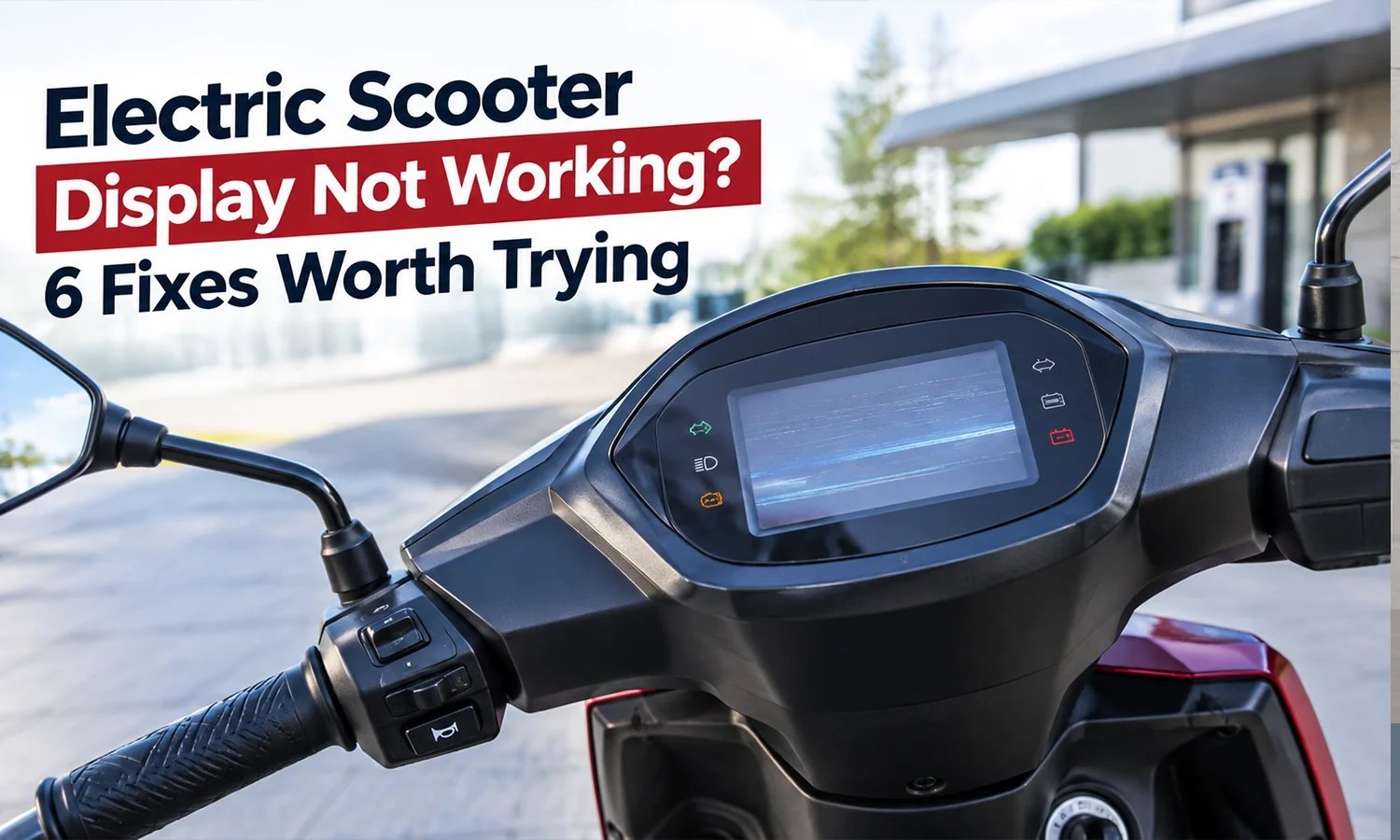
Most display failures stem from physical stress rather than internal software bugs. Electric scooters undergo constant vibration during use, which often causes internal connectors to wiggle loose over time. If your scooter has recently hit a large bump or been folded and unfolded frequently, a wire may have pinched or snapped inside the steering column.
Another cause is water ingress. Even if a scooter is rated as splash-resistant, moisture can seep into the display housing through the buttons or the screen edges. This creates corrosion on the contact points, which eventually stops the flow of electricity to the screen.
Finally, a tripped internal fuse or a battery management system (BMS) lock can cause the display to stay dark. If the battery voltage drops below a critical threshold due to long-term storage or a deep discharge, the controller may cut power to the display to protect the cells from further damage. If you haven’t used the scooter for several months, this is the most likely reason the screen remains off despite the battery being plugged into the charger.
Check the external connections
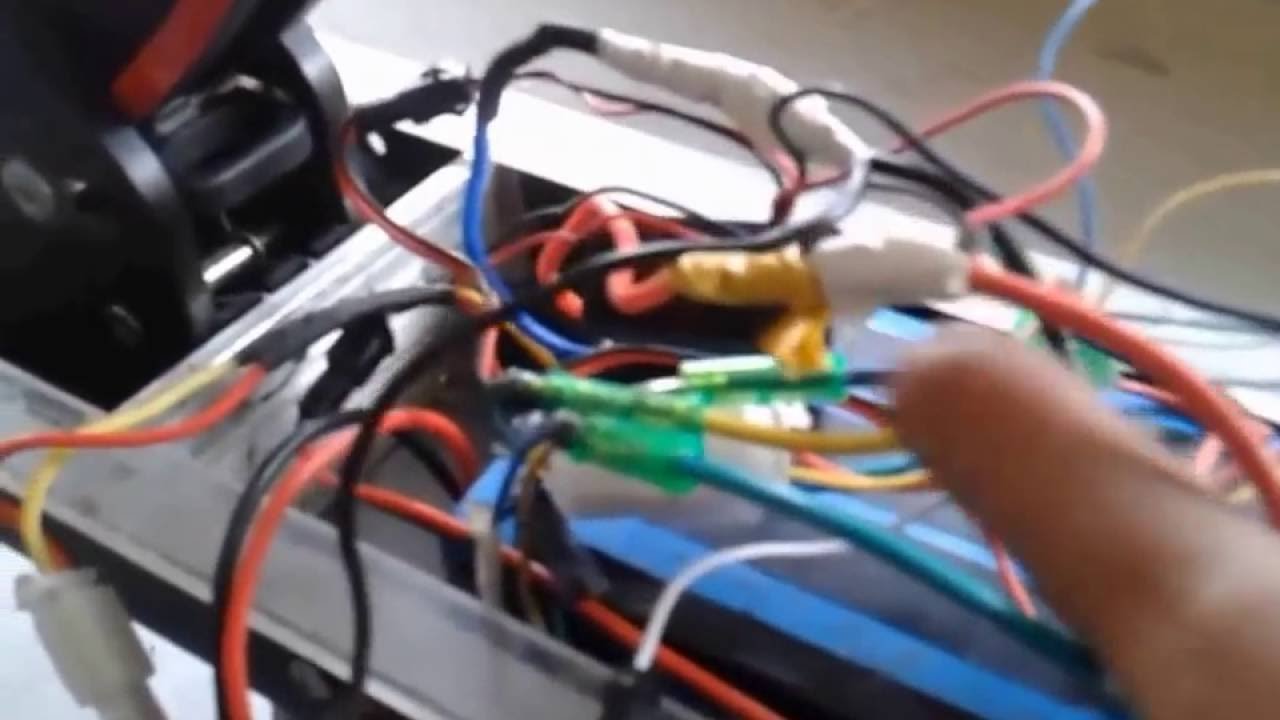
This fix is for owners who notice the display went dark after a ride or while the scooter was being transported. You’re looking for loose contact points that you can easily push back into place. First, look at the base of the handlebar stem where the wires exit the frame. If you see a connector that looks loose or crooked, gently push it together until it clicks.
If the connector is tight, inspect the wire for any sharp bends or cuts. If you see exposed copper wires, don’t attempt to tape them or ride the scooter, as this is a fire hazard. If you have a different model, the connector might be hidden under a rubber grommet near the folding mechanism; check your manual to see where the cable harness runs.
This fix isn’t for users who smell burning plastic or see smoke. If your display was flickering before it died, or if you see charring on the plastic casing, stop immediately. These are signs of a short circuit that requires a professional technician to handle. If the screen wakes up after you adjust a loose plug, the fix was successful. If it remains blank, the problem is likely deeper in the wiring harness or the controller board, which you shouldn’t attempt to open yourself.
Reset the battery system
This fix is for cases where the scooter was left uncharged for a long period or the battery seems completely unresponsive. Many modern scooters have a safety mode that disables the display if the battery voltage is too low. To reset this, ensure the scooter is turned off, then plug the charger into the wall outlet first, and then into the charging port of the scooter.
Some chargers have a small indicator light that changes color when they detect a battery connection. If the light stays green while plugged into the scooter, it may indicate the battery is already fully charged or the charger isn’t detecting a load.
This isn’t for users whose batteries show signs of physical damage, such as swelling, leaking, or extreme heat. If the battery casing feels hot to the touch, disconnect the charger and move the scooter to a safe, non-flammable area. If the display turns on after a few hours, the system has successfully reset. If the screen remains blank after a full charge cycle, the battery or the display unit itself may have reached the end of its service life and will need a replacement from the manufacturer.
Verify the power source

This fix is for situations where you’re unsure if the issue is the scooter or the power supply. Start by testing your wall outlet with another appliance, such as a lamp or a phone charger, to confirm the outlet is working. If the outlet is fine, inspect the charger cord for any fraying or internal breaks.
If you have access to a second, identical charger from a friend or a second scooter, try using that one. This helps you rule out a faulty charger brick. This is worth the effort because a new charger is much cheaper than a new controller or display unit. However, if you use a charger with the wrong voltage or amperage, you risk damaging the battery permanently. Always check the label on your current charger to ensure the replacement matches the output voltage exactly. If the scooter still doesn’t show signs of life after testing a confirmed working charger, the issue is internal to the scooter. This is the point where you should contact the manufacturer’s support team or a local repair shop, as the repair will involve opening the deck to test the controller, which is work for a professional technician.
What not to do
Don’t spray liquid cleaner or water directly into the display housing to “fix” a stuck button. Moisture inevitably seeps into the sensitive logic board, causing permanent internal corrosion that renders the unit unrepairable.
Don’t attempt to jump-start the scooter battery using a car battery or another high-voltage power source. These systems aren’t compatible; the sudden surge will likely cause a thermal runaway event, leading to an immediate explosion or fire.
Don’t use a screwdriver or metal tool to pry open the display casing. The tight tolerances mean you’ll likely puncture the internal circuit board or crack the delicate LCD screen. Use only plastic prying tools designed for electronics.
Don’t ignore a display that turns on and off randomly. This symptom indicates a loose internal connection or a frayed wire. If you continue to ride, the motor may cut out unexpectedly at high speeds, leading to a loss of control.
How to stop it happening again
Preventing display issues is mostly about protecting the electronics from the elements and physical shock.
| If you’re doing this | Do this instead | Why |
|---|---|---|
| Riding in heavy rain | Use a waterproof cover | Keeps moisture out of the electronics |
| Storing in a damp garage | Store inside at room temperature | Prevents oxidation of the connectors |
| Folding the scooter roughly | Fold slowly and check cables | Avoids pinching the wire harness |
The most common mistake is ignoring the cable tension near the hinge. If the display flickers when you turn the handlebars, your harness is likely pinched or frayed. You must inspect the cable path for sharp bends every time you fold the unit.
Frequently asked questions
Can I ride my scooter if the display isn’t working?
No, you shouldn’t ride the scooter if the display isn’t working. The display provides critical information like battery levels and error codes. Operating without it makes performance unpredictable and leaves you unable to monitor for potential battery overheating.
Why is my display flickering before it turns off?
Flickering is usually a sign of an intermittent connection or a failing capacitor inside the display unit. Vibration often causes wires to lose contact, interrupting the power flow. If flickering persists, the unit is likely failing and will soon require professional replacement.
How long does it take for a battery to charge after a deep discharge?
If there’s no response after 24 hours, the battery cells have likely failed.
Is it safe to open the display housing myself?
No, it isn’t safe to open the display housing or the scooter deck yourself. These components contain sensitive electronics that can be damaged during disassembly. Opening the housing will also void your manufacturer’s warranty immediately.
What happens if I use the wrong charger?
Using a charger with the wrong voltage or polarity can permanently destroy your scooter’s battery and control board. The battery management system is designed for a specific power input, and incorrect voltage can cause cells to overheat. Only use a charger officially authorized by the manufacturer.
Final Thoughts
If these quick checks don’t bring your screen back to life, it’s best to contact the manufacturer’s support team. They’ll help you determine if a part needs replacing under your warranty. Don’t worry, because you’ll likely be back out on the road once you’ve got the right replacement component in hand.
Related guides


