
You can usually fix an itime elite smartwatch not turning on by performing a hard reset while the device is connected to a power source. This issue often happens because the battery has dropped into a deep discharge state, making the screen appear unresponsive even when it’s plugged in. If the device doesn’t vibrate or show a charging icon after ten minutes on the charger, the internal power management system likely needs a manual wake-up command.
Why your iTime Elite smartwatch not turning on
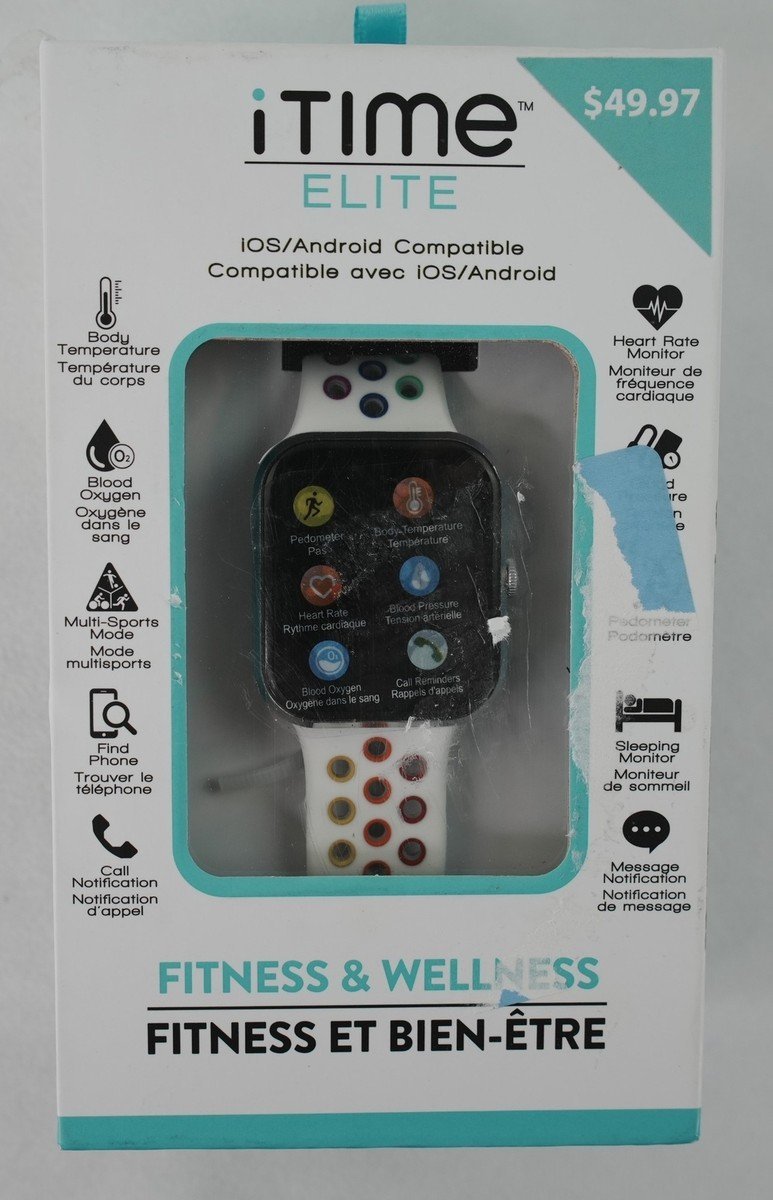
Most power issues stem from how lithium-ion batteries react to being left uncharged for long periods. When the voltage drops below a specific critical threshold, the watch enters a protection mode to prevent permanent battery damage.
If you leave a device at zero percent for more than three months, internal chemical degradation often becomes irreversible. You can tell if this is the cause by checking the charging cable; if the watch remains cold to the touch after an hour on the charger, the battery has likely fallen below the voltage floor required for the controller to accept a charge.
Another common cause is a dirty or obstructed charging contact. Because these watches use small, magnetic pins to transfer power, even a thin layer of skin oil, sweat, or lint can break the circuit. If the pins can’t make a solid connection, the device will never receive the current required to trigger the startup sequence. Use a dry, soft-bristled brush to clear the port, as moisture can cause short circuits.
Software crashes are the final frequent culprit. Sometimes, the operating system hangs during a background update or a low-power sleep state. When this occurs, the hardware is technically powered, but the software is frozen and can’t signal the screen to light up. In this case, the watch needs a forced interruption of its current state to cycle the power, similar to how you restart a frozen desktop computer.
Use the original charging cable
This fix is for users who suspect their charging hardware isn’t communicating correctly with the watch. Many third-party cables or generic wall adapters don’t provide the exact voltage or amperage the watch requires to wake from a deep discharge. If you’re using a cable that didn’t come in the box, find the original one.
Connect the watch to a wall outlet using a certified USB power adapter rather than a computer USB port. Computer ports often output lower current, which may not be enough to wake a completely drained battery. If you see a “low power” icon or a lightning bolt that disappears, your power source is likely insufficient. Use a wall block rated for at least 5V/1A to ensure a steady, high-amperage delivery.
Once connected, look for any sign of life, such as a subtle vibration or a dim logo appearing on the screen. If nothing happens, leave it connected for at least one hour.
If the screen remains black after an hour, check the charging pins on the back of the watch. Use a dry, soft-bristled toothbrush to gently clear away any debris. If the pins look bent or corroded, they won’t carry a charge. A common mistake is using a damp cloth to clean these pins, which can introduce moisture into the seal. Always use a dry brush to prevent shorting the contact points.
This fix works for most connection issues, but if the internal battery has reached the end of its life, it will no longer hold a charge regardless of the cable used. If you suspect hardware damage, contact the manufacturer for a professional assessment.
Perform a forced system restart
This fix is for users whose watch has a charge but refuses to respond to touch or button inputs. A forced restart cuts the power cycle to the internal processor, which can clear temporary software glitches preventing the display from activating.
Locate the physical power button on the side of the watch. Press and hold this button firmly for at least twenty seconds. Don’t release it even if the screen flickers. You’re looking for the brand logo or a startup animation to appear. If the screen flashes but doesn’t stay on, the battery is likely too weak to sustain the boot process, and you should return the watch to the charger for another thirty minutes.
Many users mistakenly release the button the moment the screen flickers, which aborts the reset sequence before the OS can reload. You must hold until the logo appears to ensure the processor fully clears its cache. If the watch vibrates but the screen stays black, the display module might have failed. This is a hardware limit; if the screen doesn’t illuminate after a successful forced restart, the watch requires professional repair.
Never attempt to open the casing yourself, as this will void your warranty and risks damaging the delicate internal ribbons or the waterproof seal. If you have tried this twice and the device remains unresponsive, it’s time to check your warranty status or speak with a repair technician. If the watch was recently exposed to water, don’t attempt a restart; dry the device for 24 hours first to prevent shorting the motherboard.
Check for external hardware failures
This fix is for cases where the watch feels warm to the touch or has visible physical damage. If the watch gets hot while charging but doesn’t turn on, stop using it immediately. Heat indicates a short circuit, and continuing to charge it’s a fire hazard.
Inspect the charging port area for signs of swelling. If the back of the watch is bulging, the battery has expanded due to a chemical failure. This isn’t a fixable state for a home user; the device must be recycled according to your local electronics disposal rules. Don’t attempt to force it to turn on, as this could lead to battery leaking or combustion.
If the watch was recently exposed to water, moisture might have entered the housing and caused an internal short. Even if the watch is marketed as water-resistant, seals degrade over time. If you suspect water damage, place the watch in a dry area with good airflow for twenty-four hours. Don’t use a hairdryer or an oven, as extreme heat will destroy the screen and the battery. If it still won’t turn on after drying, the internal components have likely corroded. At this stage, professional repair is usually more expensive than the value of the device, and replacement is the standard path.
What not to do
- Don’t leave the watch on the charger for more than 24 hours if it isn’t showing any signs of life, as this can cause the battery to overheat.
- Don’t put the watch in a bag of rice to dry it out, because small dust particles and starch can enter the charging port and cause permanent damage to the pins.
- Don’t shake or strike the watch to “loosen” the components, as this will break the internal screen connections and turn a minor power issue into a total hardware failure.
How to stop it happening again
Prevention is the best way to keep your watch running, as deep discharge cycles significantly reduce the total lifespan of the battery.
| If you’re doing this | Do this instead | Why |
|---|---|---|
| Letting the battery hit 0% | Charge at 20% | Deep drains stress battery chemistry. |
| Storing for weeks empty | Store at 50% charge | Prevents the battery from dying completely. |
| Cleaning with wet cloths | Use a dry microfiber | Prevents moisture entering the casing. |
| Using generic cables | Use the included cable | Ensures the correct power flow. |
Frequently asked questions
Can I fix a dead battery by freezing it?
No, you should never put your smartwatch in a freezer. Freezing temperatures can cause internal condensation once the device warms up, which leads to immediate corrosion of the circuit board and screen components. This myth likely comes from old nickel-cadmium batteries, but it doesn’t apply to modern lithium-ion batteries. Always keep your watch at room temperature to maintain the health of the internal components and the waterproof seals.
Why does the watch vibrate but stay black?
The vibration indicates that the processor is receiving power and attempting to boot, but the display module is failing to receive a signal. This often happens after a drop or water exposure that breaks the connection between the screen and the motherboard. While a forced restart can sometimes fix a temporary software hang, a vibration with no image usually points to a hardware failure that a home user can’t repair.
How long should I charge it before giving up?
You should charge the watch for at least two hours before concluding that it’s permanently broken. Sometimes, a battery that has been sitting for months needs a long, slow trickle charge to reach the voltage required to wake the system. If you see no charging icon or vibration after two hours of continuous, uninterrupted power from a wall adapter, the battery has likely reached its end-of-life state.
Is it safe to charge it overnight?
It’s generally safe to charge the watch overnight, provided you’re using the official charging cable and a standard wall adapter. Modern smartwatches have internal circuits that stop the power flow once the battery reaches capacity. However, if the watch is already showing signs of a failing battery, such as overheating or not holding a charge, avoid leaving it unattended while it’s connected to a power source.
What happens if I use a laptop port?
If your watch remains unresponsive, switch to a wall-mounted power brick before assuming the device is broken.
Final Thoughts
If your watch still doesn’t wake up after trying these steps, there might be a deeper hardware fault. Don’t worry, though; you should reach out to the manufacturer’s support team for a potential replacement. They’ll help you figure out if it’s time to claim your warranty or look for a new device.
Related guides


