
A dirty or loose connection between the charging pins and the watch base is the most common reason you have a fire boltt smartwatch not charging. Most of the time, this issue happens because sweat, dust, or skin oils build up on the metal contacts over time. You can often fix this by cleaning the pins with a soft cloth or a dry cotton swab. If the device still doesn’t power on after cleaning, check if the cable is plugged firmly into a wall adapter or a powered USB port.
Why your Fire Boltt smartwatch not charging

| Cause | How common | How to confirm it | Fix it yourself? |
|---|---|---|---|
| Dirty charging pins | Most of the time | Look for dark spots | Yes |
| Loose cable connection | Very common | Check for wiggling | Yes |
| Faulty power adapter | Common | Try different port | Yes |
| Damaged charging cable | Occasional | Look for frayed wires | Yes |
| Deeply discharged battery | Occasional | Leave on for hours | Yes |
| Internal hardware failure | Rare | No lights/vibration | No |
Debris in the port is the primary culprit. Use a wooden toothpick to gently scrape the bottom of the port. If you see lint or pocket fuzz, you have found the problem. Don’t use metal tools, as they can short the pins and permanently kill the charging circuit.
If the device remains unresponsive, check the voltage output. If you’re using an old USB port from a computer or a low-power hub, the device may lack the current needed to trigger the handshake.
Distinguish between a dead battery and a dead board by the heat signature. A device that stays stone-cold after two hours on a high-wattage charger likely has a failed power management chip. If the device gets slightly warm, the battery is likely accepting a charge but lacks the capacity to power the display.
Cleaning the metal contacts
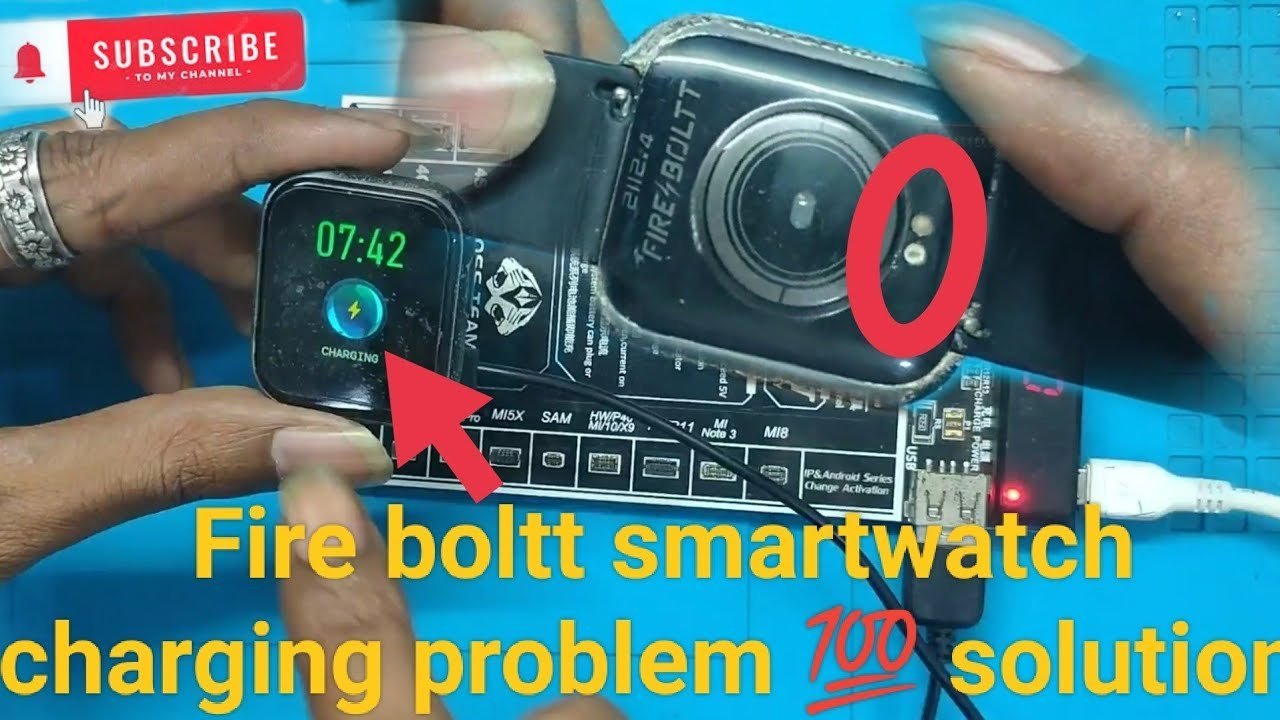
The metal charging pins on the back of your watch and on the charging puck are sensitive to debris. When these pins get covered in sweat or dust, the electrical current can’t flow into the battery. You can tell this is the problem if you see visible grime or discoloration on the gold-colored contact points.
To clean them, use a dry, soft microfiber cloth to gently wipe the pins on both the watch and the charger. If the dirt is stubborn, you can use a cotton swab lightly dampened with isopropyl alcohol. Don’t use metal tools like needles or knives to scrape the pins, as this can permanently scratch the protective coating and cause the pins to stop working entirely. This process takes about 2 minutes. If you have a model with recessed pins, be careful not to push them down too hard, as this can damage the spring mechanism inside. This varies by model—check the label on your manual for specific care instructions regarding the charging port. If the watch shows a charging icon after cleaning, the fix is successful. If you notice the pins are bent or missing, the charging hardware is likely damaged beyond a simple cleaning fix. A mistake people often make is using water to clean the pins, which can lead to corrosion; always keep the contacts dry.
Checking the power source
A faulty power source is a frequent cause of charging issues. The watch needs a stable flow of electricity to begin the charging cycle, and some USB ports on computers don’t provide enough power for a full charge. You can tell if the power source is the issue by plugging your charging cable into a different wall adapter, such as a phone charger that you know works.
If you use a wall adapter, ensure it’s a standard five-volt output, as high-power “fast chargers” can sometimes cause compatibility issues with wearable devices. According to the Fire-Boltt official support guide, you should avoid using high-voltage power bricks that exceed the recommended input specifications for your specific watch model. If your watch begins to charge when connected to a different adapter, your original power brick is likely the culprit. This takes about 1 minute to test. If you’re using a computer port, try a different port or switch to a wall outlet entirely. If the watch still shows no signs of life, the issue might be the cable itself. A trade-off here is that wall adapters are faster but require you to have the right cable, while computer ports are slower but usually safer for the battery life of small electronics.
Managing a deep battery discharge
A watch left off for a long time may enter a deep discharge state. In this state, the battery voltage is too low to trigger the screen, making the device appear broken. You can confirm this if the watch was unused for several weeks or months before you attempted to charge it.
To fix this, leave the watch on the charger for at least 4 to 6 hours without trying to turn it on. If you’re dealing with a brand-new watch, perform this step before your first use. If you’re reviving an older watch, do this after any extended period of storage.
Don’t interrupt this process. The battery requires time to reach a minimum voltage threshold before the display can wake up.
Use this decision rule: if the watch case feels warm to the touch after two hours, the battery is accepting power and will likely recover. If the watch remains stone-cold and the screen stays black after six hours, the battery has likely reached the end of its chemical life. At this point, the device isn’t repairable by the user. You should contact the manufacturer for further guidance, as the internal components have likely suffered permanent degradation. Patience is the only way to bypass the safety lockout, so leave the device undisturbed until the screen finally illuminates on its own.
The less likely causes
A broken charging cable: Inspect the cable casing for hairline cracks or fraying near the connector heads. If you see exposed copper, stop using it immediately, as internal shorts can permanently damage your watch’s delicate charging circuitry.
Software freeze: A background glitch can cause the charging UI to hang. If the screen remains unresponsive while plugged in, hold the power button for 15 seconds to force a hard reboot. This clears the temporary cache and often restores the handshake between the charger and the battery.
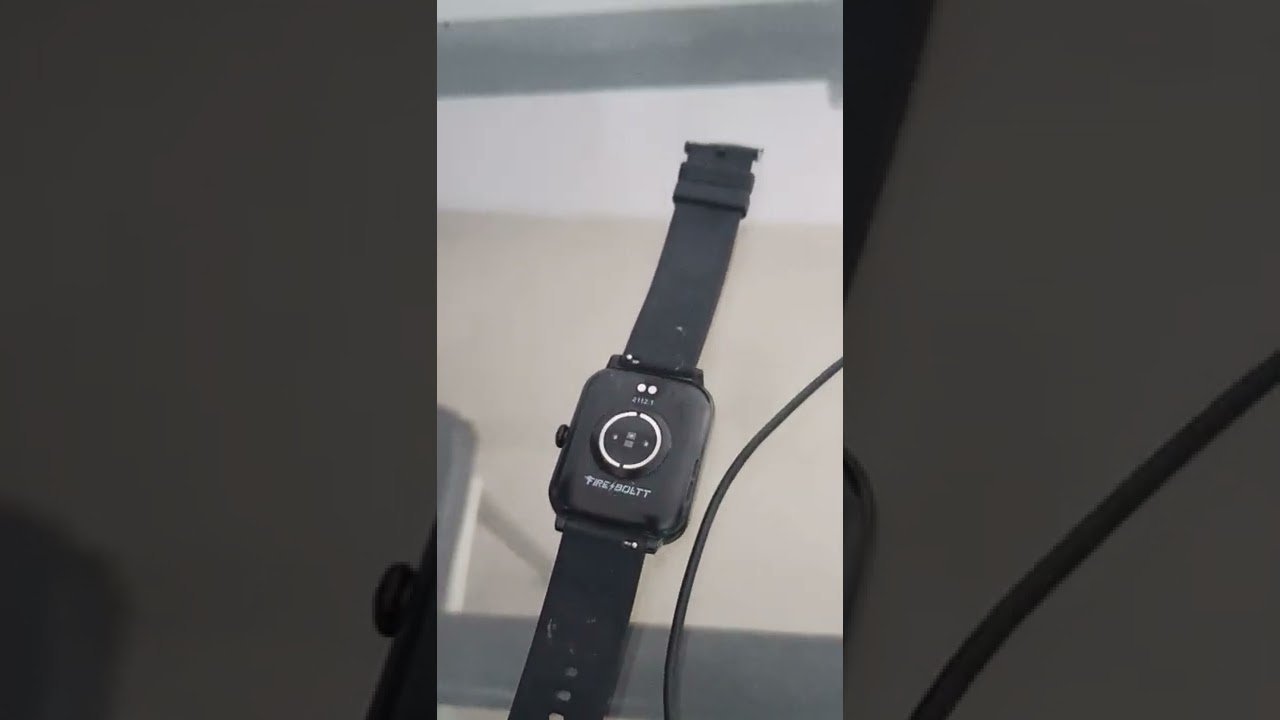
Damaged charging port: Use a bright light to examine the pins. If they appear recessed or stuck, use a soft, dry brush to clear debris. If they don’t spring back when gently pressed, the hardware is compromised and requires professional repair.
Extreme temperature: If the watch exceeds 95°F or drops below 32°F, internal sensors trigger a safety lockout. Move the device to a neutral environment and wait 30 minutes before attempting to charge again.
What a fix usually involves
Fixing a charging issue usually involves either a simple cleaning or replacing a cheap accessory. If the problem is just debris, the cost is nothing because you only need a non-conductive toothpick to clear the port. Avoid using metal tools, as these can easily short the pins and permanently disable the charging circuit.
If the cable is frayed, you must buy a replacement. Using a third-party cable with incorrect power delivery can degrade your battery’s health over time.
If the watch itself is broken, the repair might cost most of the price of a new unit. Check your warranty status first; if you’re within the two-year window, the manufacturer may cover the defect entirely.
Never try to open the watch housing to fix internal parts yourself. This voids your warranty and risks puncturing the lithium-ion battery, which is a significant fire hazard. If the device remains unresponsive after cleaning and testing a new cable, contact the manufacturer’s support team for a formal repair quote before seeking independent help.
Frequently asked questions
Can I use a phone charger for my watch?
Yes, you can use a standard wall adapter, but ensure it’s a low-power output. Always check the input requirements printed on the back of your watch or in the user manual to make sure the charger matches those specifications.
How long does a full charge take?
About 2 to 3 hours is the standard time for a full charge. This assumes the battery was mostly empty but not in a deep discharge state. If your watch takes significantly longer than this, the charging pins might be dirty or the power source might be unstable.
Is it safe to leave the watch charging overnight?
Yes, most modern smartwatches have built-in circuits that stop the power flow once the battery reaches one hundred percent. However, for the longest battery health, it’s better to unplug the device once it’s full. Check the manufacturer’s instructions for your specific model to see if they advise against long charging periods.
What happens if the watch gets wet?
Water can cause the metal charging pins to corrode, which stops the device from charging. If your watch is water-resistant, dry the pins thoroughly with a cloth before you attach the charger. If you suspect water has entered the charging port, let the watch air dry completely for several hours before attempting to connect it to power.
Does it matter which USB port I use?
Yes, it matters because different ports provide different levels of power. A wall adapter is usually the most reliable source for a consistent charge. If you use a USB port on a laptop, it might provide less power, which can lead to slow charging or the watch failing to charge at all.
Final Thoughts
If your screen remains dark after trying these tips, don’t worry. It’s possible that your charging cable or the battery itself has reached the end of its life. Reach out to the brand’s support team through their website; they’ll help you figure out if you need a replacement part to get moving again.
Related guides


