
The most common reason for an aolon smartwatch not charging is a buildup of dirt or oxidation on the metal charging contacts, which prevents a solid electrical connection. You can usually fix this by cleaning the pins and the watch back with a soft, dry cloth or a cotton swab dipped in a tiny amount of rubbing alcohol.
Troubleshooting an Aolon smartwatch not charging
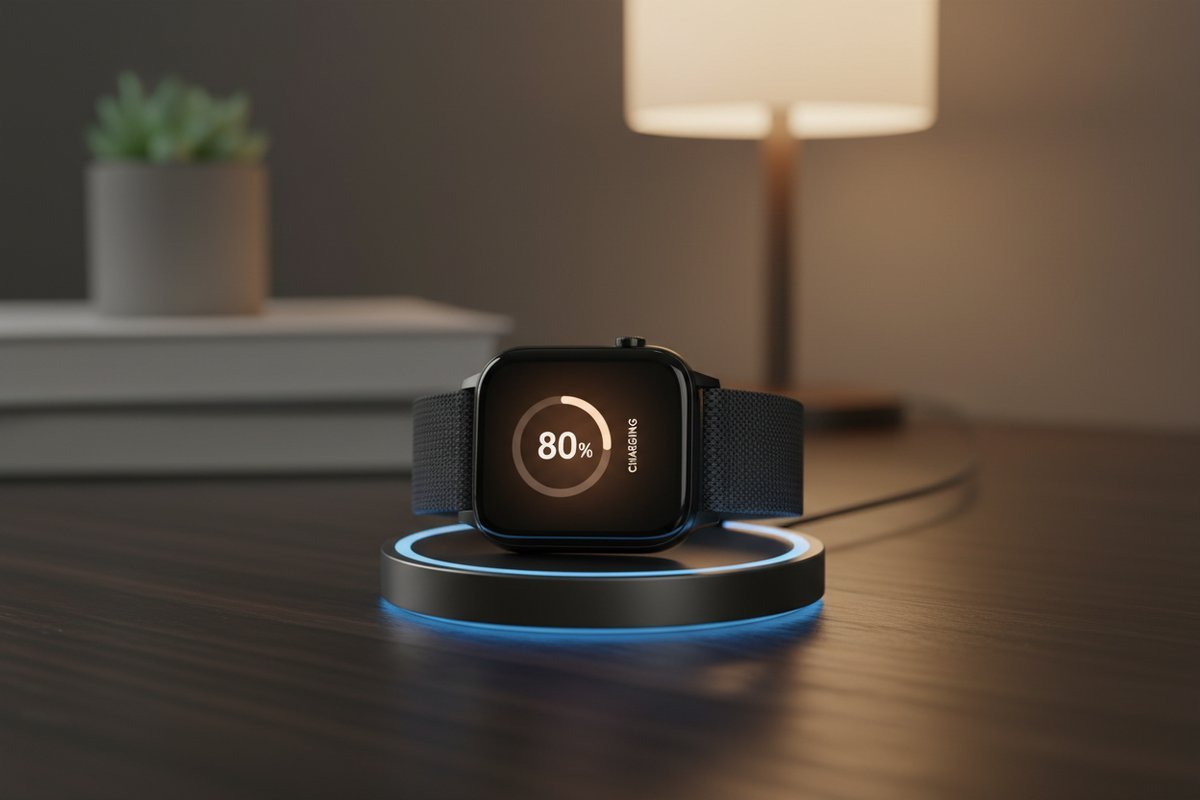
Most charging failures occur because the small magnetic pins on your charging cable fail to make consistent contact with the watch. These pins are spring-loaded, and if they get stuck in a compressed position due to sweat, skin oils, or dried soap residue, they can’t reach the charging pads on the back of the device.
Another frequent cause is a faulty power source. If you’re plugging the USB cable into a computer port or a generic wall adapter that doesn’t provide a steady output, the watch may not recognize the connection. Every lithium-ion battery charging standard requires a stable voltage to begin the charging cycle; if the power source fluctuates too much, the internal protection circuit will block the current to prevent damage.
Finally, consider the cable itself. These cables are thin and prone to internal wire breaks if they’re bent sharply or stored in a tangled mess. Even if the cable looks fine on the outside, the copper strands inside may be fractured. This is a common trade-off; the thin, flexible cables needed for small wearable devices are much less durable than the thick cables used for phones or laptops. If your watch shows no reaction to being plugged in, the cable is often the first component to suspect.
Clean the connection points
This fix is for anyone whose watch appears physically intact but refuses to display a charging icon. You need a soft, lint-free cloth and, if the grime is stubborn, a cotton swab with a drop of isopropyl alcohol.
First, inspect the back of the watch. You’ll see small, circular metal pads. Use your cloth to wipe these firmly. If you see dark spots or a crusty residue, lightly dampen the cotton swab with alcohol and scrub the pads gently. Don’t flood the watch with liquid, as moisture can damage the internal components. Next, check the charging cable. Use the same method to clean the spring-loaded pins. If any pin is stuck down, use a dry, clean toothpick to gently nudge it. It should spring back up immediately.
If you have a multimeter, you could technically test the voltage, but this is work for a technician; a standard user should never open the housing or attempt to bridge connections as this risks a short circuit. After cleaning, let the parts air dry for three minutes before reconnecting them. If the watch starts charging, you know the issue was simply poor contact. If it still doesn’t charge, move to the next step.
Reset the power delivery
If the pins are clean but the watch remains dead, the internal software or the power adapter might be the problem. This method resets the communication between the charger and the battery.
Start by unplugging the charging cable from the wall adapter or your computer. Wait for 60 seconds. While you wait, check your power adapter. If you’re using a high-power “fast charger” meant for a laptop or a modern smartphone, try swapping it for a standard 5-volt, 1-amp wall block instead. Some smartwatches can’t handle the high-wattage handshake required by modern fast-charging protocols and will simply refuse to draw power.
Once the adapter is swapped, plug the cable into the wall first, then attach the watch. If you have been using a USB hub or a keyboard port, stop; move the cable to a direct port on a wall adapter. If the watch screen flashes or vibrates, it’s receiving power. Leave it untouched for at least 30 minutes. If the device was deeply discharged, it might take several minutes before the screen shows any sign of life. If you see no reaction after 30 minutes, the issue likely lies with the cable or the internal battery hardware.
Test with a different cable
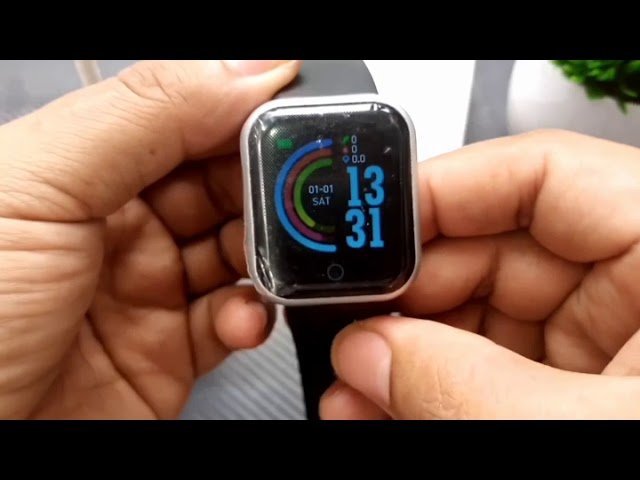
If you have tried cleaning the contacts and changing the power source, the cable itself is the most likely culprit. This fix is for those who have access to a spare cable or a friend with the same model.
It’s worth buying a replacement cable if your current one shows any fraying or if the magnetic connection feels weak. However, this isn’t for everyone; if the watch is old or the battery was already struggling to hold a charge, spending money on a new cable may not be the best investment. Check the label on your watch box or the manufacturer’s website to ensure you buy a cable that matches your specific model number. Using a cable from a different model, even if it looks similar, can cause a mismatch in pin alignment or voltage, which may damage your device.
If you don’t have a spare, check if the cable is loose. A “weak” magnetic pull often means the cable isn’t sitting perfectly flat. If the watch charges while you hold the cable in a specific position, the cable is definitely broken and must be replaced.
What not to do
- Don’t use metal tools like needles or knives to scrape the charging pins, as this will scratch the gold plating and cause permanent corrosion.
- Don’t leave the watch plugged into a laptop while the computer goes into “sleep” mode, as many ports stop providing power when the computer is idle.
- Don’t attempt to force the watch into the charger if the magnets are repelling each other; this means the charger is misaligned.
- Don’t submerge the watch in water to “clean” the charging port, as this can force moisture past the seals and destroy the electronics inside.
How to stop it happening again
Keeping your device charged and clean prevents the most common hardware failures.
| If you’re doing this | Do this instead | Why |
|---|---|---|
| Leaving it in a drawer | Charge to 50% first | Batteries degrade if left at zero for weeks |
| Charging while wet | Dry the watch fully | Moisture corrodes the metal contact pins |
| Using high-wattage blocks | Use 5V/1A adapters | High voltage can overwhelm small circuits |
| Wrapping cables tightly | Loop them loosely | Tight bends break the internal copper wires |
Most users mistakenly assume that “fast charging” is harmless for small wearables. In reality, these devices lack the sophisticated power management chips found in smartphones. Using a laptop port or a dedicated 5V/1A wall brick prevents the heat buildup that permanently shortens battery lifespan.
If your device feels warm to the touch while charging, stop immediately. A device that’s hot indicates a failing internal regulator. If the casing remains cool, you’re safe. When storing items for long periods, check the charge level regularly as part of your usual clean.
Frequently asked questions
Can I charge my watch with a phone charger?
Yes, you can use a phone charger if it provides a standard 5-volt output. Most modern chargers automatically adjust their output to match your device’s needs. However, some high-wattage chargers may not signal correctly, so use a simpler wall block if your watch fails to respond.
How long should I leave it on the charger?
You should leave the watch on the charger for at least two hours if it has been completely dead. A drained device needs time to accumulate enough charge to power the display and boot the operating system. Modern smartwatches automatically stop drawing power once the battery reaches full capacity.
Is it safe to use a third-party cable?
Yes, it’s safe to use a third-party cable if it’s specifically designed for your exact watch model. Universal cables often have incorrect pin spacing or voltage configurations that can damage the charging controller. Always verify model compatibility on the packaging before purchasing to ensure safety.
Why does the watch get hot while charging?
It’s normal for the watch to feel slightly warm while charging due to the chemical reaction in the battery. However, it should never be hot to the touch. If the device becomes uncomfortably hot, unplug it immediately and stop using the charger to prevent a potential fire hazard.
What happens if I use a damaged cable?
Using a damaged cable can cause intermittent charging, which prevents the battery from reaching a sufficient charge level. If you notice the charging icon flickering, stop using the cable immediately. Continuing to use a faulty cable risks permanent damage to the watch’s internal motherboard.
How do I know if the battery is dead?
Your battery is likely dead if the watch shows no life after trying multiple power sources and cables. If the screen remains black after four hours on a working charger, the internal cell has likely reached its lifespan. Contact the manufacturer or a professional service for a potential battery replacement.
Final Thoughts
If your device still won’t power up after a good cleaning, it’s likely time to reach out to the manufacturer’s support team. They’ll help you determine if the battery has reached the end of its life or if there’s a deeper hardware fault. Don’t worry, they’re usually happy to assist you.
Related guides


