
A dead battery or a dirty charging contact is the most common reason you’ll find a fire boltt smartwatch not turning on despite your attempts to charge it. If the screen remains dark, your device likely needs a deep charge cycle or a simple cleaning of the magnetic pins. This issue is almost always related to power delivery rather than a hardware failure, meaning you can usually resolve it at home without professional help.
Reasons your Fire Boltt smartwatch isn’t turning on
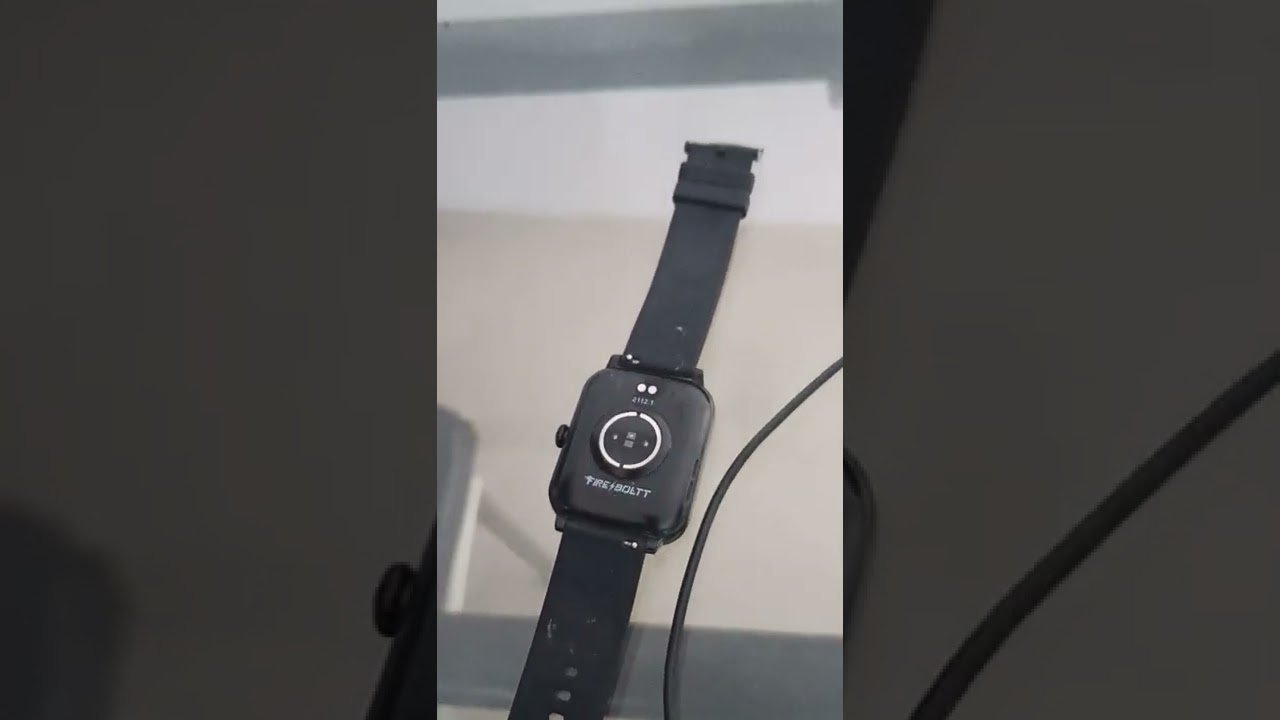
Power issues typically stem from a disruption in the energy flow between your wall adapter and the device. The most frequent cause is oxidation or debris buildup on the charging pins. Over time, sweat, skin oils, and dust create a thin film that acts as an insulator, preventing electricity from reaching the battery. When the pins can’t make a solid metal-to-metal connection, the watch won’t register that it’s plugged in.
Another common cause is the use of an incompatible power source. Smartwatches require a low-voltage input. If you suspect a power issue, have a technician verify your charging equipment.
Finally, your battery might be in a “deep discharge” state. If you leave a watch powered off for several weeks, the voltage can drop below the threshold needed for the screen to light up. In this case, the device isn’t broken; it simply needs a long, uninterrupted charge to wake the internal controller. You can find detailed guidance on lithium-ion battery care published by the Consumer Product Safety Commission, which explains how these batteries behave during low-power states. If the device still fails to respond after three hours of steady charging, the battery itself may have reached the end of its chemical lifespan.
Clean the charging pins
For this fix, you need a soft, dry cloth and a cotton swab. This method is for users who see no charging icon when the watch is connected to the charger. You must check that the cable itself isn’t frayed or pinched before you start.
First, unplug the charging cable from the wall outlet. Take your cotton swab and gently wipe the gold pins on the back of the watch and the corresponding pins on the magnetic charger. If you see dark spots or corrosion, dip the swab in a tiny amount of isopropyl alcohol—just enough to dampen it, not soak it. Rub the contacts gently until they appear shiny and clean. Wipe them dry with a clean cloth afterward.
Once the pins are clean, connect the charger and ensure the magnets snap firmly into place. If the watch has a loose fit, the pins won’t touch the contact points. If you have been using a laptop USB port, switch to a dedicated wall adapter. If the pins appear physically broken or pushed into the housing, don’t attempt to pry them out; contact a technician for assistance.
Use a different power source
If your pins are clean but the watch stays dark, the issue is likely the power supply. This fix is for those who suspect their wall adapter or USB cable is faulty. It’s a simple process of elimination.
Many people make the mistake of using a high-output “fast charger” meant for laptops or flagship phones. To ensure safety, use a standard USB wall block. If you’re unsure about your power adapter’s compatibility, consult a technician to avoid potential damage to your device.
Leave the device undisturbed for at least two hours. Don’t repeatedly press the power button or try to turn it on during this time. A battery that has been fully drained needs time to accumulate enough charge to power the display controller. If the watch vibrates or the screen logo appears after this time, the problem was an incompatible adapter. If you still have no response, ensure the cable isn’t the culprit by using a secondary USB cable if you have one available. If you have tried two different cables and two different wall adapters with no success, the internal charging circuit may be faulty.
Perform a hard reset
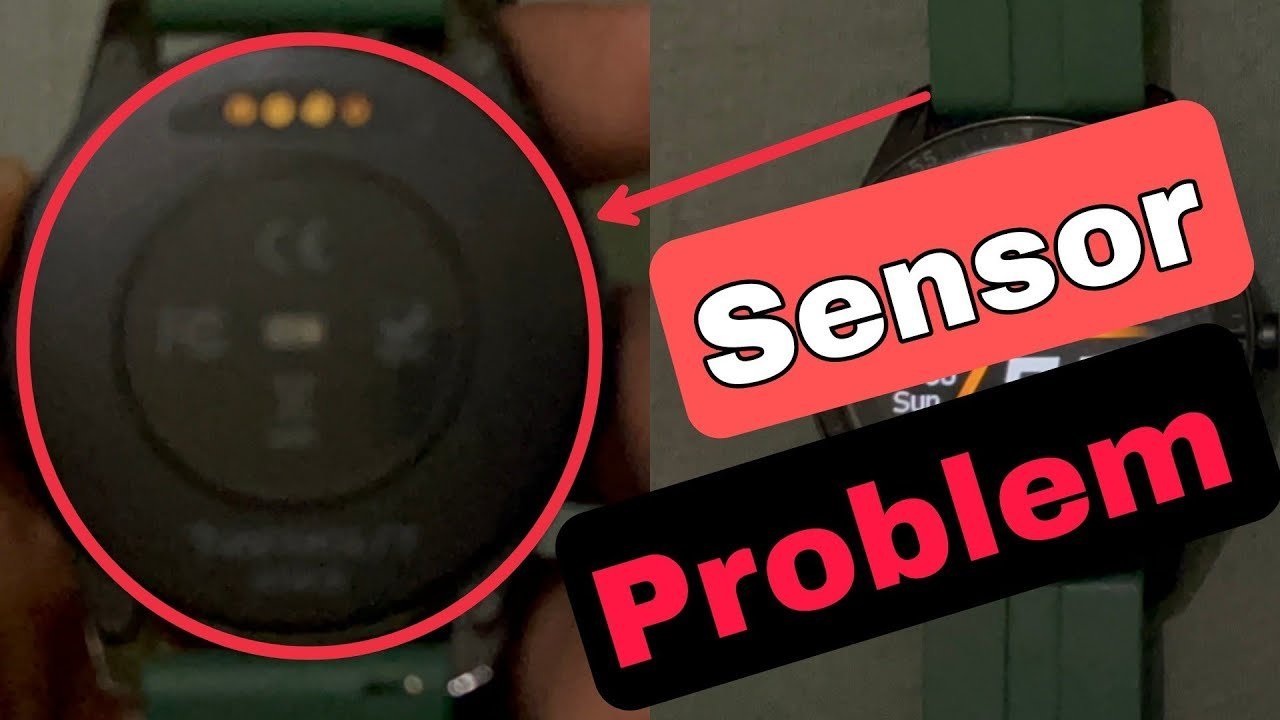
A hard reset is the final step for a watch that is “frozen” rather than truly dead. This is worth trying if you see a faint light on the screen but it refuses to move past a logo or a blank display.
To perform a hard reset, press and hold the main physical button on the side of the watch for at least 20 to 30 seconds. Don’t let go even if the screen flickers. This action forces the operating system to shut down and reboot its primary hardware drivers. If the device was stuck in a software loop, it will usually vibrate or show a boot animation within this time.
This fix isn’t for devices that show zero signs of life. If your watch remains completely unresponsive to the long-press, the issue is likely a hardware failure of the screen or the motherboard. In such cases, trying to force the device further won’t help. If your device is under warranty, contact the manufacturer’s support team directly to initiate a claim. Don’t attempt to open the casing yourself. Opening the watch will void your warranty and likely destroy the waterproof seals that protect the internal electronics from moisture. If the watch is out of warranty, you must weigh the cost of a professional repair against the cost of a new unit.
What not to do
- Don’t use a needle or metal pin to scrape the charging contacts, as this will scratch the gold plating and cause permanent corrosion.
- Don’t leave the watch charging on a soft surface like a bed or sofa, because the heat generated during the charging cycle can’t escape and may trigger a thermal shutdown.
- Don’t place the watch in a freezer to “reset” the battery, as condensation will form inside the casing and cause immediate, irreversible water damage.
- Don’t try to charge the device using a high-voltage power bank meant for laptops, as this can fry the internal power management chip on the watch’s motherboard.
How to stop it happening again
Consistent maintenance of your charging environment prevents most power-related failures.
| If you’re doing this | Do this instead | Why |
|---|---|---|
| Prevents deep discharge | ||
| Using high-wattage plugs | Use 5V/1A wall adapter | Protects the battery |
| Unplug when not in use | Stops electrical surges | |
| Store in a dry, cool area | Prevents pin corrosion |
Most users mistakenly assume that “fast charging” bricks are universal. Using a high-wattage laptop charger on a low-voltage device often causes internal heat spikes that degrade lithium-ion chemistry over time.
If you notice the charging port feels warm to the touch, stop immediately. Heat indicates a resistance issue, usually caused by debris or oxidation. If the device remains hot after cleaning, the internal battery controller is likely failing, and further charging poses a fire risk. In that case, replace the unit rather than the cable.
Frequently asked questions
Can I use a laptop to charge my watch?
Yes, you can use a laptop, but it’s often slower than a wall adapter. Most laptop USB ports provide a lower current, which is safe for the battery but may take longer to reach a full charge. If your watch doesn’t turn on after an hour on a laptop, move to a wall adapter to ensure the device gets a steady flow of power.
Why does my watch get hot while charging?
It’s normal for a device to feel slightly warm while charging, but it should never be hot to the touch. If it feels uncomfortably hot, disconnect it immediately from the power source. This usually happens if you’re using an incompatible fast charger that’s pushing too much electricity into the small battery. Always use a standard, low-output adapter to keep the temperature within safe limits.
How long does a dead watch take to charge?
Most watches require at least two hours to recover from a completely empty state. If the battery was left drained for many weeks, it might take even longer for the system to detect the charge. Allow the device to sit undisturbed for at least three hours before assuming the hardware is faulty. If you don’t see any change after this time, the internal battery may have failed.
Is it safe to leave my watch on the charger overnight?
No, it’s best to avoid leaving your watch on the charger once it reaches full capacity. While modern devices have internal cut-off circuits, keeping a lithium-ion battery at 100% charge for long periods can degrade its overall lifespan. Charge it during the day when you can monitor it, and remove it from the cable once the indicator shows it’s full.
What happens if the charging pins are stuck?
If the charger pins are stuck or depressed, they can’t make contact with the watch. Don’t attempt to pull them out, as they’re delicate and spring-loaded. If the pins remain retracted, the charger is broken and must be replaced. If the pins on the watch itself are stuck, contact the manufacturer for a professional repair.
Final Thoughts
If your screen still stays dark after these checks, don’t worry, as it might just need a fresh charging cable. You shouldn’t hesitate to reach out to the brand’s support team if you’re still stuck. They’ll help you figure out if it’s time for a replacement so you can get moving again.
Related guides


