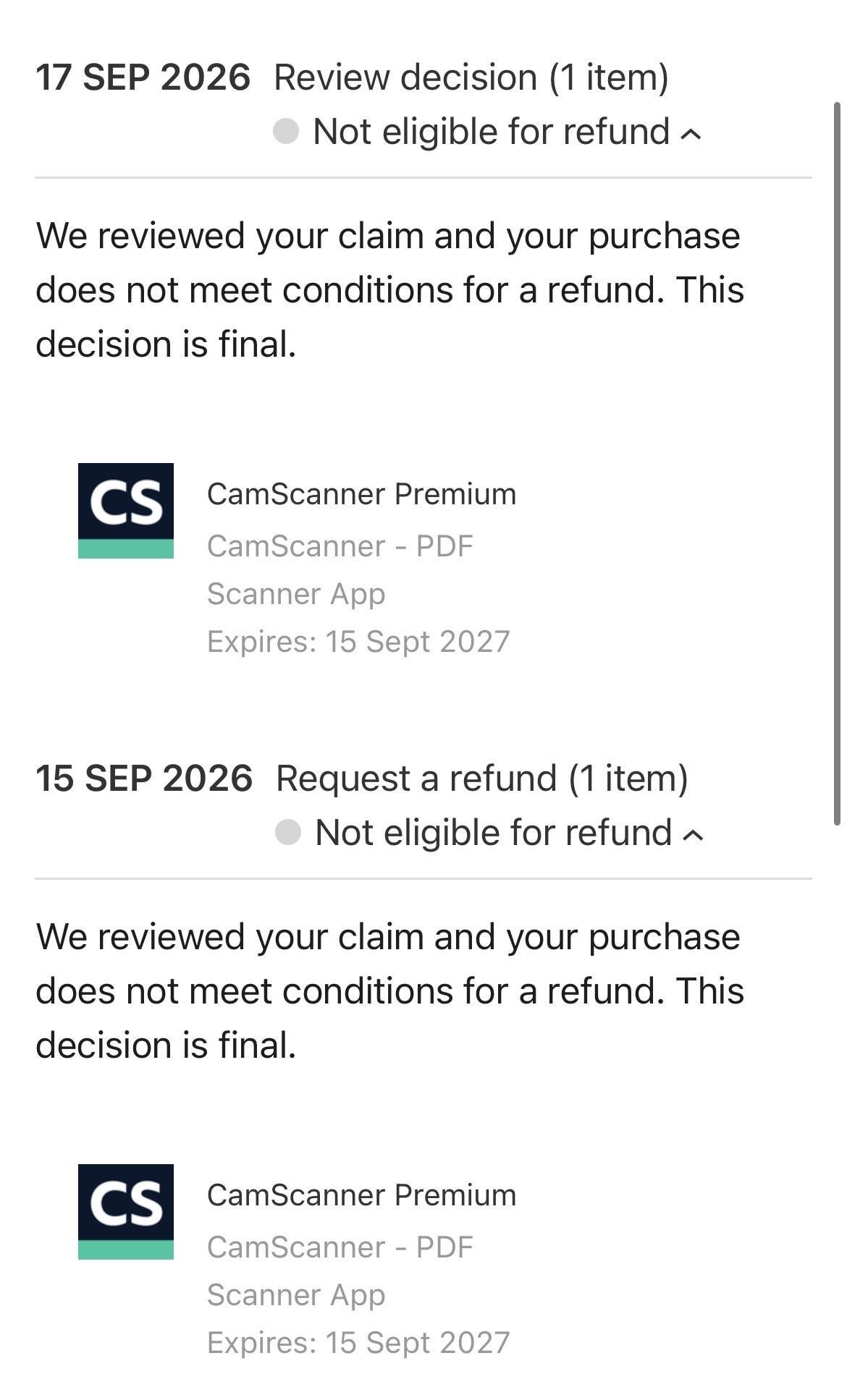
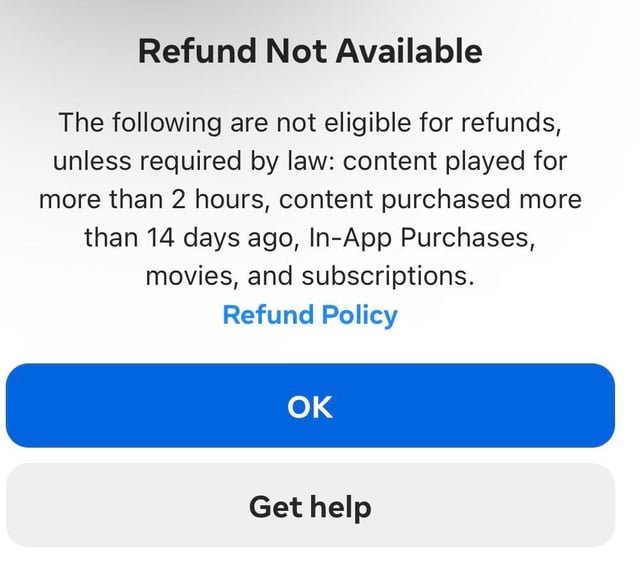
Usually, your purchase is final if you have exceeded the developer’s specific grace period or used the digital content extensively. While some stores offer automated tools for requests, an app not eligible for refund status means you have likely bypassed the standard window for a reversal of charges. You should immediately check your account purchase history to see if the transaction status allows for a manual report. If the store denies the request, you must review the developer’s specific terms of service to understand their internal policy on digital goods.
When it’s yes and when it’s no
Whether you get your money back depends on store policy and your specific history.
| Your situation | Answer | Why |
|---|---|---|
| Within 48 hours of purchase | Yes | Standard store grace period |
| Used the app for weeks | No | Excessive consumption of content |
| Accidental purchase by child | Yes | Documented unauthorized activity |
| Subscription renewed automatically | No | Missed cancellation deadline |
| App crashes immediately | Yes | Product is non-functional |
| In-app currency already spent | No | Consumable goods are final |
| Policy change by developer | Yes | Breach of original terms |
A common mistake is assuming that a refund request automatically pauses a subscription. It does not. You must manually cancel the recurring charge in your account settings to avoid a second billing cycle while the refund is under review.
If your request is denied, check your usage logs. If you have used the service for less than 15 minutes total, you can escalate the claim by citing “misleading functionality” rather than simple buyer’s remorse. This distinction often triggers a manual review by a human agent rather than the automated rejection bot. Always include a screenshot of the error message or the specific date the app failed to perform as advertised.
The rules for digital sales
Digital storefronts operate under strict automated guidelines that determine if a transaction can be reversed. Most major platforms, such as Google Play or the Apple App Store, use algorithms to scan your account history for previous refund requests and the duration of your app usage. If you have a high frequency of returns, the system will automatically flag your account, making it unlikely that a standard request will succeed.
The primary factor is the “time-since-purchase” metric. Most platforms provide a very narrow window for automated returns, often ranging from two hours to forty-eight hours after the initial transaction. If you fall outside this window, the system treats the sale as completed and “delivered.” You can review the Apple Media Services Terms and Conditions to see how these legal agreements define the finality of digital content delivery.
Another deciding factor is the nature of the content. Consumable items, such as in-game coins, gems, or limited-time boosters, are almost never eligible for a refund because the digital asset is consumed the moment it enters your account. If the app is a utility or a productivity tool, the “functional” state is the key. If the app opens and performs its primary task, the store considers the contract fulfilled.
If your request is denied by the automated system, you have one remaining path: contacting the developer directly. Developers have the technical ability to trigger a refund through their own merchant dashboard, even if the storefront’s automated system has blocked it. If the developer agrees, they can initiate the process; if they refuse, the store won’t override that decision.
How to request a return
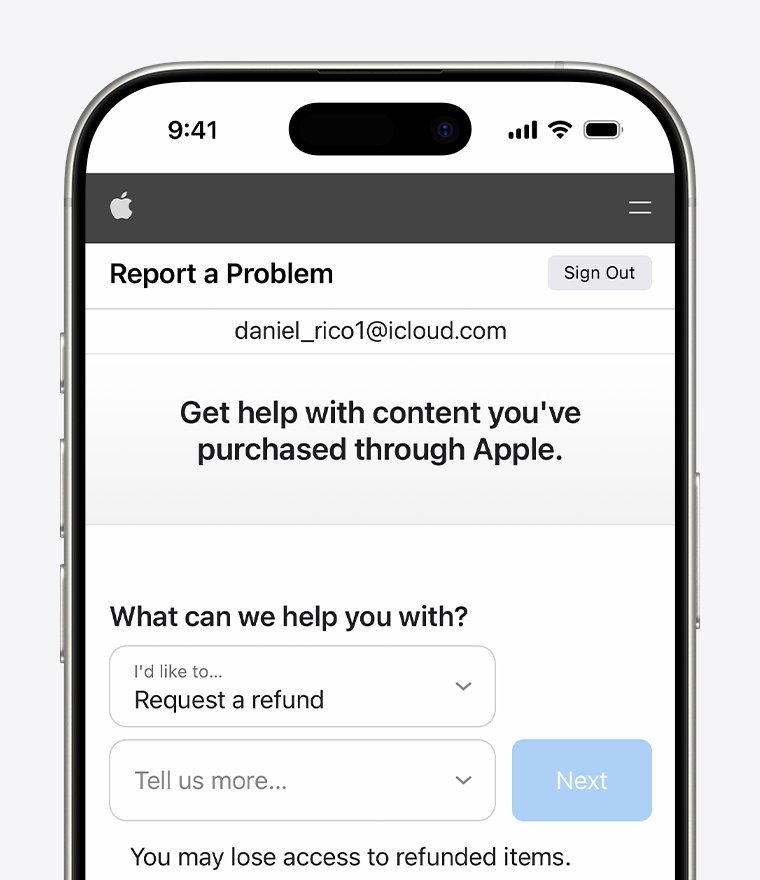
If you believe you have a valid case, follow these steps to submit a formal request through your account settings.
- Access your account history. Open the “Order History” or “Purchase History” section in your device’s app store settings to locate the specific transaction ID.
- Select the report option. Tap on the “Report a Problem” or “Request a Refund” button associated with the specific app entry.
- Choose the valid reason. Select the option that best describes your issue, such as “item doesn’t work as expected” or “I didn’t intend to purchase this.”
- Provide supporting details. Write a brief, factual description of why the app failed to meet the advertised purpose or why the purchase was an error.
- Submit the request. Send the form and monitor your linked email address for a confirmation receipt or a request for more information.
This process isn’t for people who simply changed their mind after using the app for several hours. If the store denies your request, you’re generally stuck with the purchase unless you can prove the app violates the platform’s developer guidelines.
The mistake people make
The most common mistake is waiting too long to report an issue or trying to force a refund by disputing the charge with a credit card company. When you file a “chargeback” through your bank, the app store will almost always immediately ban your account for violating their terms of service. This results in the loss of all your other purchases, saved game progress, and subscription access across all devices linked to that account. The cost of a simple app refund is rarely worth the permanent loss of your entire digital library. Instead of a bank dispute, always exhaust the store’s internal request form and the developer’s support email first. If you’re outside the automated window, a polite email to the developer explaining that the app is broken often yields better results than a hostile chargeback. Always check the receipt in your email; it contains the specific transaction ID you need for the support team to look up your account accurately.
When to stop and get help
Bank account disputes: Never initiate a chargeback with your bank unless you’re prepared to lose your entire account access, as this is a permanent violation of service terms. Most major platforms flag a chargeback as a breach of contract, resulting in an immediate, irreversible ban.
Legal threats: If you feel you have been defrauded, don’t threaten the store support team; contact your local consumer protection agency instead. Support agents are trained to terminate communication the moment a legal threat is issued, effectively killing your chance at a resolution.
Persistent technical failure: If the app is a critical tool for your business and it remains broken after a developer update, consult a professional IT service or your company’s software manager. If the issue persists for more than 48 hours, stop troubleshooting alone to avoid irreversible data corruption.
Unauthorized access: If you see dozens of charges you didn’t make, stop using the device and contact your bank’s fraud department immediately to secure your financial information. Don’t attempt to log in or change passwords on the compromised device, as malware may capture your new credentials instantly.
These situations move beyond a simple refund request into the realm of account security and legal compliance.
Frequently asked questions
Can I get a refund if the app crashes?
Yes, you can request a refund if the app crashes repeatedly, as it’s considered non-functional. Use the “Report a Problem” feature in your store’s purchase history to document the crash. Be sure to mention that the app failed to open or perform its primary task, as this is the standard criteria for a defect-based return.
Why is my app not eligible for refund?
Most requests are denied because the automated system detected excessive usage or you missed the store’s specific grace period. If you have a high volume of previous refunds, the system will flag your account as a high risk. You can check the store’s official support page to see their specific thresholds for automated approval versus manual review.
How long does a refund take?
About three to ten business days is the typical timeframe for a refund to reflect on your original payment method. This depends entirely on your bank’s processing speed and the store’s internal accounting cycle. You should check your bank’s online portal for pending transactions if you don’t see the credit after five business days have passed.
Is it safe to dispute a charge with my bank?
No, it isn’t safe to dispute a charge with your bank if you want to keep your account. Disputing a charge through your financial institution is viewed as a breach of contract by app stores, and they will usually lock your account permanently. You should always use the platform’s built-in refund tools before involving your bank.
What happens if the developer refuses?
No further action is usually possible if the developer refuses, as they have the final say on their own digital products. You can try to contact the storefront’s human support staff to explain the situation, but they rarely override a developer’s decision. If the app is unusable, your only option is to stop using it and remove it from your device.
Does it matter if I am on a subscription?
Yes, it matters because subscriptions are billed in advance for future access, making them harder to refund after the billing date. You must cancel the subscription before the next renewal date to stop future charges. Most stores don’t provide partial refunds for the remainder of a month that you have already paid for.
What to do next
Check your email for the purchase receipt from the app store to find your transaction ID. Once you have that number, submit a formal report through the store’s official help link.
If you receive a denial notice, contact the developer directly with the same transaction ID to ask for a manual reversal. Developers often have more leeway to issue refunds than automated store systems.
If you see multiple unauthorized charges, stop all activity and contact your bank’s fraud department immediately. A single charge might be a mistake, but multiple charges indicate your payment credentials are compromised.
The decision rule is simple: if the charge is a one-time error, use the app store portal. If the charge is part of a recurring pattern or a larger security breach, bypass the store and lock your card through your bank.