
Your eigiis ke3 smartwatch not charging is most often caused by a dirty metal contact or a loose connection between the magnetic pins and the watch case. If you notice the device fails to respond when connected to power, you should first inspect the back of the watch for debris or oxidation. Gently wipe the gold charging pins with a dry, soft cloth to ensure a clean connection. If the pins look clean but the watch still stays dark, have a technician inspect the internal electrical components.
Why your Eigiis KE3 smartwatch not charging
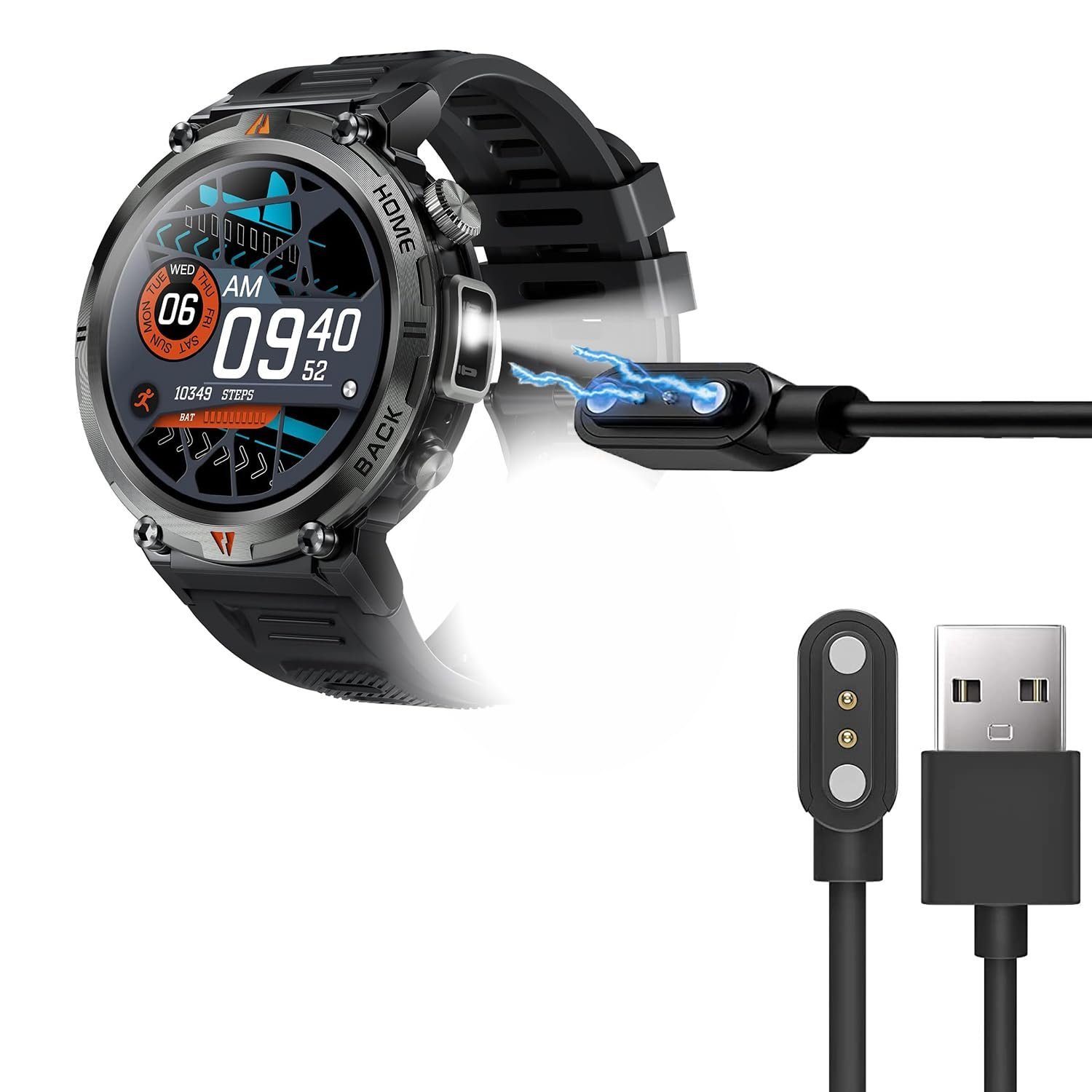
The primary reason for charging failure is poor electrical conductivity between the magnetic charging cable and the watch’s rear contacts. Over time, sweat, skin oils, and dust build up on the small gold pins. This creates an insulating layer that prevents the flow of electricity. If you wear the watch during exercise, this buildup happens much faster.
Another common cause is cable misalignment. Because the charger is magnetic, it can sometimes snap into place slightly off-center. When the pins don’t sit perfectly flush against the contact points, the circuit remains open. You should also consider the power source itself. If you’re using a high-output fast charger designed for modern phones, the watch may refuse to charge to protect its internal battery from overheating.
Finally, internal battery exhaustion occurs if the device is left uncharged for months. When the voltage drops below a specific critical threshold, the watch enters a deep sleep mode. It may take up to 60 minutes of steady connection before you see any light on the screen. If you have ruled out dirt and bad cables, the battery might simply need a long, uninterrupted session to wake up.
Clean the contact points
This fix is for users who see debris or discoloration on the magnetic pins. If your watch has been exposed to water or sweat, the metal contacts may have a thin film of salt or oxidation.
First, unplug the charging cable from your wall adapter or computer. Take a soft, lint-free cloth—a microfiber lens cloth works best—and gently rub the gold pins on the back of your watch. Don’t use metal tools like needles or knives to scrape the contacts. Metal tools can scratch the gold plating or cause a short circuit if you accidentally touch two pins at once. If the buildup is stubborn, use a cotton swab lightly dampened with isopropyl alcohol (70% concentration or higher).
After cleaning, wait two minutes for the alcohol to evaporate completely before plugging the cable back in. Check that the magnetic connection feels “snappy” and secure. If the watch vibrates or the screen wakes up, the connection is restored. If the pins appear bent or pushed into the watch housing, you have reached a physical limit; this isn’t a user-serviceable part, and you should contact the manufacturer for a warranty replacement. This fix isn’t for those who have already verified the contacts are shiny and clean. If you clean them and see no change, move to testing a different power source.
Switch to a stable power source
If your watch isn’t charging, the issue might be the power adapter rather than the watch itself. Many modern wall bricks are “smart” chargers that adjust their output. These can sometimes fail to detect the low power draw of a smartwatch and shut off automatically.
To fix this, plug your charging cable into a dedicated USB port on a computer or a simple, low-power wall adapter. Avoid using multi-port fast-charging hubs or power strips with built-in USB ports, as these often prioritize high-draw devices. If you’re using a computer, ensure it’s turned on and not in sleep mode, as some ports disable power output when idle. If charging issues persist, consult a professional technician to test the power delivery.
If the watch starts charging, you’ll see a battery icon appear on the display within a few minutes. If you use a high-power charger and the watch stays cold, the device’s internal safety circuit may be blocking the charge. If you try a standard wall adapter and see no results, the battery may have reached its end of life; have a technician verify the internal power circuitry.
Perform a hard power reset
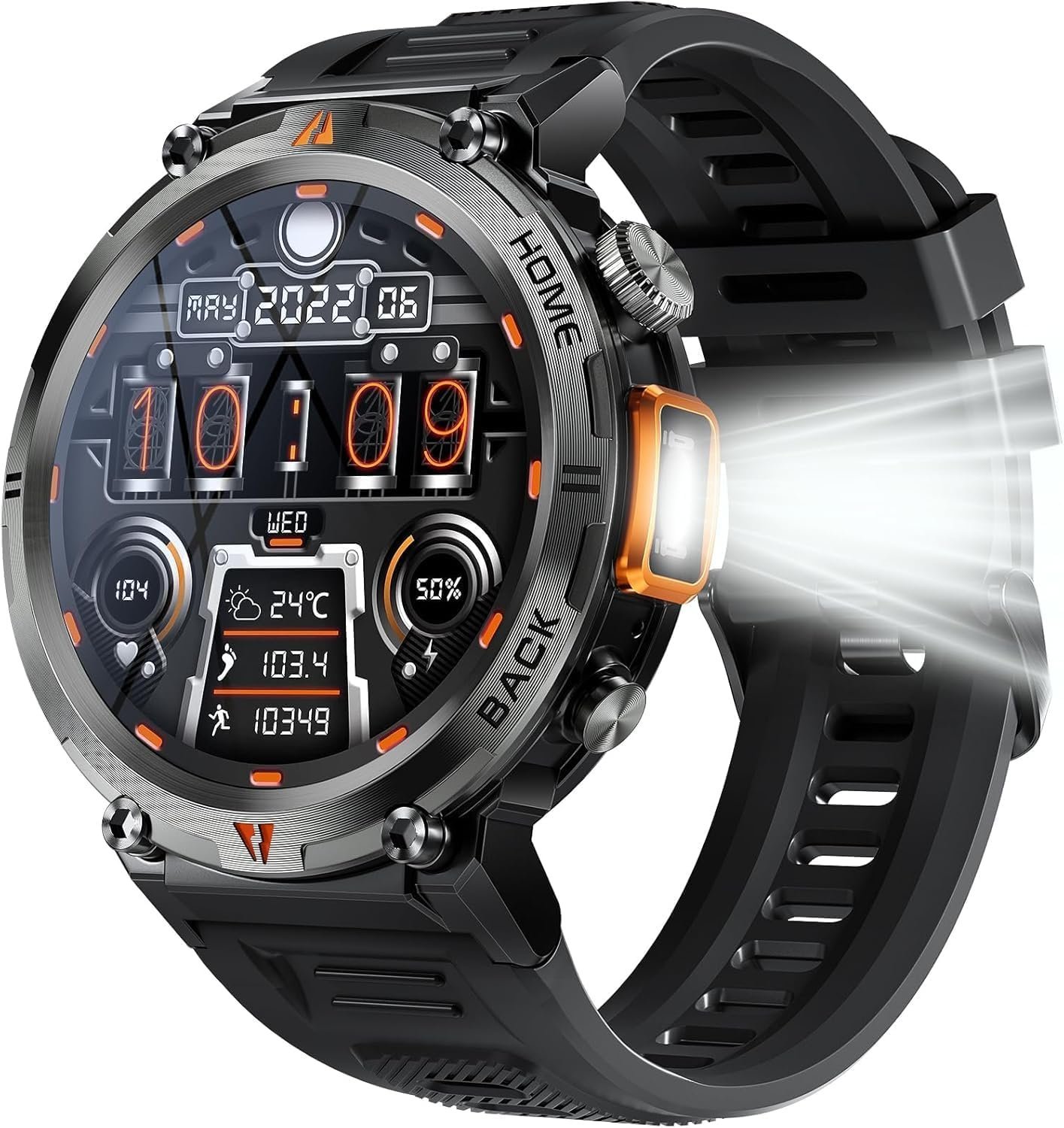
When the software freezes, the watch may stop recognizing that a charger is attached. A hard reset clears the temporary memory and forces the system to re-scan its hardware ports.
To do this, hold the main side button down for 20 continuous seconds while the watch is disconnected from the charger. After 20 seconds, release the button and immediately place the watch on the magnetic charger. If the screen flashes or shows the charging icon, the reset was successful. This method is worth the effort if you have already cleaned the pins and confirmed the power source works with other devices.
If the watch remains unresponsive after a hard reset, it’s likely a hardware failure. If you aren’t comfortable or don’t have the tools to troubleshoot further, don’t attempt to open the watch casing. Opening the watch voids your warranty and can be dangerous, as the lithium-ion battery inside can swell or catch fire if punctured. If the reset doesn’t work, this is no longer a DIY fix. You should contact the place of purchase or the manufacturer’s support line to discuss a repair or a replacement unit. This isn’t for users who see a “low battery” icon, as that indicates the screen is working and the issue is strictly related to power delivery.
What not to do
- Don’t use abrasive materials like sandpaper or metal files to clean the charging pins, as this permanently removes the conductive gold coating and ruins the device.
- Never attempt to pry the back cover off the watch to “fix” the battery, as this risks puncturing the lithium-ion cell and causing a fire.
- Avoid leaving the watch on a charging dock overnight if it isn’t showing a charging icon, as a faulty cable or pin connection could cause the charger to overheat.
- Don’t plug the watch into a car’s cigarette lighter adapter, as the voltage fluctuations in a vehicle can easily fry the delicate charging circuitry of a smartwatch.
How to stop it happening again
Establish a routine for your watch care to prevent buildup and battery degradation.
| If you’re doing this | Do this instead | Why |
|---|---|---|
| Charging while wearing it | Remove before charging | Prevents cable movement and disconnects |
| Ignoring sweat buildup | Wipe with a dry cloth daily | Salt causes rapid pin corrosion |
| Using any random USB cable | Use only the included cable | Prevents voltage mismatch and pin damage |
To determine if your charging habits are safe, check the device temperature. If the watch feels warm to the touch while charging, move it to a cooler surface. Heat is the primary catalyst for permanent capacity loss. If you notice the watch struggling to hold a charge through a standard workday, stop using fast-charging bricks immediately. Switch to a low-wattage adapter to stabilize the current and extend the internal hardware lifespan.
Frequently asked questions
Can I use a phone charger for my watch?
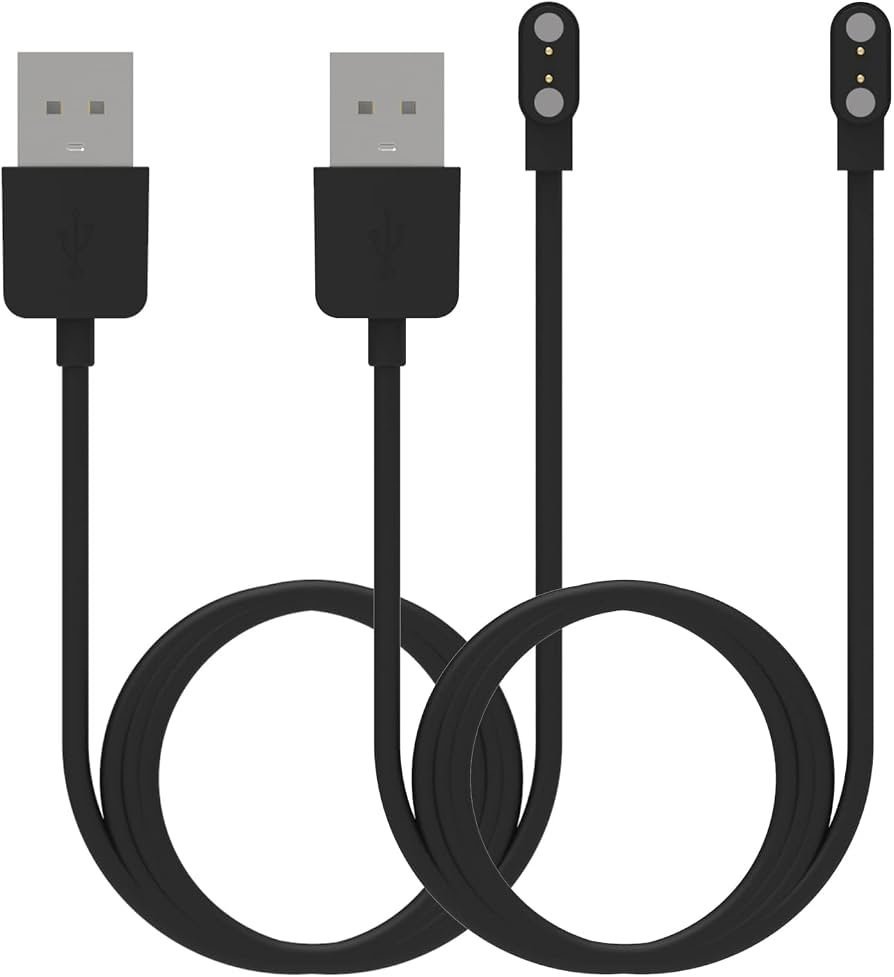
Yes, you can use a phone charger if it outputs a standard 5 volts. Many modern chargers provide higher voltages that can damage your watch. Always check the adapter’s label to ensure the output is exactly 5V, or use a computer USB port instead.
Why does my watch feel hot while charging?
A slight increase in warmth is normal, but the watch should never become painful to touch. This heat often occurs when the charging pins fail to make a clean connection. If the watch remains hot despite a perfect connection, stop using it and contact the manufacturer for a replacement.
How long should I leave it on the charger?
Leave the watch on the charger for at least two hours if the battery was completely drained. Smartwatches often require a “trickle charge” phase, which can keep the screen black for up to an hour. If there’s no sign of life after two hours, the battery is likely dead.
Is it safe to charge my watch overnight?
It’s better to charge the watch during the day while you’re at your desk or doing chores so you can unplug it once it hits full capacity.
What happens if I let the battery die completely?
If the battery dies completely, the watch may enter a deep discharge state that makes it difficult to restart. Plug the device into a reliable power source and leave it undisturbed for one hour. If the screen remains blank after this time, the internal power management chip may have failed.
Final Thoughts
If your device still won’t power up after these checks, don’t worry. It’s a good idea to reach out to the manufacturer’s support team for a potential warranty claim or a replacement cable. They’ll help you figure out if it’s a hardware defect so you can get back to tracking your activity soon.
Related guides


