
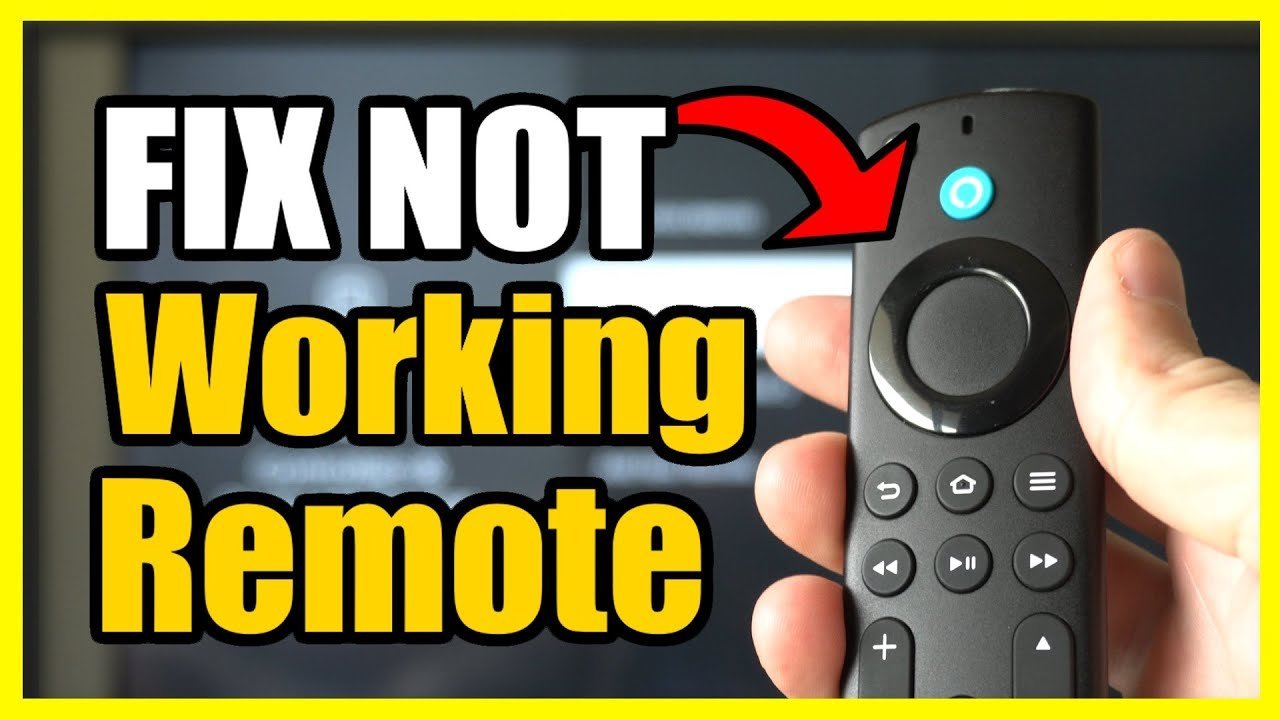
A dead battery is the most common reason for a firestick remote light not working, as this issue occurs in the vast majority of cases when the internal power source fails to make a connection. You can quickly confirm this by swapping the existing batteries with a fresh pair of alkaline batteries. If the light still doesn’t blink or pulse after you insert new batteries, the remote may be experiencing a pairing error or a hardware failure.
Why the remote light stopped working
| Cause | How common | How to confirm it | Fix it yourself? |
|---|---|---|---|
| Dead batteries | Very common | Replace with new ones | Yes |
| Pairing error | Common | Check TV screen status | Yes |
| Dirty contacts | Occasional | Inspect battery compartment | Yes |
| Stuck buttons | Occasional | Press all buttons firmly | Yes |
| Interference | Rare | Move closer to TV | Yes |
| Hardware failure | Rare | Test with another remote | No |
Most users assume a dead battery is the culprit, but they often ignore the expiration date on the pack. If your batteries are over two years old, they may leak acid that corrodes the metal springs.
Check for a white, chalky residue inside the compartment. If you see it, scrub the contacts with a cotton swab dipped in high-percentage isopropyl alcohol.
A common mistake is assuming a remote is broken when it’s actually just unpaired. If the TV status light flashes but doesn’t respond, hold the “Home” and “Back” buttons simultaneously for ten seconds to force a handshake.
If you suspect interference, look for large electronics like routers or microwaves placed directly between the remote and the TV sensor. These devices emit signals that drown out the infrared beam.
Depleted power cells
The primary cause for a non-responsive remote is a lack of voltage from the batteries, which prevents the infrared or Bluetooth transmitter from activating. When batteries reach the end of their chemical life, they can’t provide the steady current required to power the status LED. To confirm this, remove the battery cover and inspect the cells for any signs of leakage or corrosion.
Replace the old batteries with two brand-new AAA alkaline batteries, making sure to align the positive and negative ends with the markings inside the compartment. If you’re using rechargeable batteries, note that these often have a lower voltage than standard alkaline cells, which can sometimes cause the remote to act erratically or fail to power the LED entirely; if you have a set of standard alkaline batteries, use those to test the remote first. This process takes about two minutes of your time. If the LED remains dark after the swap, the issue lies elsewhere. Always dispose of old batteries according to your local municipal guidelines for household hazardous waste, as recommended by the Environmental Protection Agency battery disposal guidance.
Signal pairing failure
A pairing error occurs when the remote loses its digital handshake with the Fire TV device, causing the remote to stop sending signals even if it has power. You can tell this is the issue if the remote light doesn’t flash when you press the home button, yet the TV shows a “Remote not detected” or “Disconnected” screen. To fix this, hold the Home button on your remote down for at least ten seconds.
If the remote doesn’t pair automatically, you may need to restart your Fire TV by unplugging the power cord from the wall outlet and waiting sixty seconds before plugging it back in. Once the home screen loads, try the Home button procedure again. This process assumes you have a clear line of sight or a stable Bluetooth environment; if you have many other wireless devices nearby, move those items at least three feet away during the pairing attempt to reduce signal congestion. This fix typically takes five minutes. If the light still refuses to blink during this process, the remote may have an internal electronic fault that prevents it from entering discovery mode.
Obstructions and button debris
Small pieces of dust, lint, or debris inside the battery compartment can create a physical barrier that stops the remote from drawing power. If the battery contacts look dull or have white, crusty spots, they’re likely oxidized. You can clean these contacts by using a dry, soft cloth or a clean cotton swab to gently wipe the metal springs and plates.
Avoid using liquids or abrasive tools, as these can permanently damage the sensitive metal plating. After cleaning, insert the batteries and press each button on the remote firmly to ensure none are stuck in a depressed position. If a button is held down by a crumb or sticky residue, the remote may enter a continuous signal state that drains power and keeps the LED from functioning correctly. If you notice that one button feels “mushy” or doesn’t click back up after being pressed, that specific button is likely jammed. This check takes about three minutes. If the remote still fails to show a light after the contacts are clean and all buttons are confirmed to be free, it’s time to consider that the device has reached the end of its functional life.
The less likely causes
Wireless interference from other high-frequency electronics can block the Bluetooth signal. Try moving your router or other smart home hubs at least three feet away from the TV to clear the path.
A software glitch on the Fire TV device itself might prevent it from acknowledging the remote. Perform a full system factory reset to rule this out, but remember that this wipes all installed apps and saved logins.
Internal hardware damage from a drop or liquid spill often causes the circuit board to crack. This damage can’t be repaired by a home user.
If you have confirmed the batteries are fresh and the remote is clean but it still fails, the internal transmitter has likely died. If the remote doesn’t pulse a light when you press a button, it’s time to buy a replacement. Don’t waste time on further troubleshooting if the hardware is unresponsive.
What a fix usually involves
Fixing a remote usually involves simple, low-cost steps you can perform with common household items. If the issue is simply dead batteries, the cost is just the price of two standard AAA cells. If the remote requires cleaning, you only need a dry cloth or a cotton swab, which carries no cost. However, if the hardware has failed, you’ll need to purchase a replacement. The cost of a new remote is usually a small fraction of the price of a brand-new Fire TV device. You can verify the specific model compatibility by checking the back of your current remote or by visiting the official Amazon support page for your specific Fire TV generation. Avoid third-party “universal” remotes unless they explicitly list your Fire TV model as compatible, as many generic versions fail to support voice search or specific menu buttons. If you’re unsure about the model version, the documentation that came with your device or the settings menu on your TV screen will provide the exact hardware identification you need to ensure a correct purchase.
Frequently asked questions
Can I fix a firestick remote light not working without buying new batteries?
No, you can’t fix this if the batteries are truly empty, as the remote requires a constant power supply to function. If you suspect the current batteries are still good, try cleaning the metal contact points inside the battery compartment with a dry cloth to ensure a better connection. If the light remains off after cleaning, the batteries are almost certainly dead and must be replaced.
How long should the remote light stay on?
The light usually blinks for a few seconds when the remote is in pairing mode or when you press a command button. It doesn’t stay on constantly, as this would drain the battery life very quickly. If you see the light flash once when you press a button, the remote is likely working correctly and the problem is with the TV connection.
Is it safe to open the remote casing to fix the light?
No, it isn’t recommended to open the remote housing, as the plastic clips are designed to stay shut and will likely break if forced. Opening the casing can also void any remaining warranty you have on the device. Most internal issues are circuit board failures that can’t be repaired at home, so it’s better to replace the unit if basic troubleshooting fails.
What happens if I drop my firestick remote?
Dropping the remote can break the internal antenna or dislodge the battery contacts, which often causes the light to stop working. If the remote was working before the drop and fails immediately afterward, the internal hardware is likely damaged beyond repair. You should check if the remote still sends signals to the TV; if it does not, a replacement is necessary.
Does it matter if I use rechargeable batteries?
Yes, it can matter because rechargeable batteries often provide lower voltage than standard alkaline cells. While some remotes work fine with them, many will fail to power the LED or pair correctly due to the lower output. If you’re having trouble, always test the remote with a fresh pair of standard alkaline batteries before assuming the remote is broken.
Why is my firestick remote blinking yellow?
A yellow blinking light usually means the remote is in discovery mode and is trying to pair with your device. This is different from the light not working at all, and it usually means the remote has power but has lost its connection. Follow the on-screen instructions on your TV to complete the pairing process and stop the blinking.
Final Thoughts
If these simple fixes don’t get your device responding, it’s likely time to contact Amazon support for a replacement. They’re usually helpful and shouldn’t take long to assist you. You’ll be back to streaming your favorite shows in no time once you’ve got a working controller in your hand again.
Related guides


