
The iqos iluma red light blinking indicates a device error that typically happens when the holder isn’t correctly inserted, the battery is depleted, or the induction heating system has reached an internal fault. To fix this, place the holder back into the pocket charger and perform a hard reset by holding the charger button for ten seconds until the lights fade and blink again. This error often arises from debris inside the heating chamber or a connection failure between the holder and the charger.
Reasons your IQOS Iluma light is blinking
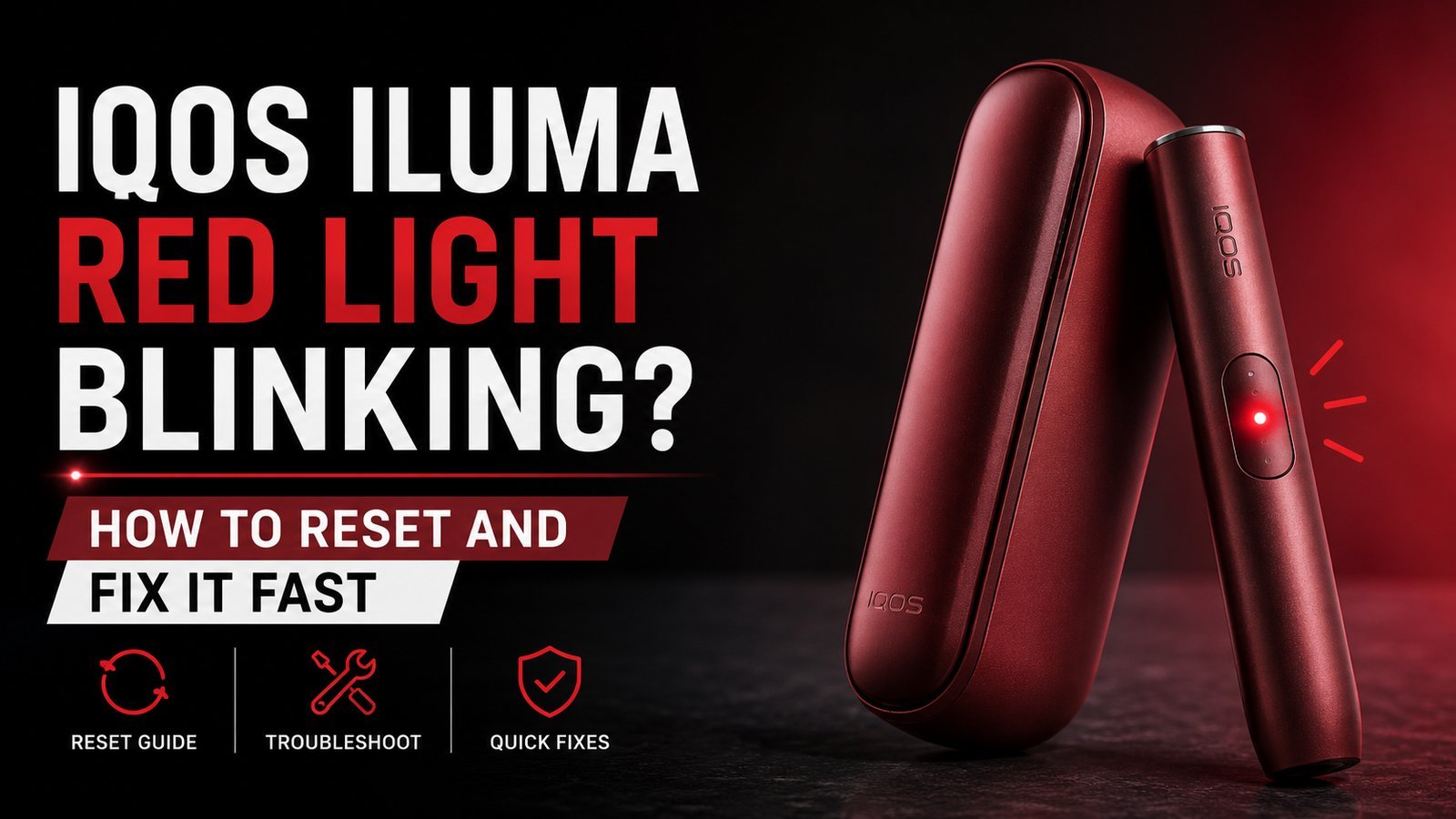
The red light on your device acts as a diagnostic signal for internal safety protocols. When the system detects an abnormality in power delivery or temperature regulation, it cuts off current to prevent short circuits or overheating. This mechanism is standard for lithium-ion battery electronics, as described by the Philip Morris International product support page.
The most common cause is a dirty contact point. If residue from the tobacco stick builds up inside the holder, it can interfere with the proper seating of the stick or the induction process. This leads the software to trigger a red blinking light as a fail-safe.
Another cause is a simple synchronization error. If you remove the holder from the charger before the handshake between the two components is complete, the firmware may enter a “locked” state. This isn’t a permanent hardware failure, but it prevents the device from starting until the logic board is power-cycled. If you see this light after dropping the device, it may indicate that the internal induction coil has shifted. While some users might try to shake or tap the device to fix it, this often does more harm than good by loosening delicate internal ribbons. If the light persists after a reset, the issue is likely a component failure that requires professional inspection rather than a DIY fix.
Perform a device reset
A hard reset is the primary way to clear software-based error codes. This is the first step for anyone experiencing the blinking red light. Start by ensuring your pocket charger is charged to at least 50% capacity. If the charger itself is blinking red, plug it into a wall outlet using the original power adapter and cable for at least 20 minutes before trying the reset.
To perform the reset, place the holder inside the pocket charger. Press and hold the button on the side of the charger for exactly ten seconds. You’ll see the status lights fade out. Keep holding until they blink twice in white, which confirms the system has rebooted. Once the lights stabilize, release the button.
If you have a model with a separate charging case, ensure the lid is closed during this process. If the lights don’t turn white after the reset, it implies the battery or the main logic board can’t hold a charge. This is a common trade-off in high-capacity battery devices; as they age, they lose the ability to maintain the necessary voltage for the induction start-up. If the light remains red after two successful reset attempts, don’t attempt to disassemble the casing. Opening the device voids your warranty and exposes you to the risks associated with damaged lithium-ion batteries.
Clean the contact points
If the reset doesn’t stop the blinking, debris is likely blocking the connection. This fix is for those who notice the holder enters the charger but fails to initiate the charging cycle. You must use only dry, non-conductive tools to clean the area.
Switch off the device entirely. Use a soft, dry cotton swab to gently wipe the inside of the pocket charger’s charging port. Look for dark spots or tobacco remnants on the gold-colored pins. If you see buildup, use a dry, thin wooden toothpick to carefully scrape the debris away, moving outward so nothing falls deeper into the slot.
Once the pins look clean and shiny, re-insert the holder. If the light turns white, the connection has been restored. If the light stays red, check the bottom of the holder for similar debris. A mistake people make is using metal tools like needles or paperclips; this scratches the delicate gold plating on the contact pins, which permanently prevents the device from charging. If the pins are physically bent or missing, the device can’t be repaired at home. You’ll need to contact the manufacturer’s support team to see if your specific model is eligible for a replacement.
Check for firmware and charging limits
Sometimes the device is simply too cold or too hot to function. This fix is for when you have recently moved from a very cold environment, like a car in winter, into a warm room. The internal sensors prevent the battery from heating up to avoid cell damage.
If the room temperature is below 32°F (0°C) or above 104°F (40°C), the device will blink red to protect the battery. Leave the device in a neutral, room-temperature environment for one hour. Don’t place it near a heater or in direct sunlight, as rapid temperature changes can cause condensation inside the electronics.
This fix isn’t for those who have dropped their device in water or exposed it to high humidity. If your device has been wet, a red light indicates that internal corrosion is likely already occurring. In that case, don’t attempt to charge it. If the device was working fine and then suddenly showed the light after a cold night, simply letting it acclimate to room temperature is usually enough to resolve the error. If you find the device consistently fails in specific temperatures, check the user manual for your specific model, as some versions have stricter thermal limits than others. If the blinking persists despite the device being at room temperature, it’s time to stop troubleshooting and contact the manufacturer.
What not to do
- Don’t attempt to pry open the plastic casing with a knife, as you risk puncturing the battery, which poses a severe fire hazard.
- Don’t leave the device plugged into a third-party, high-speed wall charger, as the voltage mismatch can fry the internal charging logic board.
- Don’t repeatedly press the reset button for minutes at a time, as this can confuse the firmware and lead to a total system lockout.
- Don’t use compressed air to blow out the holder, as this forces fine dust further into the induction coil and makes the blockage impossible to clear.
How to stop it happening again
Consistency is the best way to keep your device running. Many errors are simply the result of long-term neglect of the charging pins.
| If you’re doing this | Do this instead | Why |
|---|---|---|
| Leaving tobacco sticks inside | Remove the stick immediately | Prevents residue buildup |
| Forcing the holder into place | Slide it in gently | Protects the charging pins |
| Charging with a generic cable | Use the provided cable | Prevents voltage fluctuations |
| Leaving it in a hot car | Keep it in your pocket | Protects the battery health |
Frequently asked questions
Can I fix a red light blinking if I dropped my device?
No, you can’t fix a red light blinking if the device has sustained physical impact damage. A drop often breaks the internal induction coil or disconnects the battery ribbon cable. Note that a reset can’t repair broken physical components.
Why does my device blink red only when charging?
Your device blinks red while charging because the internal battery management system has detected a voltage error or faulty cell. This occurs when the charger can’t maintain a steady flow of electricity. If the light persists across multiple power sources, the battery has reached the end of its life.
How long does an iqos iluma usually last?
The lifespan of the device is typically two years, though this varies by model and usage. Lithium-ion batteries naturally degrade after hundreds of charge cycles, eventually losing the capacity to sustain heating. If your device is over two years old, the battery likely can no longer hold a charge.
Is it safe to keep using a device that shows a red light?
No, it isn’t safe to keep using a device showing a red light, as this indicates the system can’t regulate temperature or power. Continuing to use the device can lead to battery swelling or thermal runaway. Stop using the device immediately to prevent fire or property damage.
What happens if I ignore the red light?
If you ignore the red light, the device will eventually stop responding and may become a fire hazard. The blinking signal warns that internal parameters are outside of safe operating ranges. Persistent use of a faulty device can lead to battery casing failure or a melting charging port.
Related guides


