
The 8bitdo controller red light blinking means your device has a low battery and needs to be charged immediately. This signal indicates the internal voltage has dropped below the threshold required for stable wireless operation. If you connect the controller to a power source, the indicator light should turn solid or change color to show it’s charging. This behavior is standard across most models, though the exact charging time varies by model — check the label or manual for the specific capacity of your internal battery.
Why is my 8bitdo controller red light blinking?
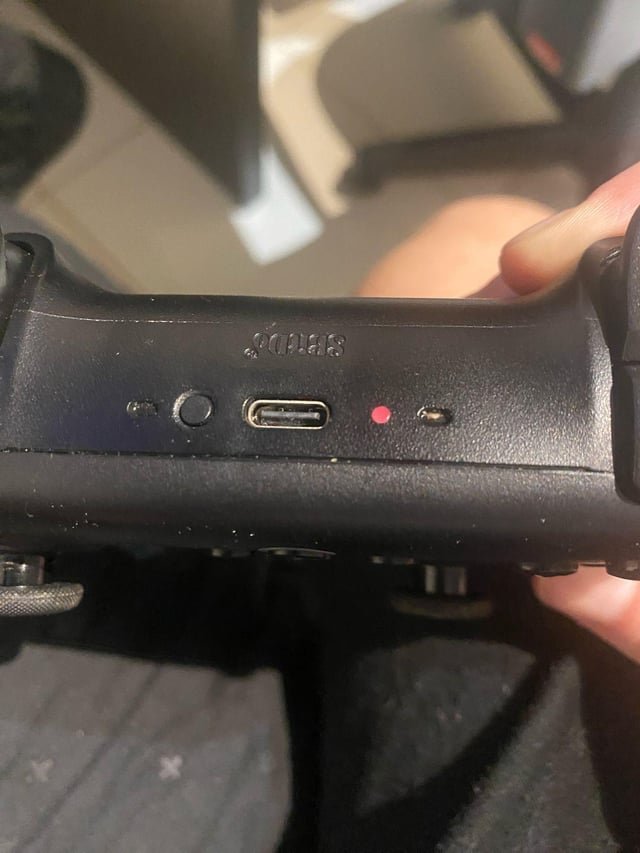
The blinking red light is a warning system designed to protect your hardware. When the lithium-ion battery inside reaches a low state of charge, the controller’s firmware triggers a visual alert to prevent sudden power loss during gameplay. This mechanism is physical; as the battery drains, the voltage output decreases. Once that voltage hits a specific level, the controller can no longer maintain a stable Bluetooth connection, which is why it starts blinking.
Another reason for this light is a charging error or an interrupted power cycle. If you plug the device in and it continues to blink, the controller may not be receiving enough power from the port. This often happens if the charging cable is faulty or the power source isn’t providing a consistent 5V output., or if you use a faulty USB cable.
It’s also possible for the firmware to get “stuck” in a low-power mode if the controller was turned off while the battery was nearly empty. In this state, the controller might not recognize that it’s plugged into a charger. This isn’t a hardware failure, but rather a logic state that needs to be reset. You can find official troubleshooting steps on the 8BitDo support page to verify if your specific controller requires a firmware update to improve battery management.
Use a compatible power source
If your controller is blinking red, you must connect it to a stable power source using the provided USB cable. This fix is for users who have confirmed the battery is depleted but have trouble getting the device to charge.
First, plug the USB cable into a dedicated USB port on your computer or a standard 5V/1A wall adapter. Avoid using “fast-charge” or “quick-charge” bricks designed for modern smartphones, as these can sometimes cause communication issues with the controller’s older charging hardware. If the light doesn’t change to a solid charging color within ten minutes, try a different USB port on your computer.
If you have a controller with a removable battery pack, ensure the contacts are clean and free of dust. If the light remains blinking red even after an hour of charging, the battery may have reached the end of its life cycle. This is a common trade-off with rechargeable devices; after hundreds of charge cycles, the battery can no longer hold enough voltage to stop the blinking. If you notice the controller gets hot while charging, stop immediately and unplug it, as this indicates a potential short circuit.
Reset the controller firmware
A hard reset can resolve the blinking red light if the controller’s internal logic is frozen. This fix is for those who have a charged battery but still see the persistent blinking light.
To perform a reset, locate the small pinhole reset button on the back of the controller. You’ll need a paperclip or a SIM card removal tool to press it. Hold the button down for three to five seconds while the controller is unplugged. This action clears the temporary memory and forces the controller to re-scan its battery level upon the next power-up.
After resetting, plug the controller back into your PC or console using a direct USB connection. If the controller is working, it should sync immediately to the device. This fix isn’t for controllers that have physical damage or liquid exposure; if your controller has been dropped or submerged, a reset won’t repair the damaged circuitry. If the device still blinks red after a reset and a full charge, it’s likely a permanent hardware fault. In such cases, you should contact the retailer where you purchased the item to discuss warranty options, as opening the casing yourself will void your manufacturer warranty.
Perform a wired connection test
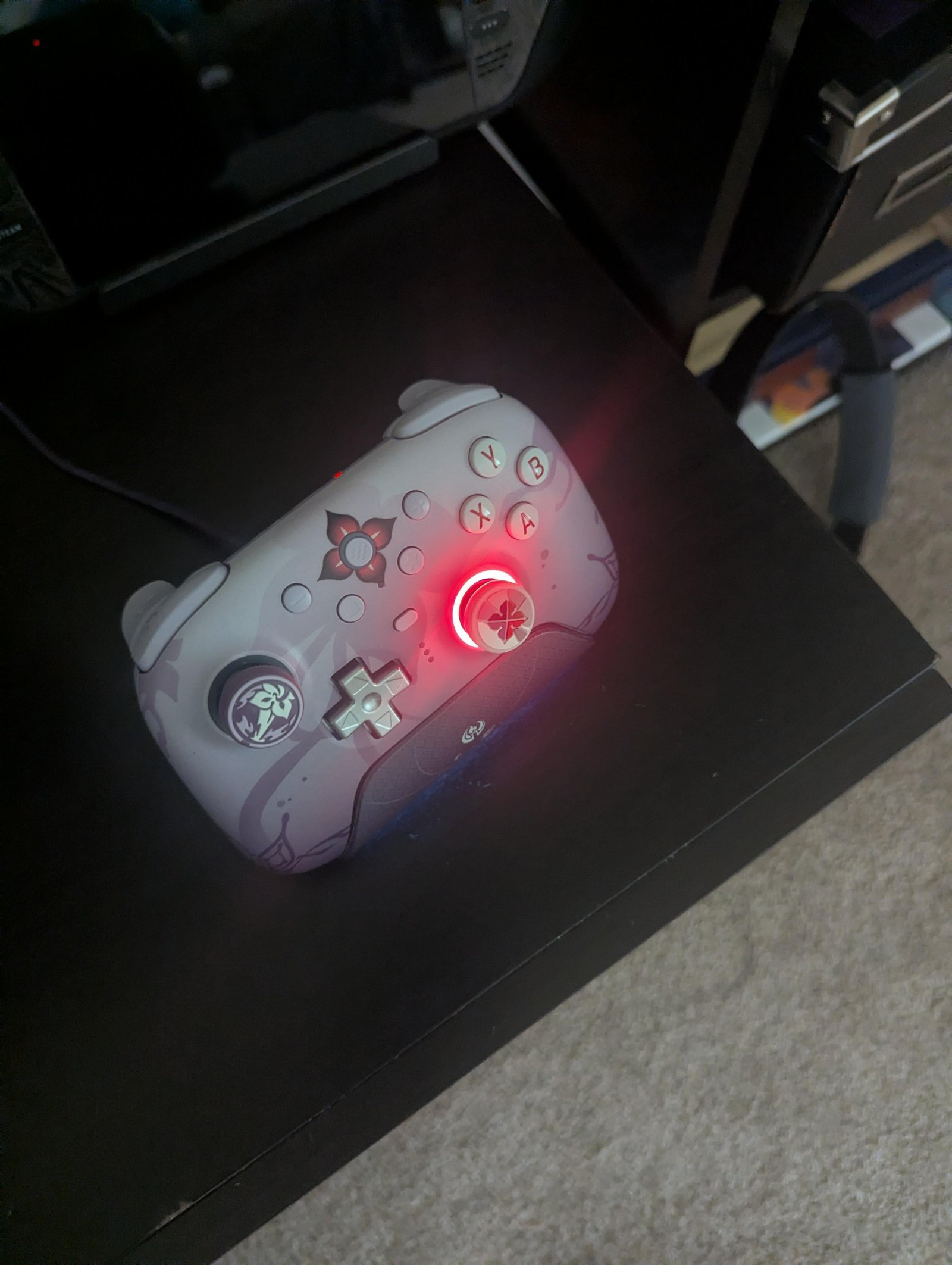
If the controller continues to blink red, you should test it in “wired mode” to see if it functions while connected to a power source. This fix is for users who suspect the wireless radio is the cause of the power drain.
Switch your controller to wired mode by connecting it directly to your PC via a USB cable. Many 8bitdo models allow you to bypass the battery entirely by using this wired connection. If the controller stops blinking and functions correctly while plugged in, the issue is strictly with the battery’s ability to hold a charge. If it still blinks while plugged in, the issue is likely within the controller’s main board.
This fix is helpful because it confirms whether the controller is still usable for gaming, even if it has lost its wireless portability. It isn’t a permanent solution for a dead battery, but it allows you to keep playing without losing your progress. If you’re using an older model, ensure your drivers are up to date on your computer, as outdated drivers can sometimes cause the controller to report a false low-battery state to the operating system. If you aren’t sure how to check your drivers, look in your device manager settings under “Human Interface Devices.”
What not to do
Don’t attempt to open the casing to replace the battery yourself unless you have professional electronics experience. The lithium-ion cell is glued directly to the motherboard. Prying it loose without specialized heat tools creates a significant fire risk and immediately voids your warranty.
Don’t force the USB cable into the port if it feels stuck. The internal pins are fragile, and forcing the connector can snap the port off the circuit board. If resistance occurs, inspect the port with a flashlight for debris. If the port feels loose or wobbles, stop using it immediately to prevent a short circuit.
Don’t submerge the controller in cleaning alcohol. Liquid seeps into the analog sticks, causing permanent corrosion on the sensors.
How to stop it happening again
To keep your controller running for as long as possible, manage your charging habits. If you use your controller daily, don’t wait until it’s completely dead to charge it.
Many users mistakenly believe that “topping off” the battery causes memory effects, but this is a myth. Modern controllers thrive on partial charges. If you notice your controller getting warm while plugged in, stop immediately. You’re likely drawing too much current, which risks frying the internal motherboard. If the device feels hot to the touch, unplug it and let it rest for thirty minutes before resuming.
Frequently asked questions
Can I use the controller while it’s charging?
Yes, you can use most 8bitdo controllers while connected to a power source via USB. If your model supports wired mode, it draws power directly from the cable to allow continuous play. Note that a completely flat battery may require a few minutes of charging before the controller initializes.
Why does the light blink even after charging all night?
A blinking light after a full charge indicates the battery can no longer hold a charge due to chemical degradation. If testing different cables and adapters fails, the battery is likely faulty. In this state, the controller will only function while permanently plugged in, as wireless support is lost.
Is it safe to keep the controller plugged in?
Yes, it’s safe to keep the controller plugged in long-term because internal circuits prevent overcharging. Once the battery reaches maximum capacity, it stops drawing power. However, unplugging electronics during lightning storms or extended absences is recommended to protect the charging circuitry from potential power surges.
How long does an 8bitdo battery last?
Most controllers offer between 15 and 40 hours of playtime on a single charge, depending on the model. This estimate assumes standard wireless use and default rumble settings. Expect battery life to lean toward the lower end of that range if you use high-intensity rumble or maintain maximum connection distance.
What happens if I ignore the blinking light?
If you ignore the blinking light, the controller will eventually shut down automatically once the voltage hits the safety cutoff. You’ll be unable to turn the device back on until it has charged for a few minutes. While this doesn’t cause immediate physical damage, it will interrupt your game.
Final Thoughts
Once your device is fully powered, you’ll be ready to jump back into your favorite games without any interruptions. It’s a good idea to keep your charging cable in a convenient spot so you don’t get caught off guard during an intense session. You’ll definitely appreciate the peace of mind.
Related guides


