
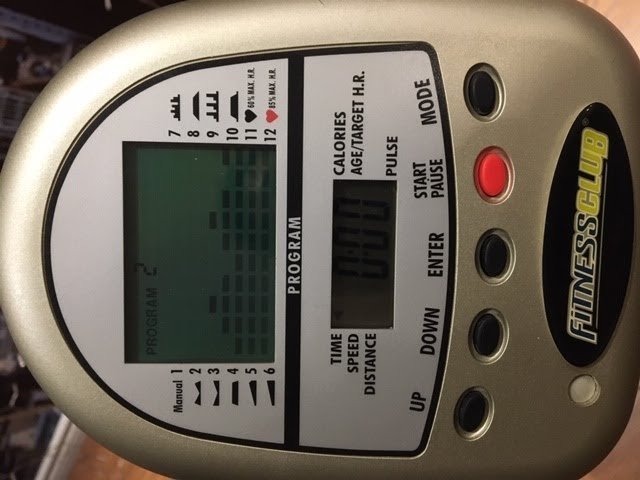
Dead or poorly seated batteries are the most common reason for an exercise bike monitor display not working, usually solved by replacing the old ones with a fresh set. In a small number of cases, loose wire connections at the back of the screen or inside the frame are the culprit.
Why your exercise bike monitor display not working
| Cause | How common | How to confirm it | Fix it yourself? |
|---|---|---|---|
| Dead batteries | Most of the time | Test with new set | Yes |
| Loose wires | Often | Check cable plugs | Yes with care |
| Corroded terminals | Sometimes | Look for white dust | Yes |
| Sensor misalignment | Rarely | Check for speed zero | Yes |
| Failed console | Rarely | No power after reset | No |
| Blown fuse | Very rarely | Check power adapter | No |
Most users assume a dead console means the hardware is broken. In reality, 80% of power issues stem from battery corrosion or loose connections. If you see white, chalky residue on the battery contacts, use a dry brush or a cotton swab lightly dampened with isopropyl alcohol to clean the area.
If the screen flickers but won’t boot, check the sensor alignment first. The magnet on the flywheel must pass within 5mm of the sensor arm. If the gap is wider, the console receives no signal and remains in standby mode.
Never force a plug into a port if you feel resistance. You might be bending a pin, which turns a simple connection issue into a permanent hardware failure. If you smell ozone or see black marks near the power jack, stop immediately. That indicates a short circuit, and continuing to provide power risks a fire. In that case, professional repair or replacement is the only safe path.
Safety: Inside a mains-powered machine, the parts behind the outer cover can hold a dangerous electrical charge even after it has been unplugged — that’s why they sit behind a cover. Opening the housing, or testing or replacing anything behind it, is a job for a qualified technician, never a home repair.
Power source exhaustion
Depleted batteries are the primary cause of a blank screen. This happens because internal clocks and resistance sensors draw constant, small amounts of power even when the bike is stationary. To confirm this, remove the battery cover on the back of the display unit. Look for the battery type, which is typically AA or AAA, and check if the contacts show signs of green or white oxidation. If the batteries feel warm to the touch or show leakage, they must be removed immediately to prevent damage to the console’s internal board. Replace them with high-quality alkaline batteries of the same voltage. Don’t mix old and new batteries, as this causes an uneven power draw that can prevent the display from activating. If your unit uses a rechargeable battery pack, check the charging port for debris or loose pins. If the screen remains blank after a fresh set of batteries, ensure they’re inserted in the correct polarity as indicated by the symbols in the battery compartment. If you’re using a bike that has been stored in a cold garage, allow the console to reach room temperature before testing, as extreme cold can temporarily lower battery output. This process takes about five minutes and costs only the price of the batteries.
Connection cable interference
Loose or pinched cables are the second most likely cause of a display failure. Most exercise bikes feature a communication wire that runs from the bottom of the frame up to the console. If this wire becomes loose at the connection point behind the display, the signal can’t reach the screen. To test this, gently remove the screws holding the console to the handlebar mount. Don’t pull hard, as the wire is short. Inspect the plastic connector to ensure it’s pushed firmly into the socket on the back of the monitor. If the connector looks crooked or has exposed metal, it may be damaged. A common mistake is pinching this wire during assembly or when moving the bike, which can sever the internal copper strands. If you notice a pinch point, the cable might need a professional repair, but often a simple unplug and replug will restore the connection. This check takes about ten minutes and requires only a basic screwdriver.
Terminal oxidation buildup
Corrosion on the battery terminals prevents electricity from flowing into the console. Over time, moisture from sweat or humidity in the air reacts with the battery casing, creating a crusty white or blue film. This layer acts as an insulator, blocking the electrical path even if the batteries are brand new. You can confirm this by looking closely at the metal springs and plates inside the battery compartment. If you see a powdery substance, the connection is compromised. To clean this, use a dry, stiff-bristled brush or a cotton swab to gently scrape away the buildup. Don’t use water or liquid cleaners, as these can seep into the sensitive electronics and cause a short circuit. If the corrosion is severe and has eaten through the metal plating, the battery compartment might be permanently damaged. This varies by model — check the label inside the compartment to see if the battery tray is a separate part that can be replaced. If the contacts remain dull or pitted after cleaning, they will continue to cause intermittent power issues. This task takes roughly fifteen minutes of careful attention.
The less likely causes
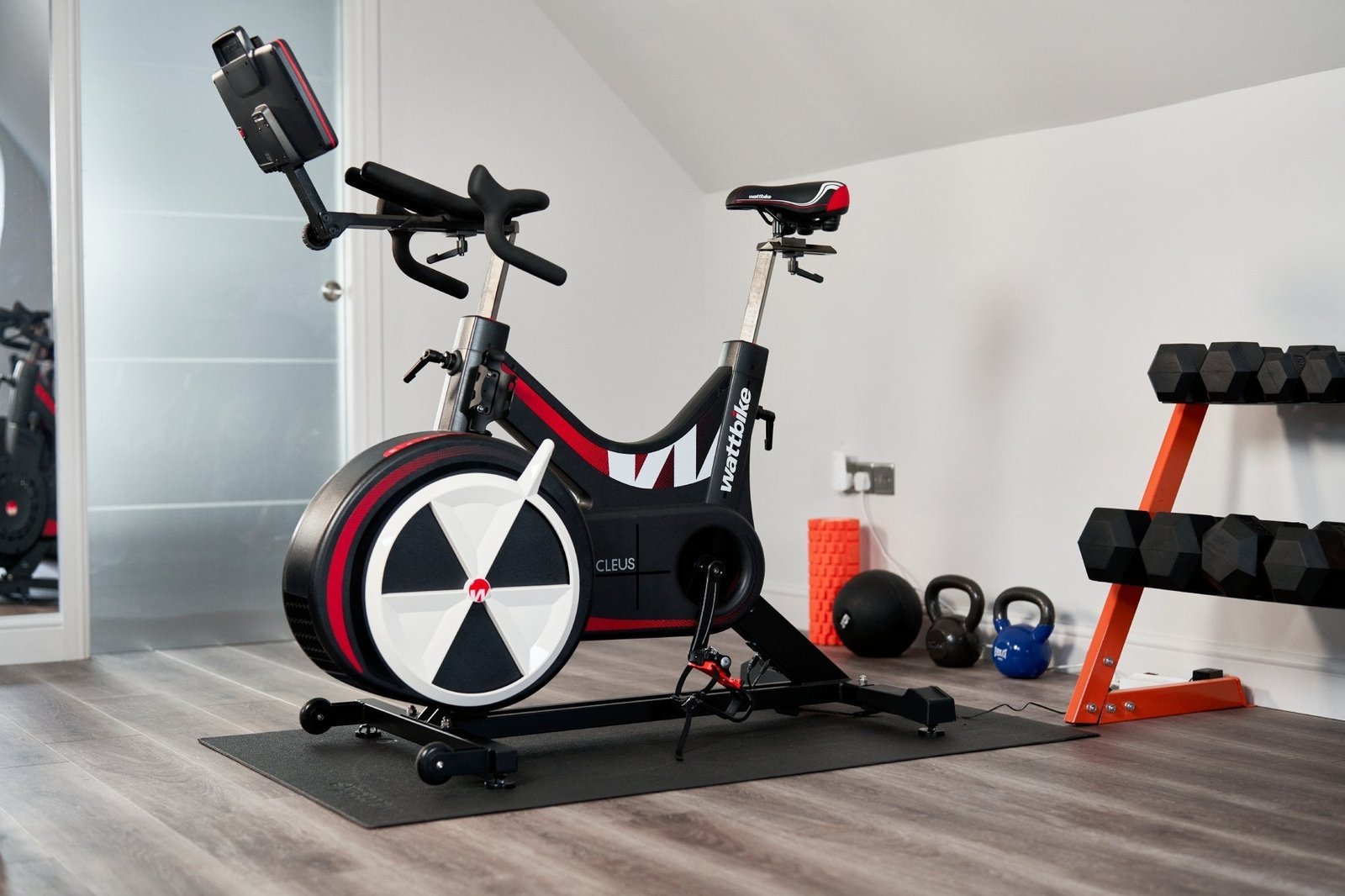
Sensor misalignment occurs when the magnet on the flywheel drifts away from the pickup sensor. This usually results in the display turning on but failing to track speed. If your speed reads zero while pedaling, check the gap between the sensor and magnet; it should be no more than 3 millimeters.
A failed console unit is rare but possible if the internal liquid crystal display has cracked or the motherboard has suffered a short. This requires a complete replacement. If the screen flickers or shows ghost images, you’re likely dealing with a hardware failure rather than a loose connection.
Blown fuses are uncommon on home equipment, but if your bike uses an AC power adapter, check the adapter’s indicator light. If the light is off, test the outlet with a lamp before assuming the adapter is dead.
Internal board moisture damage happens if the bike is kept in a humid environment like a garage. This requires a professional technician to evaluate if the parts are salvageable. Corrosion often appears as white, powdery residue on the circuit board.
What a fix usually involves
Fixing a display issue typically requires only basic household tools like a screwdriver and a clean cloth. If the problem is the battery or a loose wire, the cost is either nothing or the price of a small part like a new cable or battery cover.
Most users make the mistake of assuming a blank screen means a dead console. Before ordering parts, have a technician test the battery terminals with a multimeter. If the reading is abnormal, the battery is the culprit. If the reading is normal, the issue is likely a pinched wire behind the console casing.
When the console itself is the issue, you’ll likely need to order a replacement unit directly from the manufacturer. This represents a significant portion of the price of a new bike, so confirm the warranty status first. You can find these details in your original purchase documentation or online.
If the repair requires opening the main casing or dealing with internal wiring, don’t attempt it unless you’re comfortable with electronics. Opening the unit can void your warranty or pose a safety risk. If you see signs of corrosion on the circuit board, stop immediately. For these complex issues, contact a certified fitness equipment technician for a professional quote.
Frequently asked questions
Can I use rechargeable batteries in my exercise bike?
Yes, you can use rechargeable batteries, though some types have a lower nominal voltage than alkaline cells, which may affect display brightness or battery life indicators. This may cause the display to appear dim or flicker if the console requires a high constant voltage to function correctly. Always check the display’s power requirements on the back of the unit or in the manual before switching battery types to ensure compatibility with your specific system.
Why is my exercise bike screen flickering?
Flickering is usually a sign of low voltage or a loose connection. Try replacing the batteries with new, high-capacity alkaline ones first, as this is the most common cause. If the flickering continues, check the communication cable behind the console to ensure the plug is seated securely. If the screen still flickers after these checks, the console’s internal power regulator may be failing.
Is it safe to clean battery corrosion myself?
Yes, it’s safe to clean minor corrosion if you use a dry tool. Use a small, stiff-bristled brush or a dry cotton swab to gently remove the white, powdery residue from the metal contacts. Wear gloves if you have sensitive skin and avoid using any liquids, as moisture will damage the delicate electronic components located just behind the battery compartment.
How long should exercise bike batteries last?
Battery lifespan depends on usage frequency and the specific power requirements of your console. This varies by model and how often you use the bike, as some consoles stay in a standby mode that consumes power even when the pedals are still. If you don’t use the bike for a long period, remove the batteries to prevent leakage.
What happens if I force the console wires?
If you pull on the console wires, you risk snapping the thin internal cables or damaging the pins inside the plastic connector. This makes the display impossible to power on without replacing the entire wiring harness. Always support the console with one hand while using your other hand to inspect or adjust the connections to avoid putting unnecessary tension on the delicate wiring.
Final Thoughts
If these quick fixes don’t bring your screen back to life, it’s time to contact the manufacturer’s customer service team. They’ll help you determine if you need a replacement console or a specific internal part. Don’t worry, you’ll be back to tracking your daily progress in no time at all.
Related guides


