
The most common reason for an altec lansing speaker not charging is a faulty power cable or a loose connection at the charging port. You can usually fix this by cleaning the port with a dry, soft-bristled brush or by swapping to a different USB cable that you know works with other devices. If the indicator light remains dark after you try a new cable and a different wall outlet, the internal battery might have reached the end of its life cycle.
Troubleshooting an Altec Lansing speaker not charging

The internal components of portable speakers face constant stress from daily use, heat, and moisture. When a unit stops taking power, it’s rarely a single, mysterious failure. Instead, it’s usually a physical breakdown of the hardware.
The primary cause is often debris inside the charging port. Dust, lint, or small pieces of grit can prevent the metal pins of your charging cable from making a solid contact with the speaker’s internal circuitry. Over time, these tiny particles get compressed into the back of the port, creating a barrier that stops the flow of electricity.
Another common reason involves the lithium-ion battery itself. These batteries have a limited number of charge cycles. If you leave a speaker plugged in at full charge for weeks at a time, or if you store it in a completely drained state, the chemical composition of the battery degrades. This leads to a state where the unit can no longer hold a charge or accept one.
Finally, the charging cable itself is a frequent point of failure. The thin wires inside the insulation can snap from bending or pulling, even if the outer plastic looks perfect. If you’re using a cable that came with another device, it may also fail to provide the specific voltage the speaker requires. You should always consult the Altec Lansing support documentation to verify the power requirements for your specific model.
Clean the charging port
This fix is for anyone who sees no light activity when plugging in their speaker. Before you assume the hardware is broken, check for physical obstructions.
Use a small, dry, non-conductive tool like a wooden toothpick or a soft-bristled plastic brush to look inside the charging port. Never use metal objects like paperclips or needles, as these can cause a short circuit by touching the internal pins. Gently scrape the sides of the port to dislodge any packed lint or dust. If you see debris, blow it out with a burst of compressed air held at least six inches away from the device.
After cleaning, insert your charging cable firmly. If the port feels loose or “wobbly,” the internal solder joints that connect the port to the main circuit board may have cracked. This is a common mistake; people often force the cable in at an angle, which puts pressure on the port. If the port is physically detached, this isn’t a do-it-yourself job. You would need a professional technician to re-solder the connection. If the device is still under warranty, contact the manufacturer instead of opening the housing yourself. If the light turns on after your cleaning, you have successfully cleared the connection.
Swap the power source
If cleaning the port doesn’t work, the issue might be the power delivery method. This fix is for those who are currently using a computer USB port or a generic wall adapter.
Many portable speakers require a specific power output to initiate the charging sequence. A computer USB port often provides less power than a dedicated wall-mounted AC adapter. If you’re having trouble charging, check the output specifications on your wall adapter to ensure they meet the manufacturer’s requirements.
If you have another USB cable that fits your speaker, test that one immediately. A cable that charges a phone might not be wired to support the specific power handshake required by your speaker. This is a trade-off: using a high-quality, shorter cable often results in a faster, more reliable charge than using a long, low-quality cable.
Check the indicator light on the speaker. If it blinks or turns solid, you know the original cable was the culprit. If you use a charger that provides too much power, most modern speakers have internal regulators to prevent damage, but this varies by model — check the label on the back of your speaker or the original manual for the recommended input specs. If you use a charger that’s too weak, the speaker will simply fail to charge or will charge so slowly that the light never turns on.
Reset the device
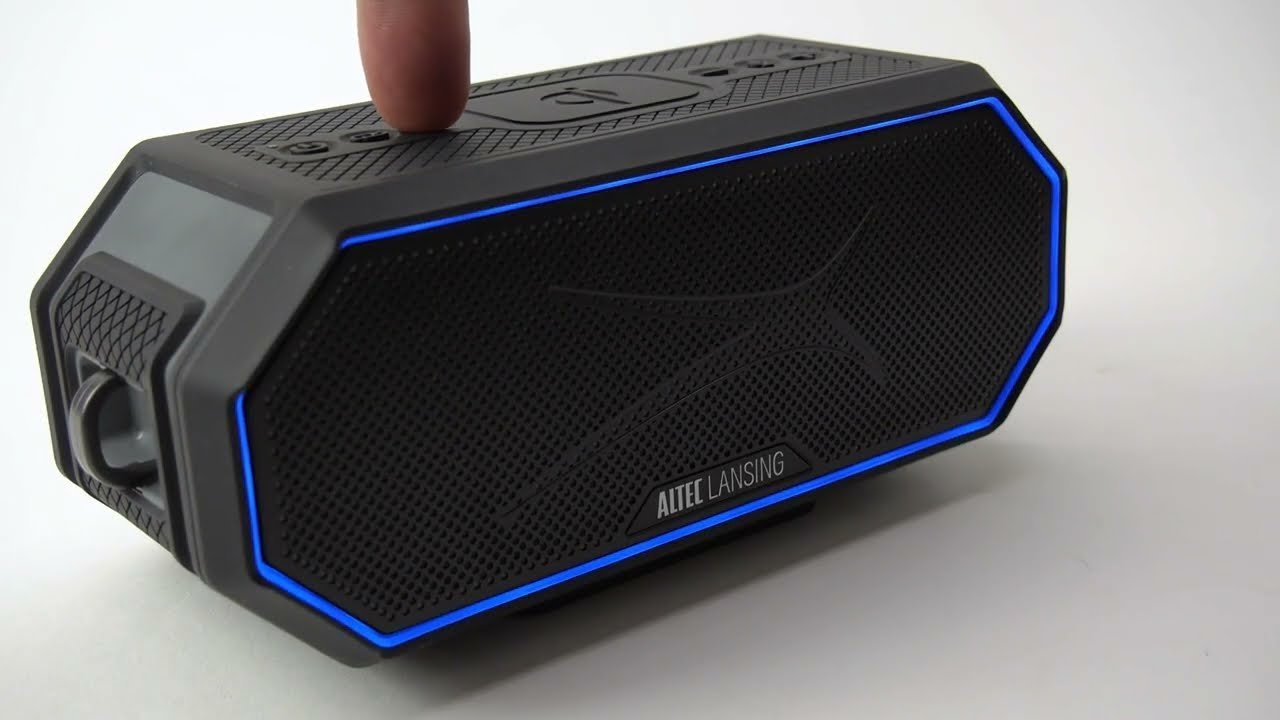
Sometimes the internal software that manages power distribution becomes unresponsive. This fix is for speakers that appear to have power but refuse to charge when connected to a known working outlet.
Look for a reset button or a pinhole on the back or bottom of your speaker. If you find one, use a paperclip to press and hold the button for ten seconds while the speaker is powered off. This forces the internal controller to reboot. If your model doesn’t have a dedicated reset button, try holding the power button and the volume-up button simultaneously for fifteen seconds.
This is worth the effort if your speaker is otherwise in good physical condition, as it costs nothing and takes little time. However, this isn’t a cure for a physically damaged charging port or a dead battery. If the speaker doesn’t respond after this reset, it’s a sign that the logic board or the battery has suffered a hardware failure.
If you aren’t comfortable with troubleshooting electronics, or if the speaker is high-end, it’s often better to take the unit to a certified electronics repair shop. Opening the casing on your own can void your warranty and, in some cases, lead to battery damage if you puncture the cell during disassembly. If the reset doesn’t work, you have likely reached the limit of what you can safely do at home.
What not to do
- Don’t use conductive metal tools like sewing needles to clean the charging port, as these can easily bridge the pins and cause an internal short circuit.
- Avoid leaving the speaker plugged into a power source for months at a time, as this can cause the battery to overheat and significantly shorten its total lifespan.
- Don’t attempt to open the plastic housing of the speaker to “fix” the battery or charging port yourself, as this risks damaging the delicate internal wiring or causing a fire if the battery cell is punctured.
- Never try to force a charging cable into the port if it doesn’t fit easily, because this will bend the internal pins and permanently ruin the connection.
How to stop it happening again
To keep your battery healthy, follow a consistent routine to avoid deep discharge.
| If you’re doing this | Do this instead | Why |
|---|---|---|
| Leaving it in a hot car | Keep it in a cool, dry place | Extreme heat degrades battery chemistry quickly |
| Storing it empty | Store at 50% charge | Prevents the battery from falling below a critical voltage level |
| Using any random cable | Use the original or high-quality cable | Proper shielding ensures consistent power delivery |
| Forcing the plug in | Align it carefully | Prevents bent pins and broken solder joints |
Frequently asked questions
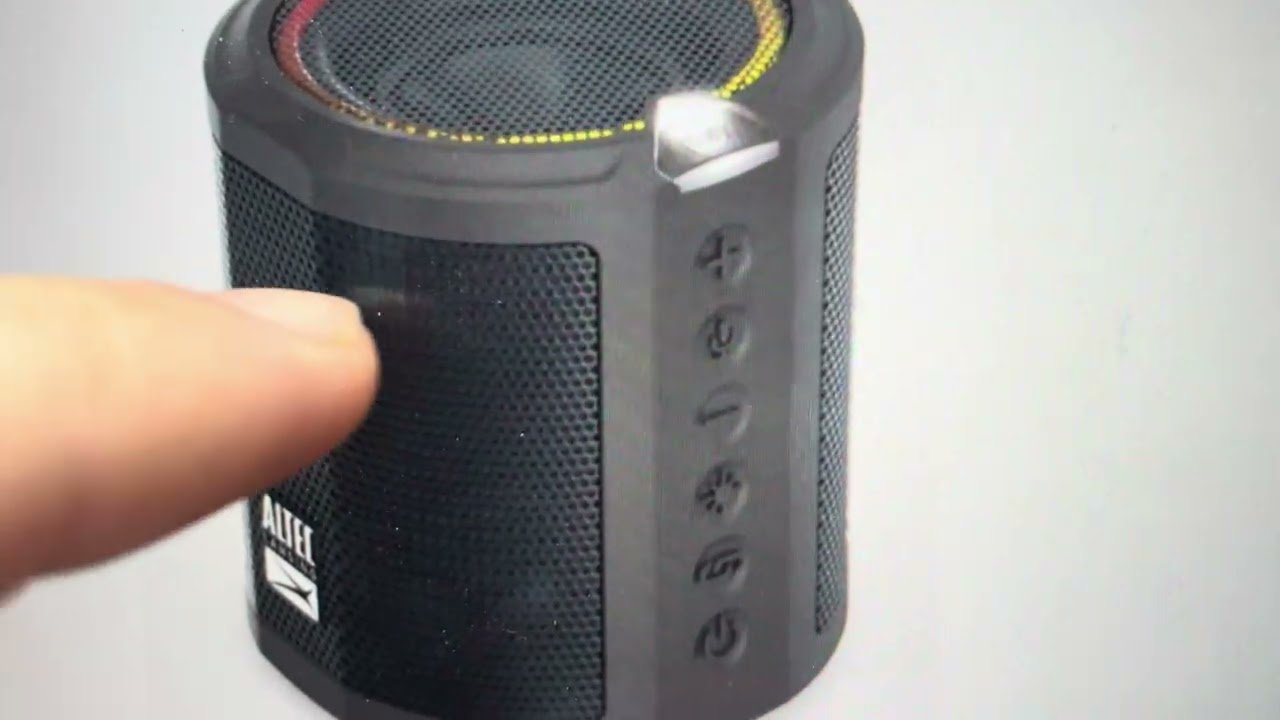
Can I replace the battery in my Altec Lansing speaker?
No, the batteries in these speakers aren’t designed for user replacement. They’re typically soldered to the main board or hidden behind glued panels requiring professional tools. Attempting a replacement risks damaging internal components or puncturing the battery, which can be dangerous.
Why is my speaker light blinking red?
A blinking red light indicates that your battery level is critically low. This is the speaker’s way of signaling that it needs to be connected to a power source immediately. If it continues to blink after two hours of charging, the battery may no longer hold a charge.
How long should I charge my speaker before first use?
You should charge the speaker for at least three to four hours before your first use. A full initial cycle helps calibrate the internal power management system for accurate future readings. Always check your specific model’s manual, as recommended charging times can vary by device.
Is it safe to use a phone charger for my speaker?
Yes, it’s safe to use a standard USB phone charger with your speaker. Most portable speakers are designed to accept the standard 5-volt output provided by these adapters. Avoid using high-voltage laptop chargers not designed for USB devices, as these can permanently damage the speaker’s power board.
What happens if I keep the speaker plugged in all the time?
Keeping a speaker plugged in constantly generates excess heat, which degrades lithium-ion battery capacity over time. It’s best to unplug the device once it reaches a full charge to preserve battery health. If you must leave it plugged in, consider using a smart plug to cut power.
Final Thoughts
If these simple adjustments don’t get your music playing again, it’s time to reach out to the manufacturer’s support team. They’ll help you determine if your device is still under warranty or if it’s better to look for a replacement. Don’t worry, you’ve done your best to solve the problem.
Related guides


