
Epson L320 Red Light Blinking
Fix your Epson L320 red light blinking issue caused by ink pad service life limits. Follow our guide to reset your printer and resolve the error.
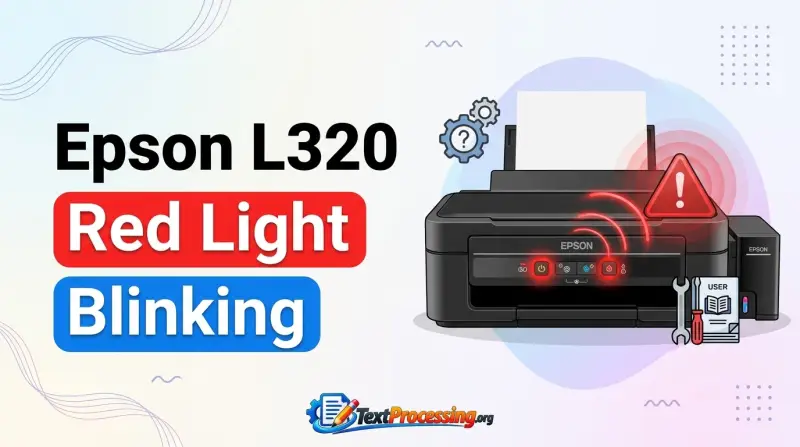
Fix your Epson L320 red light blinking issue caused by ink pad service life limits. Follow our guide to reset your printer and resolve the error.
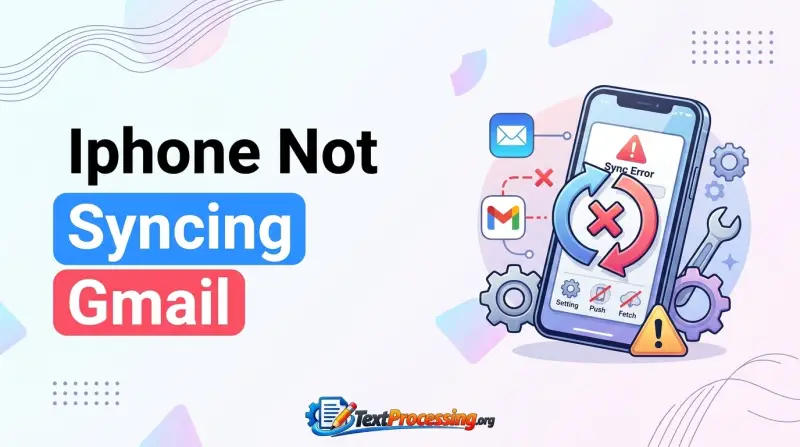
Fix your iPhone not syncing Gmail by adjusting your fetch settings. Follow our simple guide to ensure your emails push to your device automatically.
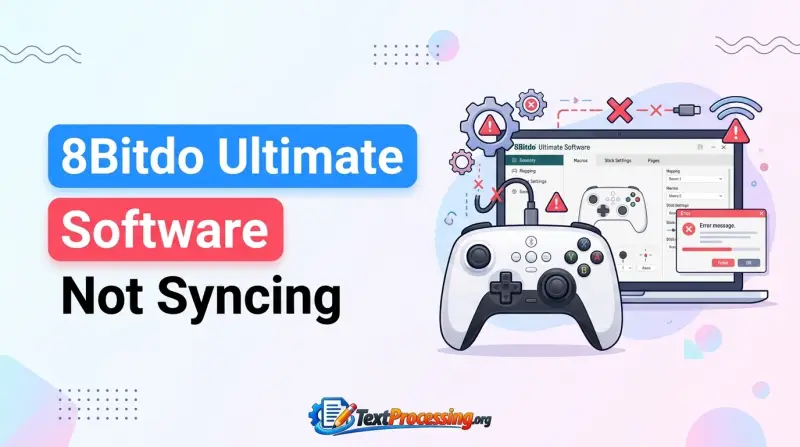
Fix 8Bitdo Ultimate software not syncing issues by using a wired USB-C connection and verifying you have the correct software version for your model.
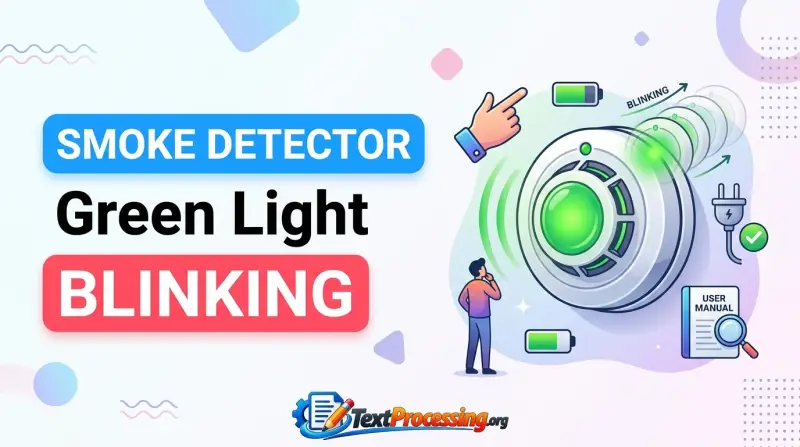
A smoke detector green light blinking indicates your device is connected to AC power and working normally. Learn why this signal means your home is safe.
You can fix your iphone calendar not syncing with outlook by checking your account settings in the Mail app and ensuring the Calendar toggle is turned on. The most common cause is a simple sync conflict where the iOS software has lost the connection to your server credentials. This happens often
Fix your Epson L3110 or L3210 blinking light error caused by ink pad limits. Learn how to reset your printer and restore full functionality today.
Is your 8Bitdo Ultimate red light blinking? Learn what this low battery warning means and how to fix power issues with our simple troubleshooting guide.
Fix your Skylight Calendar not syncing issues with these simple troubleshooting steps. Restore your connection and update your device settings today.
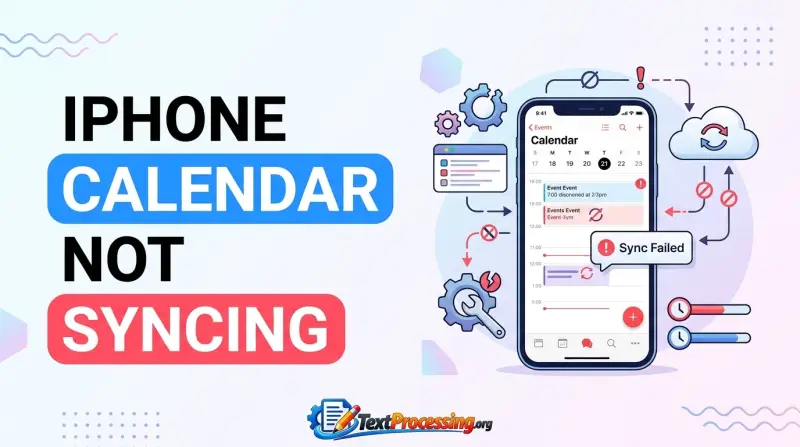
Fix an iPhone calendar not syncing by checking your iCloud settings and server connections. Follow these simple steps to restore your event updates.
If an Energex street light is not working, learn why these outages occur and how to report the issue to your network provider for a safe, quick repair.