
Ups Yellow Light Blinking
A UPS yellow light blinking indicates your device is running on battery power. Follow these steps to troubleshoot the issue and protect your data.
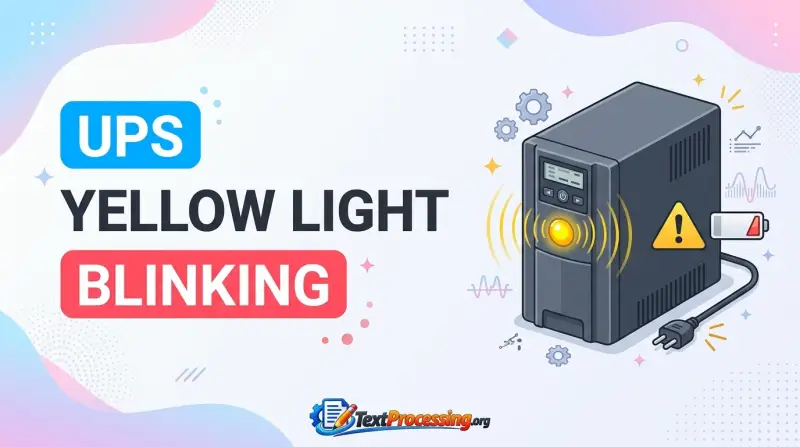
A UPS yellow light blinking indicates your device is running on battery power. Follow these steps to troubleshoot the issue and protect your data.
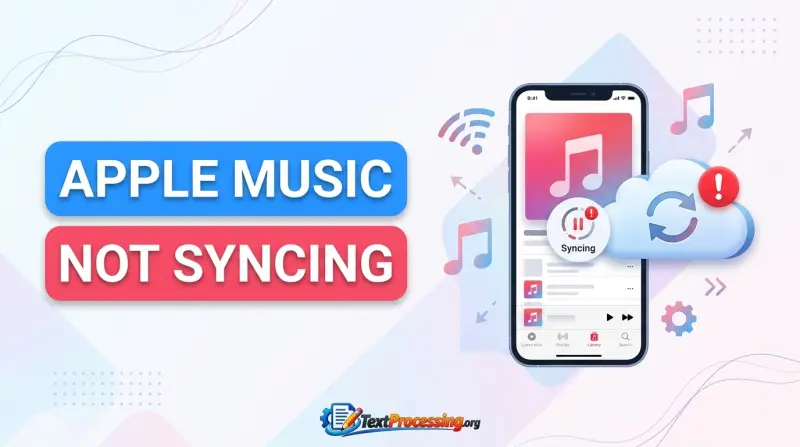
Fix Apple Music not syncing issues by checking your Sync Library settings and Apple ID status. Follow these steps to restore your music library now.
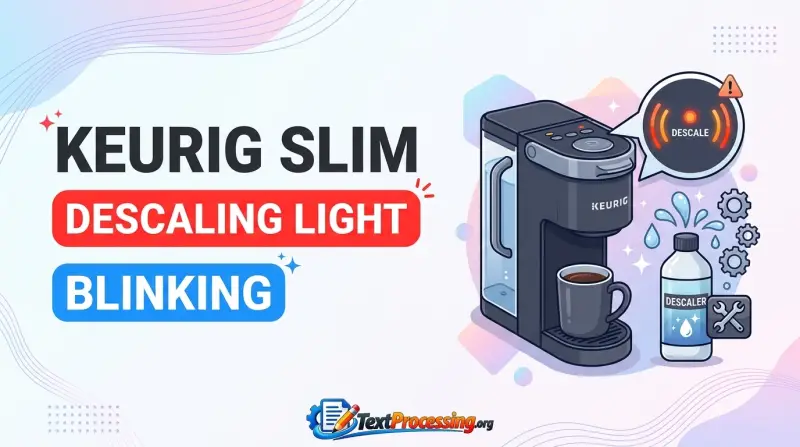
Fix a Keurig Slim descaling light blinking by running a full cycle with vinegar or solution to remove mineral buildup and restore machine performance.
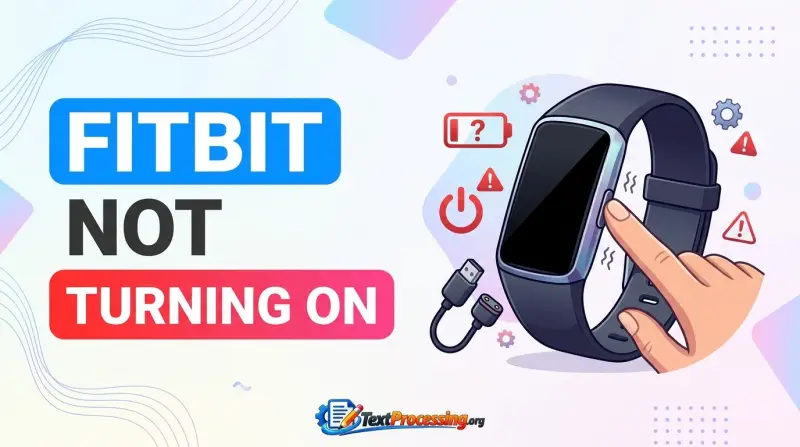
Is your Fitbit not turning on? Learn how to fix charging issues, clean the pins, and troubleshoot common power problems to get your device working.
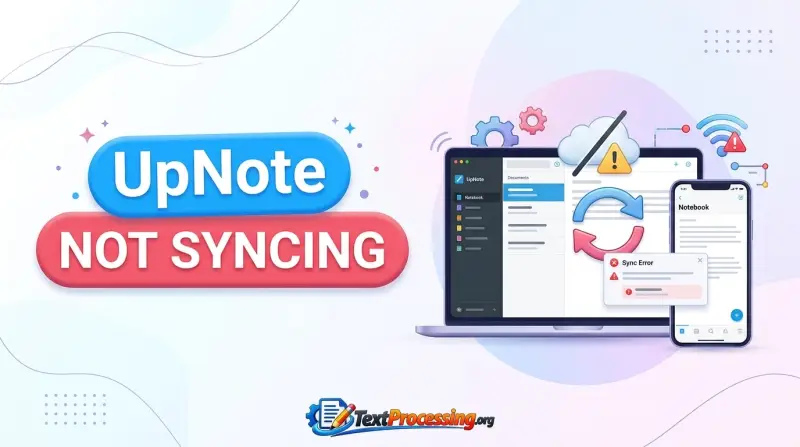
Fix UpNote not syncing issues by checking your internet, account status, and app settings. Learn how to restore seamless data updates across devices.
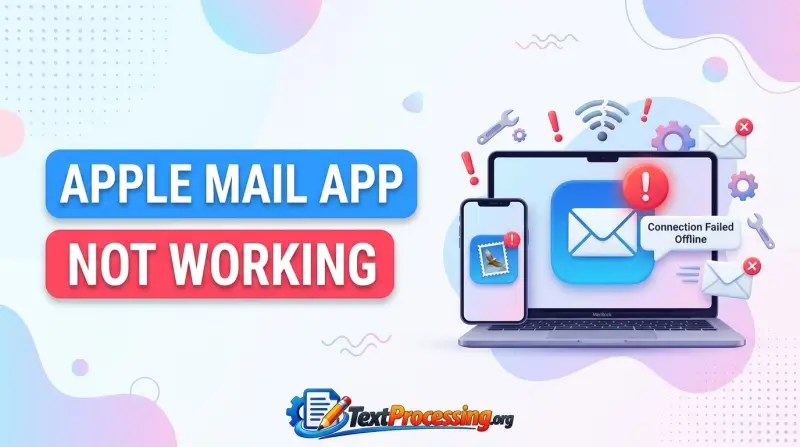
Apple Mail app not working? Learn how to fix common sync errors, connectivity issues, and software glitches to get your inbox back online quickly.
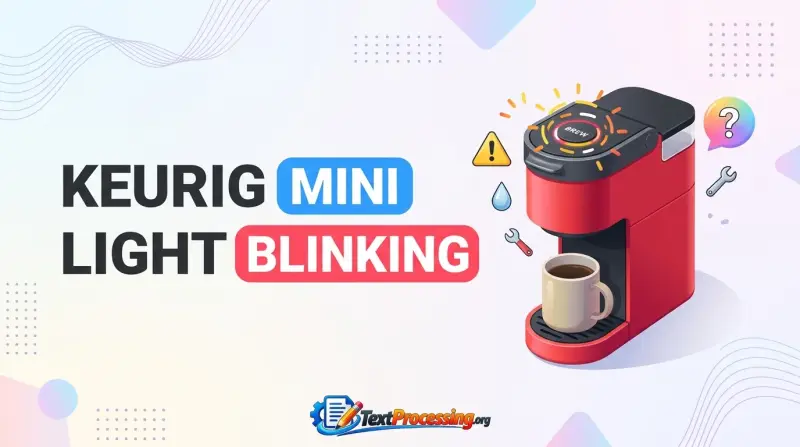
Is your Keurig Mini light blinking? Learn how to fix brewing issues by troubleshooting water levels and clearing needle blockages for a quick repair.
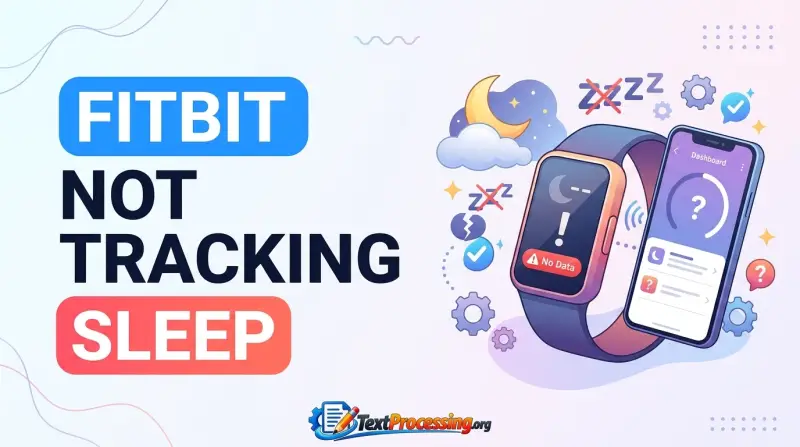
Is your Fitbit not tracking sleep? Learn how to fix sensor errors, adjust your strap fit, and update app settings to get accurate data every night.
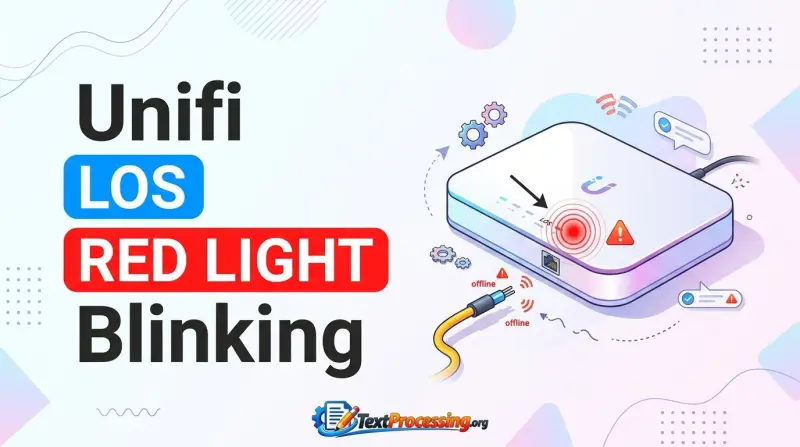
A Unifi LOS red light blinking usually indicates a fiber cable issue. Follow these steps to inspect your physical connection and restore your network.
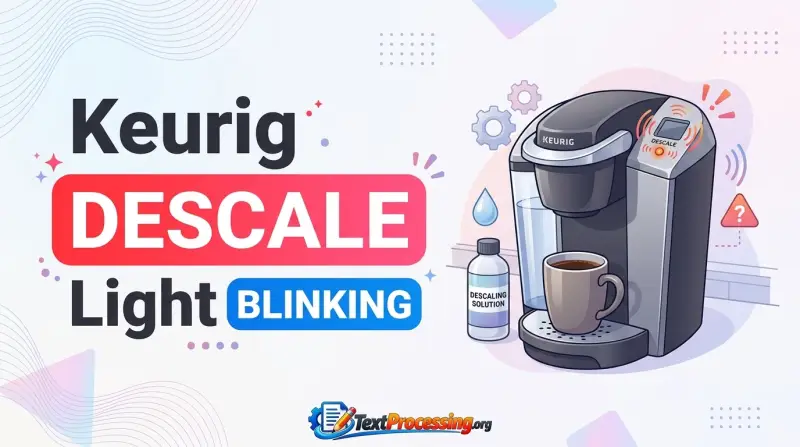
Is your Keurig descale light blinking? Learn how to fix it by running a simple descaling cycle to remove mineral buildup and restore coffee quality.